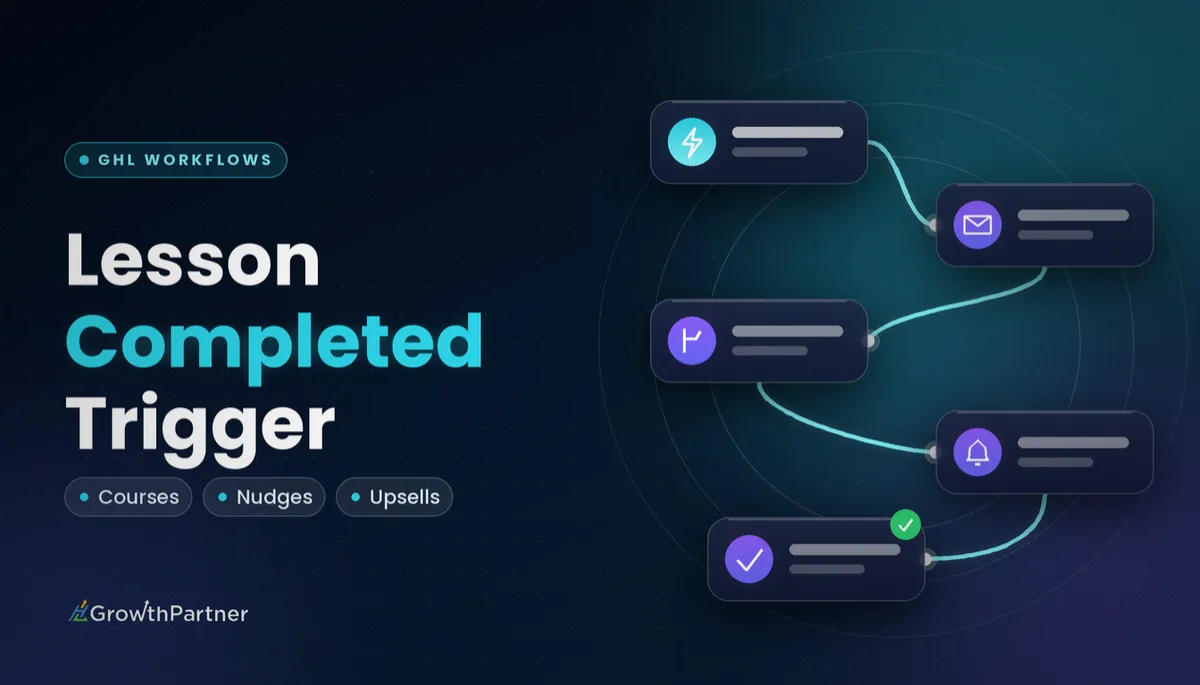
GoHighLevel Lesson Completed Trigger: Setup Guide (2026)
 By Dr Priya Jaganathan, GoHighLevel Certified Admin · HL Growth Partner, Australia · Updated 3 November 2026 · 9 min read
How to set up the Lesson Completed trigger in HighLevel, what to automate when a student finishes a lesson, and how to catch the learners who quietly stall.
Some links below are affiliate links — if you sign up through them, HL Growth Partner may earn a commission at no extra cost to you. It never changes what we recommend.
The GoHighLevel Lesson Completed trigger starts a workflow the moment a learner finishes a lesson in one of your courses. For coaches, course creators and agencies selling programs inside HighLevel Memberships, it is the most direct signal you have that a student is actually doing the work.
This guide walks through the setup, the filters worth using, six practical recipes, a stall-detection pattern built with Wait and If/Else, and how this trigger differs from the other course triggers. It continues our Trigger: Setup Guide series, picking up where the Offer Access Granted and Offer Access Removed guides left off.
| Trigger group | Courses (in the workflow trigger list) |
| Fires when | A learner completes a lesson |
| Filters | Product/course, category, lesson |
| Works with | Any workflow action |
| Related triggers | Lesson Started, Category Completed, Product Started, Product Completed, Offer Access Granted/Removed |
| Plan availability | All HighLevel plans with Memberships |
What the HighLevel lesson completed workflow trigger actually does
HighLevel's official list of workflow triggers includes Lesson Completed, which fires when a learner completes a lesson (HighLevel help centre, 2026). It sits in the Courses group alongside the other learning-progress triggers.
When a contact marks a lesson complete inside your client portal or member area, the trigger enrols that contact into the workflow. From there you can run any action HighLevel offers: emails, SMS, tags, opportunity updates, internal notifications, webhooks and more.
Think of it as a progress event, not an access event. Offer Access Granted tells you someone can get in; Lesson Completed tells you they did something once they were in. That difference is what makes it so useful for engagement and upsell automation.
Who gets the most out of it
- Coaches running cohort or self-paced programs who want timely, personal-feeling check-ins.
- Course creators who want to unlock or offer the next product at the right moment, not on a fixed calendar.
- Agencies building Memberships for clients and wanting to show engagement data in a pipeline.
If your courses are not built yet, start with our GoHighLevel memberships and courses setup guide, then come back here once you have at least one product with lessons.
How to set up the Lesson Completed trigger, step by step
The setup takes a few minutes. The part that needs care is the filters, because an unfiltered trigger fires on every lesson in every course in the sub-account.
1. Create the workflow
Go to Automation > Workflows > Create Workflow and start from scratch. Give the workflow a clear name such as "Course A - Module 1 complete - check-in" so your team knows what it does at a glance.
2. Add the trigger
Click Add New Trigger, search for "Lesson Completed" or scroll to the Courses group, and select it.
3. Add filters to narrow it down
Use the filters to target a specific product (course), category (module) and lesson. Filter labels and the order they appear can vary slightly between accounts, so confirm the options in your own trigger panel before you rely on them.
- Product: pick the course this workflow belongs to.
- Category: narrow to the module, if your course is organised in categories.
- Lesson: choose the exact lesson that should fire the automation.
Leave the lesson filter off only when you genuinely want a reaction to every lesson, such as logging activity to a custom field.
4. Name the trigger, add actions, publish
Rename the trigger itself (for example "Lesson 3 completed - Course A") so it reads clearly in the builder. Add your actions, save, and switch the workflow from Draft to Publish. A draft workflow will not enrol anyone.
Using course custom values in your messages
When you write an email or SMS in a workflow started by this trigger, open the custom values picker and look for the course and lesson details made available to the trigger. Inserting the lesson or course name keeps the message specific, so "Nice work finishing Lesson 3: Pricing your offer" lands far better than a generic "Well done".
Always preview with a test contact, because a value that comes through empty makes a message read awkwardly.
Six course completion automation recipes worth building
These are the recipes we build most often for coaches and course clients. Each one is a single workflow with the Lesson Completed trigger filtered to the relevant lesson.
| Recipe | Filter on | Core actions | Why it works |
|---|---|---|---|
| Milestone check-in email | End-of-module lesson | Send email with lesson name, link to next lesson | Celebrates progress and points to the next step |
| Tag and pipeline move for engaged students | A key early lesson | Add tag "engaged", update opportunity stage | Gives you a live view of who is actually learning |
| Unlock or upsell after a key lesson | The lesson that creates the need | Grant offer access or send offer email | Offers the next product when interest peaks |
| Notify the coach | Lessons with homework or submissions | Internal notification (email, SMS or in-app) | Coach can review work while it is fresh |
| SMS nudge | Lessons before a harder module | Short SMS with encouragement and next lesson link | A quick, personal touch at a likely drop-off point |
| Certificate path | Final lesson | Tag, then send certificate or completion email | Rewards finishers and invites testimonials |
Recipe notes from real builds
For the unlock or upsell recipe, pair this trigger with the access workflows in our Offer Access Granted trigger guide, so the new product's welcome sequence fires automatically once access lands.
For the certificate path, Lesson Completed on the final lesson works well when you want custom wording or extra actions. If you only need the certificate itself, see our GoHighLevel course certificates guide for the native setup.
Keep each recipe to one job per workflow. Five small workflows are far easier to test, pause and hand over than one giant workflow with a dozen branches.
Lesson Completed tells you who is doing the work. The real value is in noticing who has stopped.
Catch students who stall with Wait and If/Else
A completion event is also the best starting point for spotting a stall. The pattern is simple: when a student finishes one lesson, wait, then check whether they have moved on.
The pattern
- Trigger: Lesson Completed, filtered to Lesson 3.
- Action: add a tag such as "c1-lesson3-done".
- Wait: a set number of days that suits your course pace.
- If/Else: check for a tag like "c1-lesson4-done", which a separate Lesson Completed workflow for Lesson 4 adds.
- Yes branch: end the workflow, the student is moving.
- No branch: send a friendly nudge, then notify the coach if they are still stuck after a second wait.
Tags are the glue here because they give the If/Else a clear, reliable condition to check.
For time-based follow-ups tied to a stored date, such as a program end date or cohort start, the Custom Date Reminder trigger is the better tool, and it works nicely alongside this pattern.
Lesson Completed vs the other course triggers
HighLevel offers several related course triggers: Lesson Started, Category Completed, Product Started and Product Completed, plus Offer Access Granted and Offer Access Removed.
| Trigger | Fires when | Best used for |
|---|---|---|
| Lesson Completed | A learner completes a lesson | Milestone messages, upsells, stall detection |
| Lesson Started | A learner starts a lesson | Supporting resources, "you've started" tips |
| Category Completed | A learner finishes a category (module) | Module-level celebrations without filtering every lesson |
| Product Started | A learner begins a product (course) | Welcome and onboarding sequences |
| Product Completed | A learner finishes the whole product | Graduation, testimonials, next-program offers |
| Offer Access Granted | A contact is given access to an offer | Login details and access confirmations |
A good rule of thumb: use the broadest trigger that still answers your question. If you care about module completion, Category Completed is cleaner than filtering to the last lesson in each module. If access is being taken away, the Offer Access Removed trigger handles the offboarding side.
For the full, current list and definitions, check HighLevel's own list of workflow triggers in the help centre.
Test your lesson completed workflow before students see it
Never let a real student be your first test.
- Create a test contact with an email address and phone number you control.
- Enrol the test contact in the course, either by granting offer access or through your normal purchase flow.
- Log in to the member area as that contact and complete the filtered lesson.
- Open the workflow's Enrollment History and execution logs to confirm the contact entered and each action ran.
- Check the email or SMS that arrived, including every custom value.
Allow re-entry: decide on purpose
In workflow settings, the allow re-entry option controls whether a contact can go through the workflow more than once. For most milestone messages, leave it off so a student who revisits a lesson does not get the same email twice.
Turn it on only when repetition is the point, such as logging every completion to a custom field. If you re-test with the same contact, remember this setting may stop them entering again.
On cost, memberships and courses are included in the platform. According to HighLevel's 2026 pricing, plans start with Starter at US$97/month, Unlimited at US$297/month and the $497 Founder Plan at US$497/month, so this trigger is not a paid add-on.
Common mistakes to avoid
- Leaving the lesson filter empty, so every lesson in every course fires the workflow.
- Forgetting to publish, which leaves the workflow in Draft and enrols no one.
- Using Lesson Completed on the final lesson when Product Completed would be cleaner.
- Inserting custom values without previewing, so messages arrive with blank lesson names.
- Turning on allow re-entry for milestone emails, causing duplicate messages when students revisit lessons.
- Building one giant workflow for every lesson instead of small, single-purpose workflows.
Or if you just need the software first: grab the 30-day HighLevel trial and book us when you're ready to scale it.
Frequently asked questions
What does the GoHighLevel Lesson Completed trigger do?
It starts a workflow when a learner completes a lesson in one of your HighLevel courses. You can then run any workflow action, such as sending an email, adding a tag or notifying a coach. It sits in the Courses group of the workflow trigger list.
Can I limit the trigger to one specific lesson?
Yes. Add filters for the product, category and lesson so the workflow only fires for the lesson you choose. Filter labels can vary slightly between accounts, so confirm the options in your own trigger panel.
What is the difference between Lesson Completed and Product Completed?
Lesson Completed fires each time a learner finishes an individual lesson. Product Completed fires once the learner has finished the whole course. Use Product Completed for graduation and next-program offers, and Lesson Completed for milestones along the way.
How do I find students who stop progressing in a course?
Use Lesson Completed to tag the student, add a Wait step, then use If/Else to check for the tag added when they finish the next lesson. If the tag is missing, send a nudge or alert the coach. This pattern catches stalls without manual checking.
Should I turn on allow re-entry for a lesson completed workflow?
Usually not. With re-entry off, a student who revisits a lesson will not receive the same milestone message twice. Turn it on only when you deliberately want to act on every completion, such as logging activity.
How do I test a Lesson Completed workflow?
Create a test contact, enrol it in the course and complete the filtered lesson while logged in as that contact. Then check the workflow's Enrollment History and execution logs to confirm each action ran. Review the messages that arrive for blank custom values.
Do I need a higher HighLevel plan to use course triggers?
No. Memberships and courses are included in the platform, so the Lesson Completed trigger is available on HighLevel plans that include Memberships. It is not a separate paid add-on.
Related Articles on HL Growth Partner
More workflow trigger guides
 GoHighLevel Subscription Trigger: Setup Guide (2026)
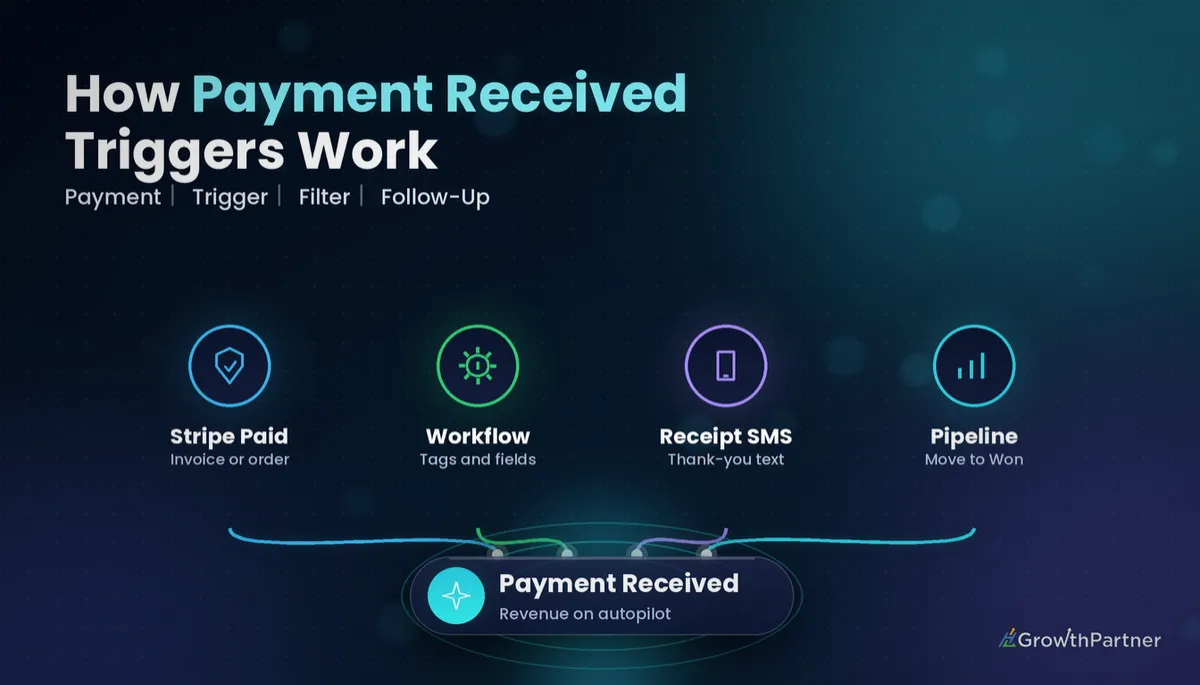 GoHighLevel Payment Received Trigger: Setup Guide (2026)
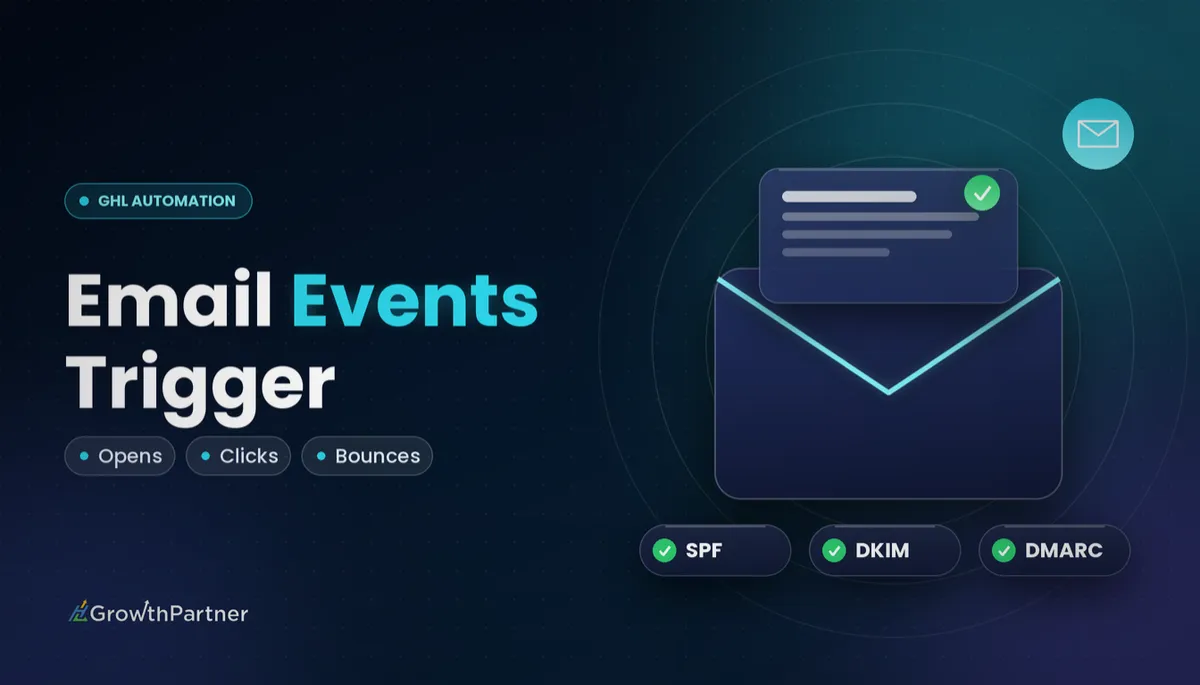 GoHighLevel Email Events Trigger: Setup Guide (2026)