HighLevel Multiline Dialer and Voice AI Updates (LevelUp 2026)
 By Dr Priya Jaganathan, GoHighLevel Certified Admin · HL Growth Partner · Updated 28 October 2026 · 4 min read
The HighLevel multiline dialer, voice intelligence, Voice AI live tools and WhatsApp calls from LevelUp 2026: what they do, use cases and how to sell them.


Part 7 of 10 in the LevelUp 2026 guide. Each release has a status label, an example use case, set-up steps and how to sell it. Checked against HighLevel's LevelUp Day release blog, changelog and help centre.
This is part 7 of 10 in my HighLevel LevelUp 2026 guide. HighLevel announced more than 300 features and updates at LevelUp 2026, on LevelUp Day (27 October 2026) in Dallas. This post covers two of the 20 biggest: Release 13, Multiline dialer and voice intelligence, and Release 14, Voice AI. Each one has a status label, what it is, why it matters, an example scenario, how to set it up and how an agency can sell it. The whole guide starts on the main LevelUp 2026 updates page.
Why listen to me? I was in the room at LevelUp Day. I run HL Growth Partner, a white-label HighLevel fulfilment partner in Brisbane. I'm a HighLevel Certified Admin and a Gold SaaSPRENEUR, and I build these features for agencies every week. Every launch here is checked against HighLevel's own LevelUp Day release blog, changelog and help centre. HighLevel's blog tells you what each feature does. This guide tells you what to do with it.
Release 13: Multiline dialer & voice intelligence
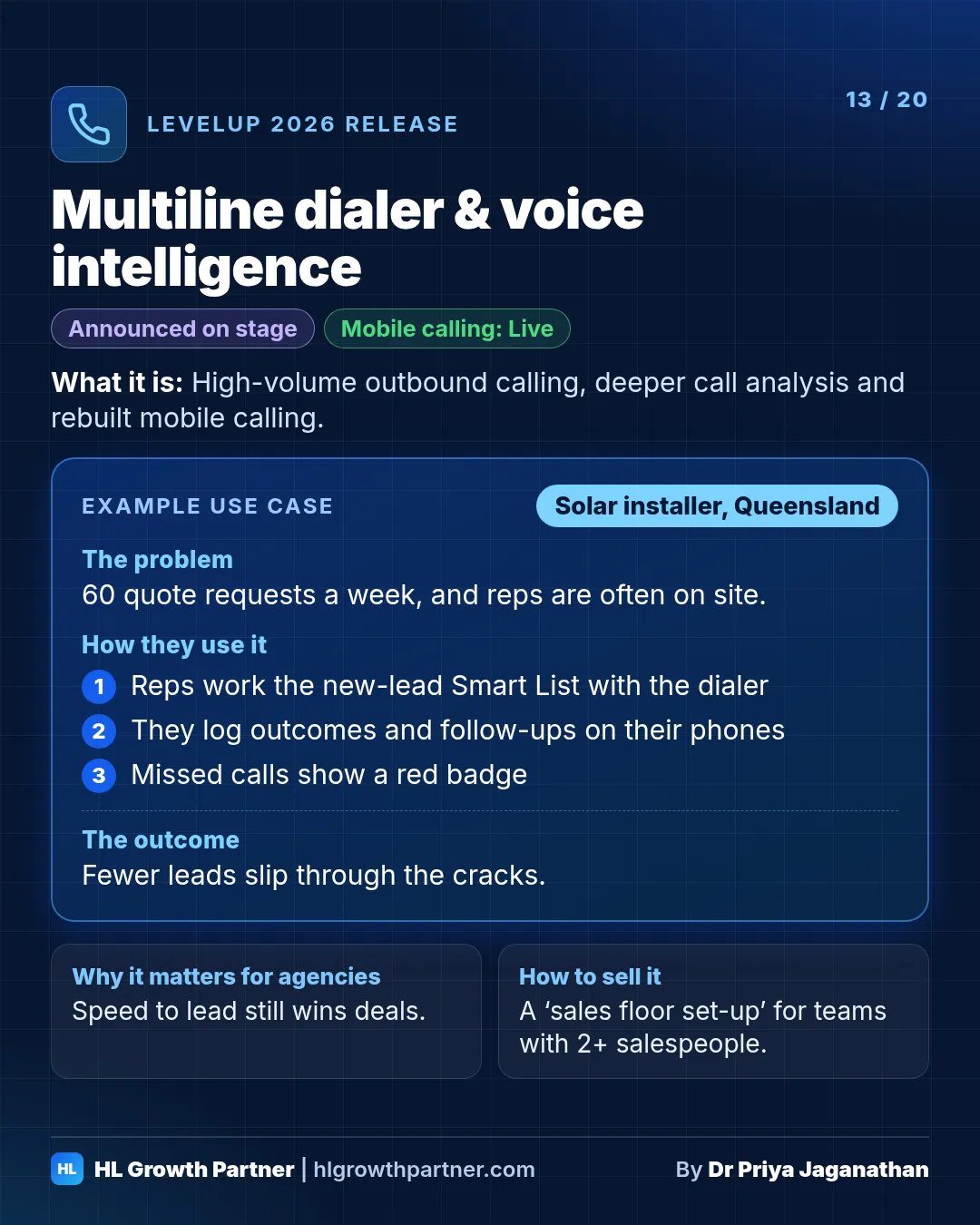
HighLevel announced a multiline dialer for high-volume outbound calling. The mobile calling experience has been rebuilt, with new call logs, a dialpad, in-call CRM actions and transfers. For US numbers, Branded Calling (caller name, SHAKEN/STIR, Voice Integrity) and local presence dialing help calls get answered instead of flagged as spam.
Status: The multiline dialer was Announced on stage. Mobile calling is Live. Local presence dialing and Branded Calling are Live (US-focused).
What it is.
- Multiline dialer: HighLevel announced a multiline dialer (the transcript heard it as "multi-long") for teams making a high volume of outbound calls.
- Rebuilt mobile calling: new call logs, a redesigned dialpad, expandable recent calls with recordings and dispositions, a Missed filter, CRM actions during a call (notes, tasks, payments, calendar), and warm or blind transfers.
- Local presence dialing: picks a local caller ID automatically.
- Branded Calling: registers your caller name (CNAM), uses SHAKEN/STIR authentication and Voice Integrity reputation so your calls aren't flagged as spam. HighLevel notes that CNAM needs a US EIN.
Why it matters. Speed to lead still wins deals, and calls that show up as "Spam Likely" don't get answered.
Example scenario: solar installer (illustrative). Picture a solar sales team in Queensland that gets 60 quote requests a week.
- Reps work the new-lead Smart List with the dialer.
- They log dispositions on their phones between site visits, and set a follow-up task without hanging up.
- Missed calls show a red badge, so nobody falls through the cracks.
How to set it up
- Update the HighLevel mobile app and walk the team through the Recents and Missed views.
- Standardise call dispositions, so reporting means something.
- For US clients, complete the Branded Calling registration. For Australian clients, sort out the regulatory bundle first (see the Australian section of the main guide).
How an agency can sell this. "Sales floor set-up": call scripts, dispositions, Smart Lists and dialer training. Sell it to any client with two or more salespeople.
Also announced for this release at LevelUp 2026:
- Hosted phone numbers: use your own existing number for outbound calls in HighLevel. Status: Announced on stage.
Release 14: Voice AI: live tools & WhatsApp calls
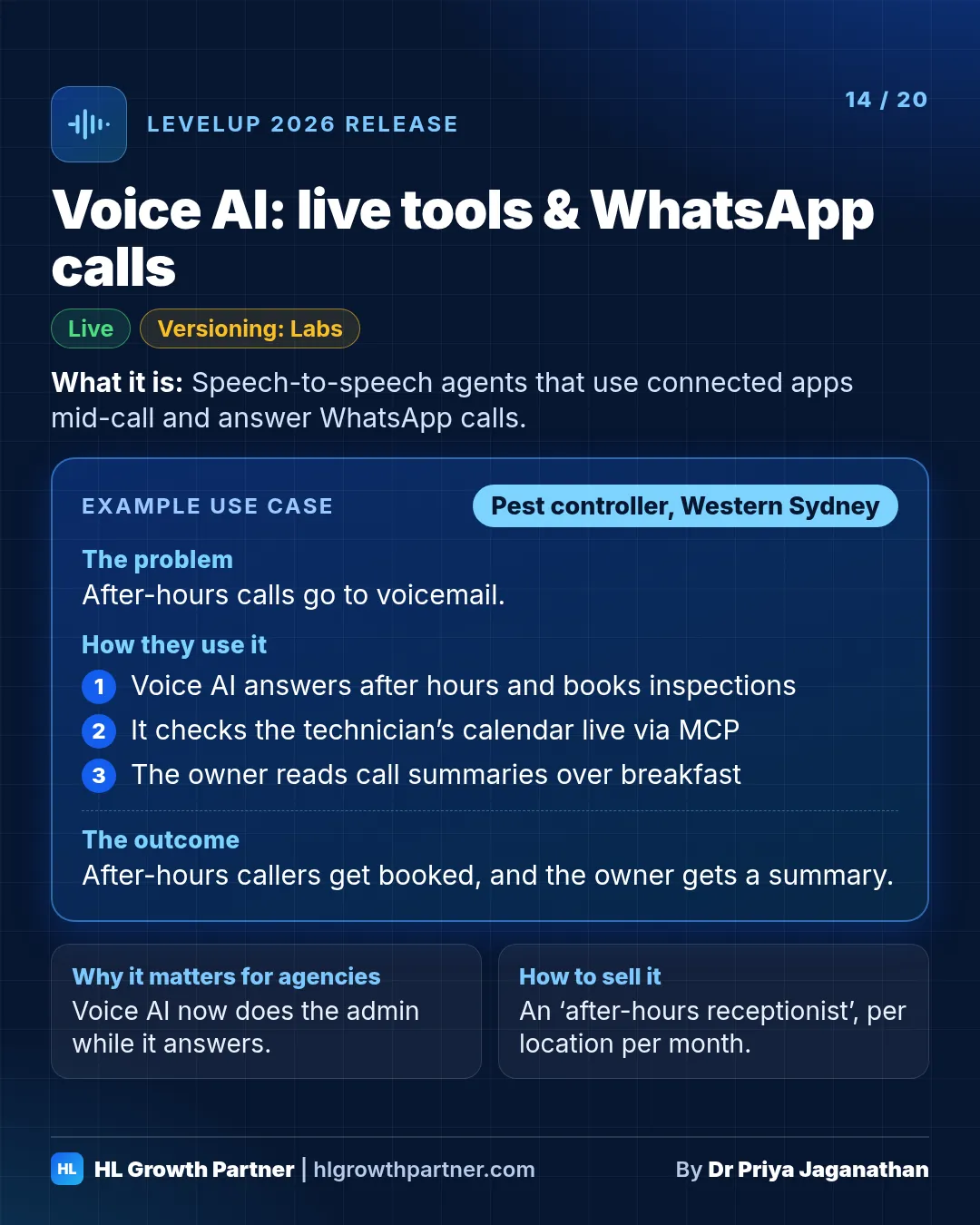
Voice AI can now answer WhatsApp calls, either first or after the team doesn't pick up. It also gained draft-and-publish versioning (Labs), live tool use through MCP (for example Google Calendar or Stripe), and cloning to many sub-accounts. Deeper voice intelligence, meaning analysis of what happens on calls, was announced on stage.
Status: Mixed. See each item.
What it is.
- Voice intelligence (Announced on stage): more analysis of what happens on calls. Voice AI call logs already include recordings, transcripts, summaries and sentiment.
- WhatsApp calling for Voice AI (Live): Voice AI can answer WhatsApp calls first, or pick up when the team doesn't answer after a set time.
- Agent versioning (Labs): edit and test drafts while callers keep talking to the live version.
- MCP tools (Live): speech-to-speech agents can use connected apps during the call.
- Clone to sub-accounts (Live): see the Build section.
Why it matters. Voice AI is moving from "answers the phone" to "does the admin while it answers". In markets where customers prefer WhatsApp, it now covers that channel too.
Example scenario: pest control (illustrative). HighLevel's own example in the keynote was a voice agent for an exterminator. It took a call about mice in a basement, collected the address and phone number, offered 2pm or 4pm the next day, booked 2pm and promised a confirmation text.
Picture the Australian version: a pest controller in Western Sydney.
- Voice AI answers after-hours calls and books inspections.
- It checks the technician's calendar through MCP.
- It answers WhatsApp calls from customers who'd rather call that way.
- The owner reads summaries over breakfast.
How to set it up
- Build the agent in a draft (turn on versioning first).
- Under Settings > WhatsApp > your number > calling, choose ring team first, then Voice AI.
- Review call summaries weekly for the first month and tune the prompt.
How an agency can sell this. An "after-hours receptionist" for trades and clinics, priced per location per month. Your rate needs to cover HighLevel's AI and phone usage charges.
Keep going through the LevelUp 2026 guide
- Previous: Releases 11 and 12: Industries and Workflow Maps and workflow upgrades
- Next: Releases 15 and 16: Scheduled reports and Website health audits and WordPress Antivirus
- All of it: 300+ HighLevel LevelUp 2026 updates, every launch explained