HighLevel Industries and Workflow Maps (LevelUp 2026)
 By Dr Priya Jaganathan, GoHighLevel Certified Admin · HL Growth Partner · Updated 28 October 2026 · 5 min read
HighLevel Industries for field services and restaurants, plus Workflow Maps, router, loop, A/B testing and test mode from LevelUp 2026, with use cases.


Part 6 of 10 in the LevelUp 2026 guide. Each release has a status label, an example use case, set-up steps and how to sell it. Checked against HighLevel's LevelUp Day release blog, changelog and help centre.
This is part 6 of 10 in my HighLevel LevelUp 2026 guide. HighLevel announced more than 300 features and updates at LevelUp 2026, on LevelUp Day (27 October 2026) in Dallas. This post covers two of the 20 biggest: Release 11, Industries, and Release 12, Workflow Maps and workflow upgrades. Each one has a status label, what it is, why it matters, an example scenario, how to set it up and how an agency can sell it. The whole guide starts on the main LevelUp 2026 updates page.
Why listen to me? I was in the room at LevelUp Day. I run HL Growth Partner, a white-label HighLevel fulfilment partner in Brisbane. I'm a HighLevel Certified Admin and a Gold SaaSPRENEUR, and I build these features for agencies every week. Every launch here is checked against HighLevel's own LevelUp Day release blog, changelog and help centre. HighLevel's blog tells you what each feature does. This guide tells you what to do with it.
Release 11: Industries: field services & restaurants
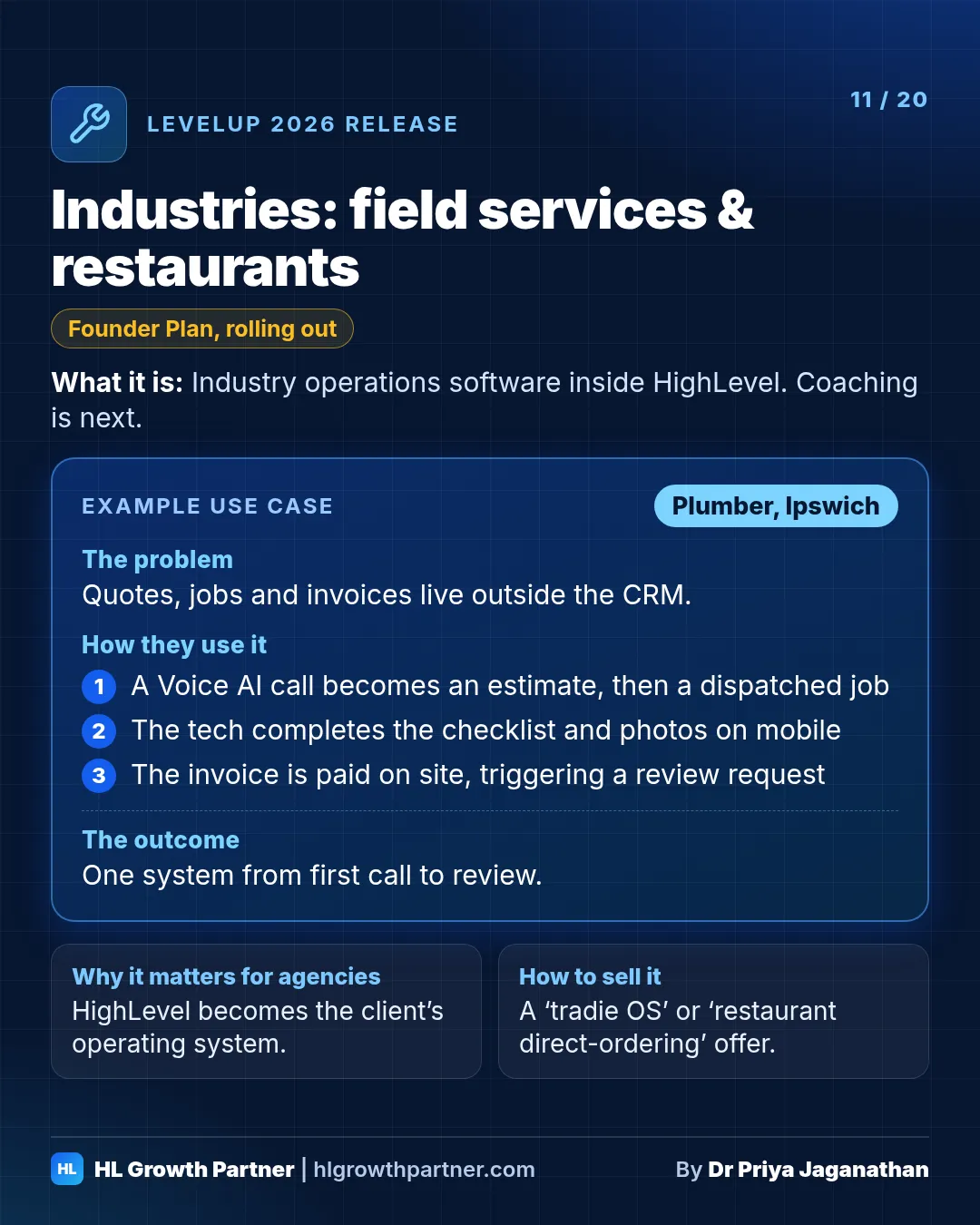
Industries is a Founder Plan feature. You pick an industry when you create a sub-account, and HighLevel adds operations software built for it. Field Services covers estimates, jobs, dispatch, route optimisation, checklists, time tracking and invoicing. Restaurants covers menus, online ordering, reservations and floor plans. Coaching and other industries are next on the roadmap.
Status: Founder Plan feature. Restaurants and Field Services were the first two. More, including coaching, were named as next. Check what's switched on in your account.
What it is. When you create a sub-account, you pick an industry, and HighLevel changes the software itself to add operations features for that industry. That's more than a snapshot.
- Field Services: request, estimate, job, checklists, before-and-after photos, technician time tracking, invoice and payment. It includes dispatch, route optimisation, a map view and a mobile view.
- Restaurants: menu design and management, online ordering for pickup or delivery, order tracking, reservations and a floor-plan layout for front-of-house seating.
- Coaching and further industries were named as next on the roadmap.
Why it matters. Until now, HighLevel was the marketing and CRM layer that sat next to a client's "real" software (Jobber, ServiceM8, a restaurant POS). Industries makes HighLevel the operating system itself, which is stickier and worth more per client.
Example scenario: plumber (illustrative). Picture a two-van plumbing business in Ipswich.
- A request comes in through Voice AI and becomes an estimate.
- When it's accepted, it becomes a job dispatched to the nearest van, with route optimisation.
- The tech completes the checklist and takes before-and-after photos on the mobile app.
- The invoice is paid on site, which triggers a review request.
Example scenario: café (illustrative). Picture a Brisbane café.
- It takes pickup orders from its own site, not a delivery app, and shows its specials through a WhatsApp carousel.
- It manages weekend reservations on the floor plan.
- The QR code on takeaway bags offers a reward for ordering direct.
Example scenario: coach (illustrative). Picture a business coach who uses the coaching industry set-up, when it arrives, with Meeting Room, Course AI and Communities to run a full program in one place.
How to set it up. Choose the industry when you create a new sub-account (Founder Plan). Pilot it with one friendly client before you migrate anyone off their existing job-management or POS software.
How an agency can sell this. Niche agencies should build a "tradie OS" or "restaurant direct-ordering" offer around it. HighLevel has also pointed out that Oracle's GloriaFood restaurant ordering platform is being retired in 2027, which gives restaurant agencies a timely migration pitch.
Release 12: Workflow Maps, router, loop, A/B & test mode
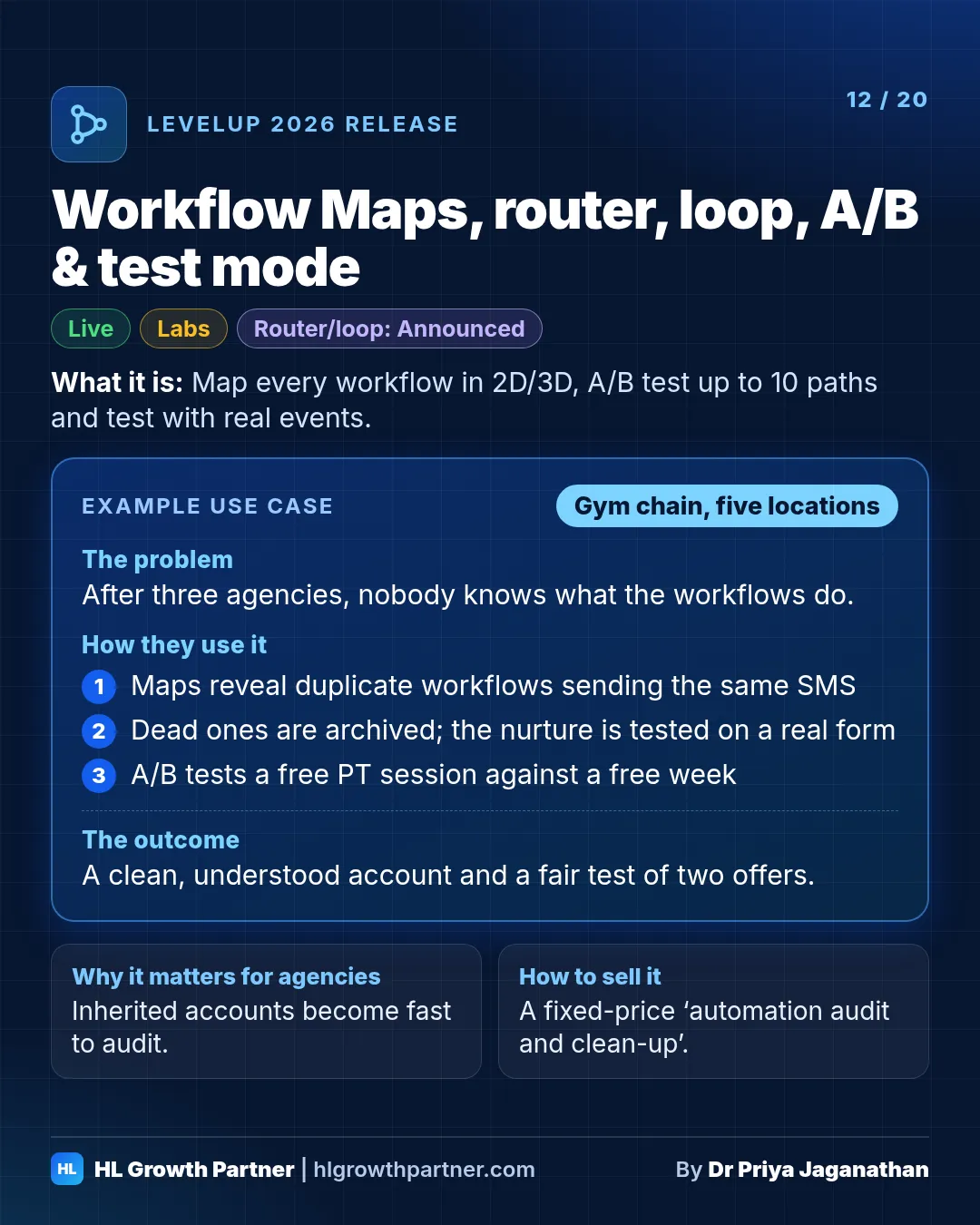
Workflows gained A/B testing with up to 10 paths and automatic winners, a new test mode that runs triggers and actions against real events (Labs), and Workflow Maps: a 2D or 3D map of every workflow and asset in a sub-account, for agency users at launch. A workflow router and a loop action were announced on stage.
Status: A/B testing is Live. The new test mode is in Labs. Workflow Maps is Live (for agency users and admins at launch). The router and loop were Announced on stage.
What it is.
- A/B testing splits contacts across up to 10 paths, picks a winner based on emails, appointments, tags or payments, and sends everyone after that down the winning path.
- The new test mode tests a single trigger or action against a real event, then runs the whole workflow step by step with inputs, outputs, history and "retry run".
- Workflow Maps is a 2D or 3D map of every workflow, folder, tag, form, calendar and pipeline in a sub-account and how they connect. It includes contact journeys, failed runs, a clean-up view and an AI assistant.
- A workflow router and a loop action were announced on stage. Until they're released, Go To with a counter is the workaround for loops.
Why it matters. Inherited accounts with 200 workflows nobody understands are an agency's worst job. Maps plus real testing turn a two-day audit into an afternoon.
Example scenario: gym chain (illustrative). Picture a gym with five locations that's been through three agencies.
- The new agency opens Workflow Maps and finds four workflows all tagging "trial-member". Two of them send the same welcome SMS.
- It uses Clean-up to archive the dead workflows.
- It tests the new trial-to-member nurture against a real form submission.
- It A/B tests two offers: a free PT session versus a free week.
How to set it up
- Open Automation > Workflows > Workflow Maps and search for the asset you're worried about.
- Turn on The New Test Workflow in Labs. Remember that tests send real messages.
- Add an A/B Test action with a clear winning criterion and a set duration.
How an agency can sell this. "Automation audit and clean-up" as a fixed-price entry offer. Your Workflow Maps screenshots go in the proposal.
Keep going through the LevelUp 2026 guide
- Previous: Releases 9 and 10: LC Payments and Australian data residency
- Next: Releases 13 and 14: Multiline dialer and voice intelligence and Voice AI
- All of it: 300+ HighLevel LevelUp 2026 updates, every launch explained