HighLevel Conversation AI Flow Builder and AI Search Visibility (LevelUp 2026)
 By Dr Priya Jaganathan, GoHighLevel Certified Admin · HL Growth Partner · Updated 28 October 2026 · 6 min read
The HighLevel Conversation AI flow builder and AI Search Visibility (AEO) audits from LevelUp 2026: what they do, a use case, set-up steps and how to sell them.


Part 3 of 10 in the LevelUp 2026 guide. Each release has a status label, an example use case, set-up steps and how to sell it. Checked against HighLevel's LevelUp Day release blog, changelog and help centre.
This is part 3 of 10 in my HighLevel LevelUp 2026 guide. HighLevel announced more than 300 features and updates at LevelUp 2026, on LevelUp Day (27 October 2026) in Dallas. This post covers two of the 20 biggest: Release 5, Conversation AI flow builder, and Release 6, AI Search Visibility. Each one has a status label, what it is, why it matters, an example scenario, how to set it up and how an agency can sell it. The whole guide starts on the main LevelUp 2026 updates page.
Why listen to me? I was in the room at LevelUp Day. I run HL Growth Partner, a white-label HighLevel fulfilment partner in Brisbane. I'm a HighLevel Certified Admin and a Gold SaaSPRENEUR, and I build these features for agencies every week. Every launch here is checked against HighLevel's own LevelUp Day release blog, changelog and help centre. HighLevel's blog tells you what each feature does. This guide tells you what to do with it.
Release 5: Conversation AI flow builder
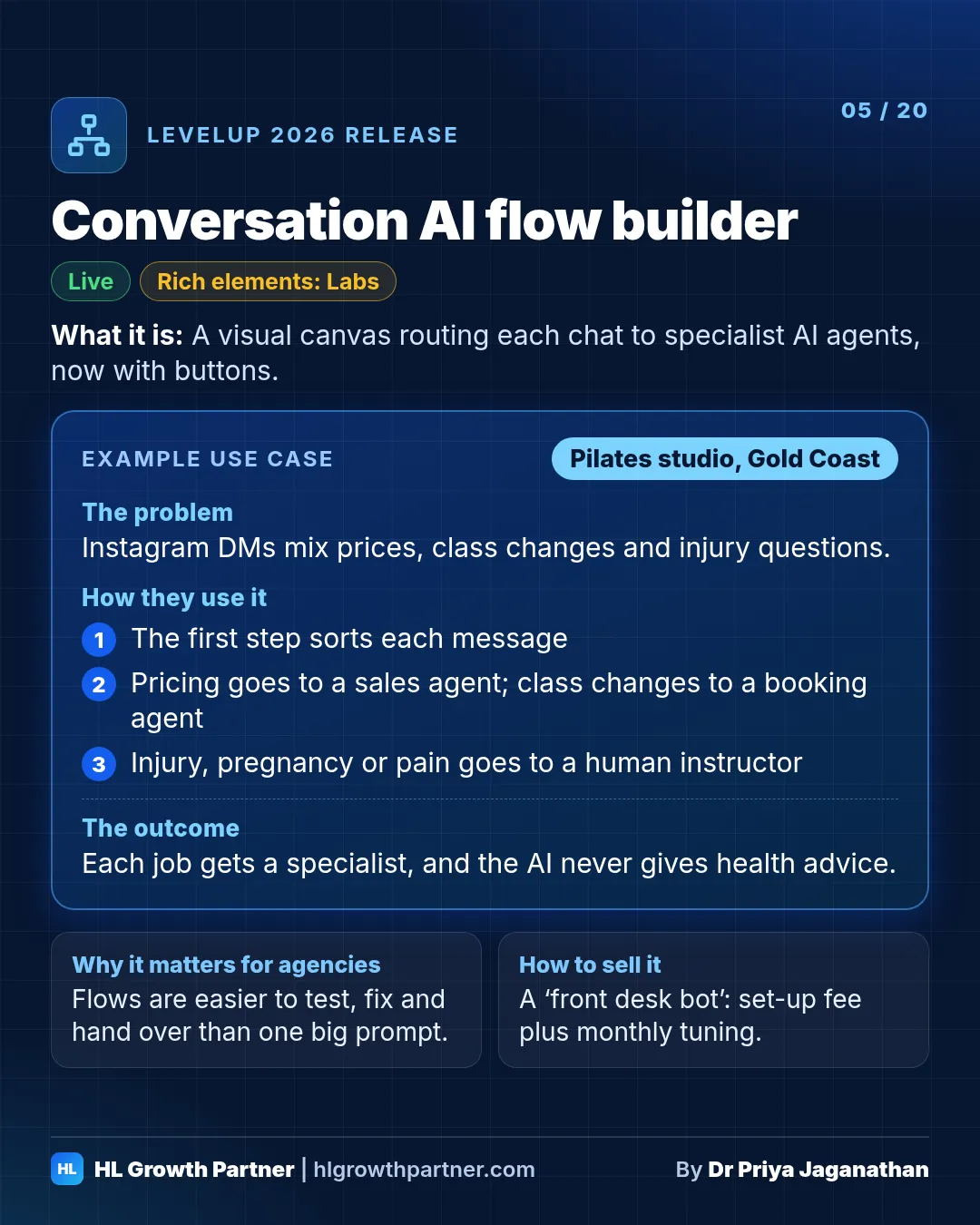
The Conversation AI flow builder is a visual canvas for HighLevel chatbots. Each conversation is routed to specialist AI agents with their own instructions and tools, such as booking, web search or hand-off to a human, using branches, waits and transfers. Build with AI can draft the whole flow from a description or one of 9 templates.
Status: Live (Build with AI is in Labs)
What it is. A visual canvas for designing chatbots. You don't have to cram everything into one giant prompt any more. You route each conversation to specialised agents, each with its own instructions and tools (web search, booking, custom messages), and you can add branches, waits and bot transfers. "Build with AI" lets you describe the agent you want, or pick one of 9 templates, and it configures triggers, channels, working hours, booking, hand-off and the knowledge base for you.
Why it matters. A single-prompt bot that books, qualifies, answers FAQs and handles complaints tends to do all of them badly. A flow lets each job have its own specialist, so the bot is easier to test, fix and hand over to a client.
Example scenario: Pilates studio (illustrative). Picture a reformer Pilates studio on the Gold Coast. Its Instagram DMs fill up with three kinds of message: "How much is an intro pack?", "Can I move my 6am class?" and "I've got a lower-back injury. Is reformer safe?"
- The flow's first step sorts each message.
- Pricing questions go to a sales agent that knows the intro offer and books a first class.
- Schedule changes go to a booking agent connected to the calendar.
- Anything that mentions injury, pregnancy or pain goes to a hand-off agent. It collects details and passes them to a human instructor, so the AI never gives health advice.
How to set it up
- Go to AI Agents > Conversation AI, create a new bot and choose Flow Based Builder.
- Start with three branches: sales, bookings and human hand-off. Write each agent's instructions separately.
- Add the tools each agent needs. Booking gets the calendar. Sales gets the knowledge base and offer details.
- Test every branch with real messages, then deploy it to your chosen inbound channels.
How an agency can sell this. Sell it as a "front desk bot" with a fixed set-up fee and a monthly tuning retainer. The flow diagram helps here, because you can walk the owner through exactly what happens to each message before it goes live.
Can HighLevel Conversation AI send buttons and handle time zones?
Yes. Conversation AI can now reply with quick-reply buttons, lists, link buttons, images and files on WhatsApp, Messenger, Instagram and Live Chat (Labs). It understands relative dates like "tomorrow", handles daylight saving, avoids double-booking, and in Auto-Pilot it can confirm a contact's time zone before booking (Labs).
Status: Rich elements are in Labs. Date and time awareness is Live. Advanced time zone support is in Labs.
What it is. Conversation AI can now reply with quick-reply buttons, lists, link buttons, images and files on WhatsApp, Messenger, Instagram and Live Chat. It also understands "tomorrow" and "next Tuesday" relative to when the message was sent. It handles daylight saving, won't offer past slots and won't double-book. In Auto-Pilot it can ask for the contact's time zone, save it to their record and book in their local time.
Why it matters. Tapping is faster than typing, especially on a phone. And booking mistakes across time zones and daylight saving are among the most common reasons clients lose trust in a bot.
Example scenario: dental clinic (illustrative). Picture a dental clinic in Brisbane, where there's no daylight saving, that gets enquiries from patients in New South Wales, where there is.
- The bot shows three buttons: "Check-up & clean", "Emergency toothache" and "Invisalign consult".
- When someone in Tweed Heads asks for "tomorrow arvo", the bot confirms their time zone first and only offers real slots.
How to set it up
- Turn on Conversations AI Rich Elements and Advanced Time Zone Support in Labs.
- In your agent, go to Response Behavior and enable the rich elements you want to use.
- Add the standard Time Zone field under Actions > Contact Info, then tell the agent in its prompt to confirm the time zone before offering times.
How an agency can sell this. Rebuild your existing bots with buttons, then show a before-and-after screen recording at the next monthly review. It's an easy upsell, and it proves the account is getting better.
Also announced for this release at LevelUp 2026:
- Flow-based builder, as described on stage: multiple agents, each with its own knowledge base, prompt, tools and actions, plus a central node that can take over the conversation. The founders said it's live today. Status: Live.
Release 6: AI Search Visibility (SEO/AEO)
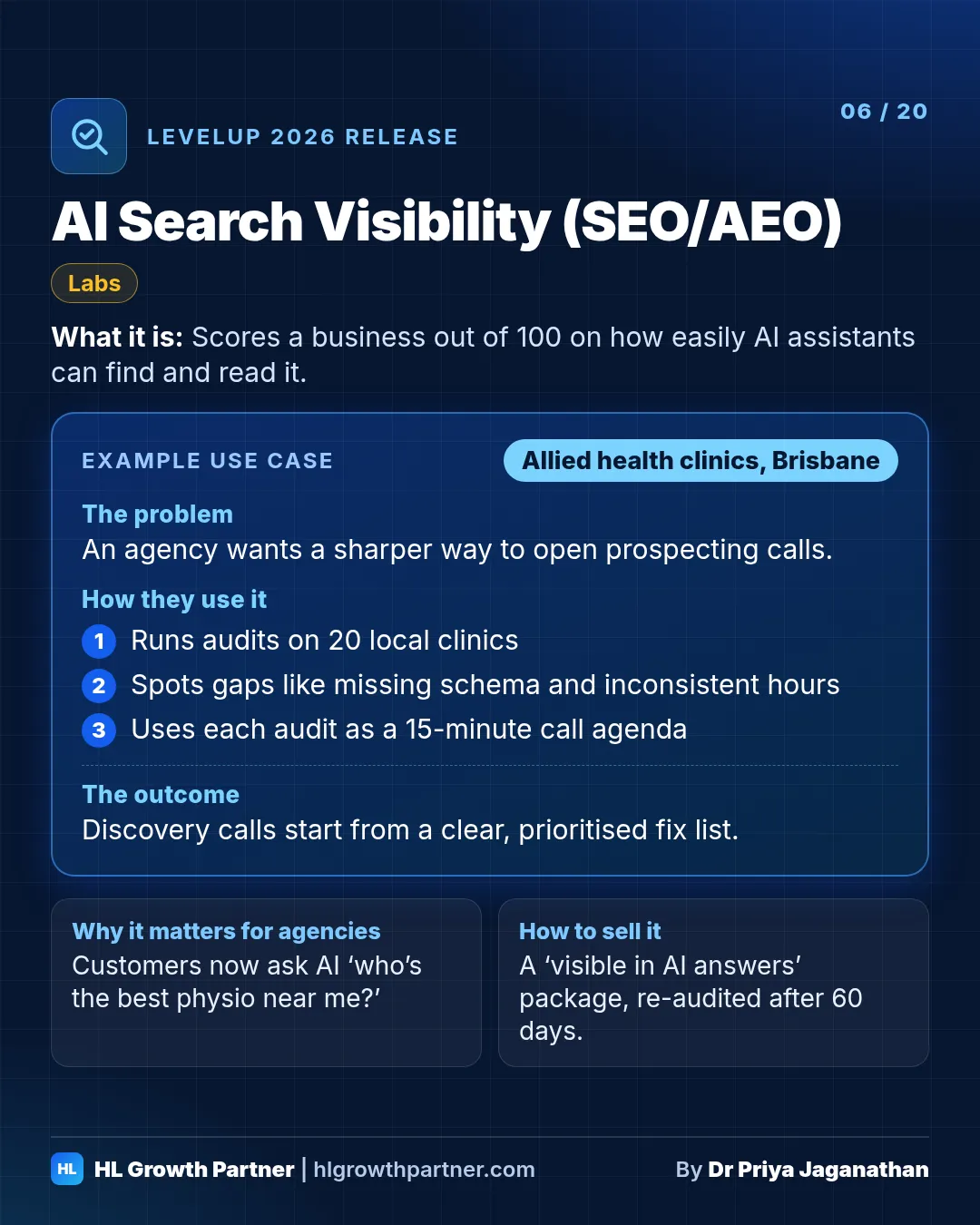
AI Search Visibility is a new section of HighLevel's Marketing Audit Report in Prospecting (Labs). It scores a business out of 100 on how easily AI assistants like ChatGPT and Claude can find, read and act on its information. It checks local listing consistency, AI crawler access, schema and agent readiness, then gives you a prioritised list of fixes.
Status: Labs
What it is. Marketing Audit Reports in the Prospecting tool now include an AI Search Visibility section. It scores, out of 100, how well AI assistants like ChatGPT and Claude can find, read and act on a business's information. It looks at four things: consistent local listings, whether AI crawlers can access the site, schema markup, and "agent readiness", for example whether an AI agent could submit the site's forms. You get a prioritised list of fixes. (Before the event, HighLevel referred to it as "Search and AI Visibility".)
Why it matters. More of your clients' customers now ask ChatGPT or Google's AI answers "who's the best physio near me?" before they ever see a website. Answer engine optimisation (AEO) is a real sales conversation in 2026, and now you have a free report to start it with.
Example scenario: physiotherapy clinic (illustrative). Picture an agency prospecting allied health clinics in Brisbane's northside.
- It runs AI Search Visibility audits on 20 clinics.
- Most have no LocalBusiness schema, their opening hours differ across directories, and their booking widget is blocked to crawlers.
- Each audit becomes the agenda for a 15-minute discovery call.
How to set it up
- Turn on AI search and visibility in Labs.
- In Prospecting, search for the business and add it as a prospect.
- Open its Marketing Audit Report and go to AI Search Visibility.
How an agency can sell this. Offer a "visible in AI answers" package: fix schema and directory listings, add FAQ content and make the site easy for AI to read. Then re-run the audit after 60 days so the client can see the score change.
Keep going through the LevelUp 2026 guide
- Previous: Releases 3 and 4: Managed Agents and Outbound AI and database reactivation
- Next: Releases 7 and 8: Ask AI and AI Studio backend and commerce
- All of it: 300+ HighLevel LevelUp 2026 updates, every launch explained