GoHighLevel Time Doctor Integration: Setup & Cost (2026)
 By Dr Priya Jaganathan, GoHighLevel Certified Admin · HL Growth Partner, Australia · Updated 22 November 2026 · 10 min read
How to connect Time Doctor to HighLevel in 2026 without a native app: the three routes that actually work, step-by-step setup, what it really costs, and the staff-privacy conversation you need to have first.
Some links below are affiliate links — if you sign up through them, HL Growth Partner may earn a commission at no extra cost to you. It never changes what we recommend.
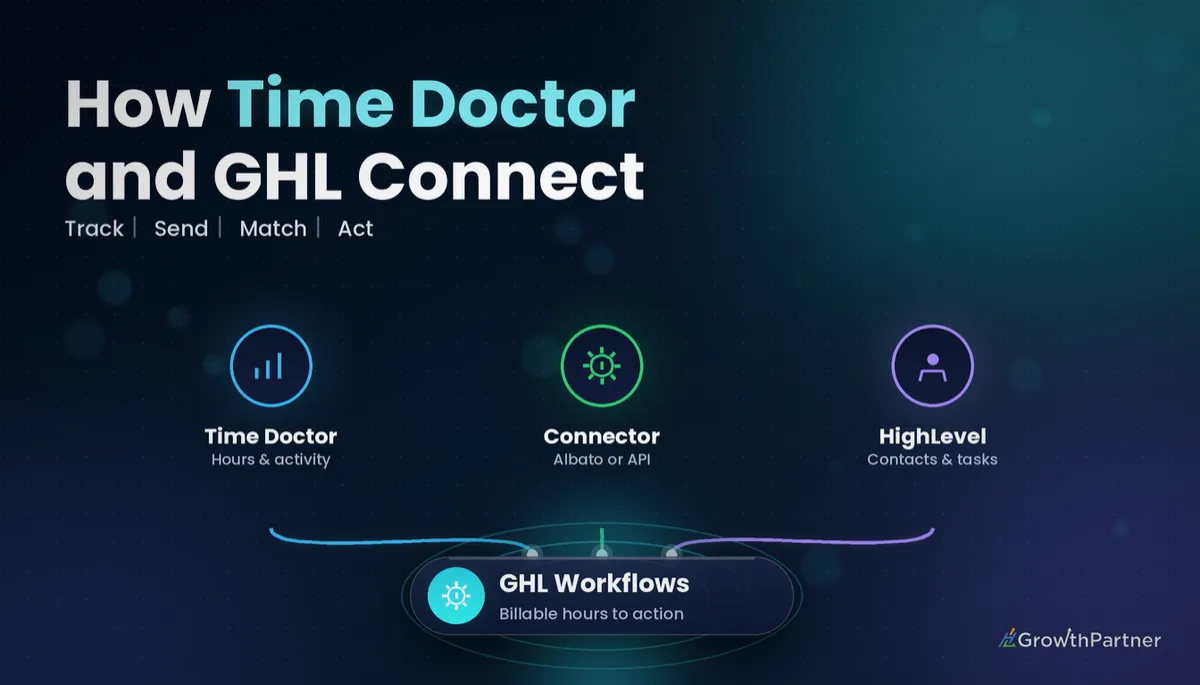
A GoHighLevel Time Doctor integration lets an agency or service business see the hours its staff and VAs log against each client, right next to the client record it already works from in HighLevel. The catch is that there is no one-click connection, so you need to pick a route and build it deliberately.
This guide is part of our time-tracking integration series, and the connection options differ more than the trackers themselves do.
| Native Time Doctor app in HighLevel marketplace | None found at time of writing (check your own App Marketplace) |
| Time Doctor Basic (Time Doctor pricing, 2026) | US$6.70/user/month annually or US$8 month-to-month |
| Time Doctor Standard (Time Doctor pricing, 2026) | US$11.70/user/month annually or US$14 monthly |
| Time Doctor Premium (Time Doctor pricing, 2026) | US$16.70/user/month annually or US$20 monthly |
| Zapier support | Zapier said in January 2023 that Time Doctor no longer integrates with Zapier |
| HighLevel plans (HighLevel pricing guide, 2026) | Starter US$97/month, Unlimited US$297/month |
Can you connect Time Doctor to HighLevel natively?
Not at the time of writing. We found no native Time Doctor app in the HighLevel App Marketplace, and there is no built-in Time Doctor option inside HighLevel settings. Check the App Marketplace in your own account before you build.
The other surprise is Zapier. Zapier's own updates blog stated in January 2023 that Time Doctor no longer integrates with Zapier. Time Doctor's help centre still carries an older Zapier guide, which is confusing, so test it in your own Zapier account before you plan around it.
That leaves three practical routes to connect Time Doctor to HighLevel. Our GoHighLevel Hubstaff integration guide shows the same thinking for another tracker.
What a HighLevel Time Doctor integration can realistically do
Time Doctor is a time and activity tracker; HighLevel is your CRM. The integration moves a few useful pieces of information between them.
Realistic automations
- Won deal creates work: when an opportunity moves to Won in a HighLevel pipeline, create a matching Time Doctor project or task so staff can start tracking against it straight away.
- Hours flow back to the client: push tracked hours from Time Doctor into a HighLevel contact custom field or as a note, so account managers see effort without logging into a second tool.
- Retainer alerts: when a retainer's logged hours pass a threshold you choose, notify the account manager so the scope conversation happens before the overrun, not after.
What it will not do
Do not expect Time Doctor screenshots, activity levels or detailed timesheets to appear inside HighLevel. Those stay in Time Doctor. Move summaries, not surveillance data, into your CRM.
The Won-deal trigger is the backbone of most builds. If you have not set one up before, our walkthrough of the Pipeline Stage Changed trigger in HighLevel covers the filters you will need.
Three ways to connect Time Doctor to HighLevel
Each route trades cost against control.
| Route | How it works | Effort | Best for |
|---|---|---|---|
| Third-party connector (for example Albato) | No-code platform listing a HighLevel + Time Doctor connection using webhook triggers and API triggers | Low to medium | Agencies without a developer who want something running this week |
| Time Doctor API + HighLevel webhooks via middleware | HighLevel Inbound Webhook trigger and Custom Webhook / Webhook action talk to Time Doctor's API through a small script or automation server | Medium to high | Teams with technical help who need custom logic |
| Manual CSV / reporting | Export Time Doctor reports and update HighLevel by hand or by import on a schedule | Low setup, ongoing admin | Small teams with a handful of retainers |
For most agencies, the connector route is the sensible starting point; graduate to webhooks once you know which fields matter.
Step-by-step: the connector route (Albato or similar)
Albato is a no-code integration platform that lists a HighLevel + Time Doctor connection using webhook triggers and API triggers.
Setup steps
- Create your connector account and add HighLevel as a connection, following the connector's own authorisation prompts.
- Add Time Doctor as a second connection and authorise it with an admin login.
- Create your first automation: choose the HighLevel trigger that fires when an opportunity reaches your Won stage (the connector may use a webhook trigger for this).
- Map the action to create a Time Doctor project or task, using the contact or company name so staff recognise it.
- In HighLevel, create a contact custom field to hold tracked hours, then build a second automation that writes hours from Time Doctor into that field or adds a note.
- Run both automations against a test contact and a test opportunity before switching them on for real clients.
Field names and trigger labels vary by connector, so check them in your own account.
The integration is only as good as your naming. If the client is called one thing in HighLevel and something else in Time Doctor, no connector on earth will match them reliably.
Step-by-step: the webhook and API route
This route gives you full control. HighLevel workflows support an Inbound Webhook trigger and a Custom Webhook / Webhook action, and Time Doctor offers an API. A middleware layer sits between them.
HighLevel to Time Doctor
- In a HighLevel workflow, start with the trigger for your Won pipeline stage.
- Add a Custom Webhook / Webhook action that sends the contact, company and opportunity details to your middleware URL.
- Your middleware calls Time Doctor's API to create the project or task. Check Time Doctor's API documentation for the current authentication method and endpoints.
Time Doctor to HighLevel
- Create a new HighLevel workflow using the Inbound Webhook trigger and copy the URL it generates.
- Schedule your middleware to pull tracked hours from Time Doctor's API for each active client project.
- Post the totals to the Inbound Webhook URL, including an identifier such as the contact email so HighLevel can match the right record.
- In the workflow, update the hours custom field, add a note, and branch on a threshold you set to alert the account manager.
If webhooks are new to you, our guide to HighLevel inbound and outbound webhooks walks through testing payloads and mapping fields. For the alert itself, internal team notifications in HighLevel covers email, SMS and Slack options.
Store API keys securely, log every call, and alert a human on failures, or an account manager may trust an hours figure that quietly stopped updating.
The manual CSV route: when it is enough
With only a few retainers, a regular Time Doctor CSV export used to update a HighLevel custom field can be enough. Make it a recurring internal task in HighLevel so it never slips, and automate only if the admin genuinely hurts.
GoHighLevel Time Doctor integration cost in 2026
Your total cost has three parts: Time Doctor seats, your HighLevel plan, and the connection itself.
| Item | Price (USD) | Notes |
|---|---|---|
| Time Doctor Basic | US$6.70/user/month annually or US$8 month-to-month | Time Doctor pricing, 2026 |
| Time Doctor Standard | US$11.70/user/month annually or US$14 monthly | Time Doctor pricing, 2026 |
| Time Doctor Premium | US$16.70/user/month annually or US$20 monthly | Time Doctor pricing, 2026 |
| Time Doctor Enterprise | Custom pricing | Some features can be added to lower plans as paid add-ons |
| HighLevel Starter | US$97/month | Up to 3 sub-accounts (HighLevel pricing guide, 2026) |
| HighLevel Unlimited | US$297/month | HighLevel pricing guide, 2026 |
| Connector (Albato or similar) | Varies | Usually a subscription tiered by usage; check current plans |
| Middleware (webhook route) | Varies | Hosting is often modest; developer time is the real cost |
Time Doctor charges per user, so the seat count usually matters more than the plan tier. Before you buy, confirm current rates on the official Time Doctor pricing page and the HighLevel pricing guide, as both can change.
HighLevel Time Doctor use cases for agencies
- Retainer health dashboard: hours used sits on each contact, so account managers can sort clients by effort and spot under-serviced or over-serviced accounts.
- Scope creep early warning: a workflow alerts the account manager and creates a follow-up task when a client's hours run high for the period.
- Faster onboarding: a Won deal automatically sets up the Time Doctor project, so the first day of work is tracked from the start.
If you are comparing trackers, the GoHighLevel Clockify integration guide is worth a look, as Clockify suits teams that want lighter tracking without activity monitoring.
A privacy note on screenshots and activity monitoring
Time Doctor can capture screenshots and activity data, depending on your plan and settings. That is the part most likely to damage trust if you get it wrong.
Tell your staff and contractors exactly what is tracked, when, and why, in writing, before you switch it on. In Australia, workplace surveillance rules vary by state and territory, so check the requirements where your people actually work and get advice if you are unsure.
Keep monitoring data inside Time Doctor and send only summary hours to HighLevel, because your CRM is shared more widely than your time tracker.
Common mistakes to avoid
- Assuming a native app or Zapier connection exists without checking your own App Marketplace and Zapier account first.
- Using different client names in HighLevel and Time Doctor, so automations cannot match records.
- Syncing screenshots or activity data into the CRM instead of summary hours.
- Switching on monitoring without telling staff what is tracked and checking local workplace surveillance rules.
- Building the webhook route with no error logging, so failed updates go unnoticed.
- Automating everything on day one instead of starting with the Won-deal trigger and one hours field.
Or if you just need the software first: grab the 30-day HighLevel trial and book us when you're ready to scale it.
Frequently asked questions
Does GoHighLevel have a native Time Doctor integration?
At the time of writing we found no native Time Doctor app in the HighLevel App Marketplace. Marketplace listings change, so search the App Marketplace in your own account before building. Without a native app, you can use a third-party connector, Time Doctor's API with HighLevel webhooks, or manual CSV reporting.
Can I connect Time Doctor to HighLevel with Zapier?
Zapier's own updates blog stated in January 2023 that Time Doctor no longer integrates with Zapier. Time Doctor's help centre still has an older Zapier guide, so test it in your own Zapier account before relying on it. A connector such as Albato or a webhook build is usually the more dependable choice.
How much does Time Doctor cost in 2026?
According to Time Doctor's pricing page in 2026, Basic is US$6.70 per user per month billed annually or US$8 month-to-month, Standard is US$11.70 annually or US$14 monthly, and Premium is US$16.70 annually or US$20 monthly. Enterprise is custom priced, and some features can be added to lower plans as paid add-ons.
Can Time Doctor hours show on a HighLevel contact?
Yes, with a connector or webhook build you can push tracked hours into a HighLevel contact custom field or add them as a note. The HighLevel side typically uses an Inbound Webhook trigger to receive the data. Screenshots and activity data should stay in Time Doctor.
What is the easiest way to connect Time Doctor to HighLevel?
For most agencies without a developer, a no-code connector is the easiest route. Albato lists a HighLevel and Time Doctor connection using webhook triggers and API triggers. Start with one automation, such as creating a Time Doctor project when a deal is Won, and test it before adding more.
Do I need to tell staff I am using Time Doctor monitoring?
You should always tell staff and contractors what Time Doctor tracks, when and why, in writing, before you switch it on. In Australia, workplace surveillance rules vary by state and territory, so check the requirements where your team works and seek advice if unsure.
Which HighLevel plan do I need for a Time Doctor integration?
Workflows with an Inbound Webhook trigger and a Custom Webhook or Webhook action are what most builds rely on. According to the HighLevel pricing guide in 2026, Starter is US$97 per month for up to 3 sub-accounts and Unlimited is US$297 per month. Check which workflow features are available on your plan in your own account.
Related Articles on HL Growth Partner
More time-tracking integrations
 GoHighLevel Toggl Track Integration: Setup & Cost (2026)
 GoHighLevel Harvest Integration: Setup & Cost (2026)
 GoHighLevel Everhour Integration: Setup & Cost (2026)