GoHighLevel Microsoft Planner Integration: Setup & Cost (2026)
 By Dr Priya Jaganathan, GoHighLevel Certified Admin · HL Growth Partner, Australia · Updated 12 November 2026 · 9 min read
How to connect GoHighLevel Workflows to Microsoft Planner through Make, Power Automate or Zapier, what each route really costs, and when you should keep delivery tasks inside HighLevel instead.
Some links below are affiliate links — if you sign up through them, HL Growth Partner may earn a commission at no extra cost to you. It never changes what we recommend.
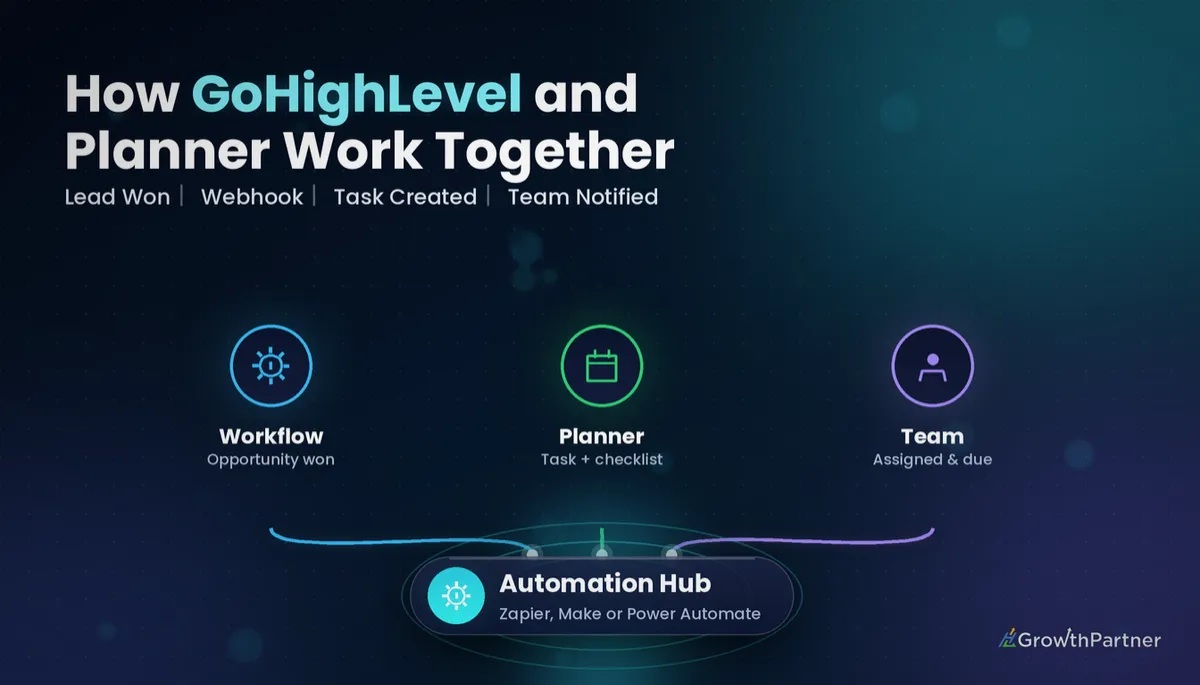
A GoHighLevel Microsoft Planner integration lets a won opportunity, form submission or onboarding stage create a Planner task in the right plan and bucket, with the assignee, due date and checklist your Teams-based delivery staff work from. There is no native connector, so every setup runs through middleware.
This guide is for agencies that sell in HighLevel but deliver in Microsoft 365: the three realistic routes, the licence traps, a field mapping you can copy, and when Planner is the wrong tool.
| Native GHL to Planner integration | None found; use Make, Power Automate or a custom API call |
| Planner connector in Power Automate | Standard class (Microsoft Learn connector reference, 2026) |
| Power Automate HTTP request trigger | Premium; Power Automate Premium is listed at $15/user/month billed annually (2026 pricing guides) |
| Make Microsoft 365 Planner app | Create a Task, Update a Task and Make an API Call modules |
| Microsoft 365 Business Basic (includes Planner) | $7/user/month annual, up from $6 on 1 July 2026 |
| Planner Plan 1 (standalone) | $10/user/month billed annually (Capterra and CostBench, 2026) |
Is there a native GoHighLevel Planner integration?
No. Searching the HighLevel marketplace, Microsoft's Power Automate connector catalogue and Zapier's app directory in November 2026, we could not find any official connector that links HighLevel to Planner directly.
What does exist is a HighLevel (LeadConnector) app on Make and Zapier, a Microsoft 365 Planner app on Make, and a standard Planner connector in Power Automate. You join one HighLevel end to one Planner end.
Why Zapier is the weak link for Planner
Zapier has a solid LeadConnector app, but Zapier Community threads say Microsoft Planner has not built a Zapier integration, and we found no first-party Planner app in Zapier's directory. You would call the Microsoft Graph Planner API from a webhook step instead.
Three routes for connecting GHL to Microsoft Planner
Each route starts with a HighLevel Workflow trigger such as Opportunity Status Changed or Form Submitted. What changes is how data crosses into Microsoft 365.
Route 1: Make (best all-rounder)
Make covers both ends: a HighLevel LeadConnector app for contacts, opportunities and notes, and a Microsoft 365 Planner app with Create a Task, Update a Task and Make an API Call for extras such as checklists.
If you already run other client automations through Make, our GoHighLevel Make.com integration guide covers connection setup and credit budgeting in detail.
Route 2: Microsoft Power Automate (best for Microsoft-first shops)
Power Automate's Planner connector is a standard connector, covered by most Microsoft 365 business licences. The catch is getting data in from HighLevel.
There is no HighLevel connector in Power Automate. The clean pattern is a Custom Webhook action posting JSON to a flow starting with "When an HTTP request is received", which is a premium trigger; Microsoft Q&A answers indicate the flow owner needs Power Automate Premium.
Route 3: Zapier plus the Graph API (only if Zapier is already your standard)
A LeadConnector trigger plus a Webhooks step calling Microsoft Graph works, but you maintain token refresh and raw JSON yourself.
| Route | HighLevel side | Planner side | Main licence catch | Best for |
|---|---|---|---|---|
| Make | LeadConnector app or Custom Webhook | Microsoft 365 Planner app | Credits per module run | Most agencies |
| Power Automate | Custom Webhook action | Standard Planner connector | HTTP trigger is premium | Clients already paying for Microsoft 365 |
| Zapier | LeadConnector app | Webhooks step to Microsoft Graph | No first-party Planner app found | Zapier-standard agencies only |
What a GHL and Planner setup costs in 2026
You pay for three layers: HighLevel, Microsoft 365 or Planner seats, and middleware. Prices are USD, checked November 2026.
| Item | Entry price | Source (2026) |
|---|---|---|
| HighLevel Starter / Unlimited | $97/mo / $297/mo | HighLevel pricing as reported by 2026 pricing guides |
| HighLevel Founder Plan | $497/mo | HighLevel pricing as reported by 2026 pricing guides |
| Microsoft 365 Business Basic (Teams, Planner, Forms, Lists) | $7/user/month, annual commitment | Microsoft July 2026 price update coverage |
| Planner Plan 1 | $10/user/month, billed annually | Capterra and CostBench listings |
| Planner and Project Plan 3 | $30/user/month, billed annually | CostBench listing |
| Make Core | About $9/month billed annually, 10,000 credits | Latenode's Make pricing summary |
| Zapier Professional | $19.99/month billed annually, 750 tasks | Jetadmin and Toolradar Zapier pricing summaries |
| Power Automate Premium | $15/user/month billed annually | Zapier, FlowForma and Automation Atlas pricing guides |
HighLevel also bills the Custom Webhook action and Inbound Webhook trigger as premium workflow steps, at about $0.01 per execution according to HighLevel-based help centres, so webhook cost is rounding error next to licences.
Microsoft prices vary by market: Team 400's 2026 Australian buyer guide cites roughly A$24.10 per user per month for Power Automate Premium.
For most agencies the cheapest working Planner integration is Make on its entry plan, not the Power Automate licence everyone assumes is free with Microsoft 365.
Not on HighLevel yet? Start with a free 30-day trial here — long enough to build everything in this guide before you pay a cent.
Step-by-step: send won opportunities to Planner with Make
The build I use most: when an opportunity is marked Won, Make creates a Planner task in the client's onboarding plan with assignee, due date and checklist.
1. Prepare HighLevel
- Create custom fields for Planner Plan ID, Planner Task ID and Onboarding Owner Email on the contact or opportunity.
- Standardise pipeline stages so "Won" means paid and ready to deliver.
- Add a tag such as planner-sent so you can spot duplicates.
2. Build the HighLevel Workflow
- Trigger: Opportunity Status Changed, filtered to Status is Won and the right pipeline.
- Condition: tag planner-sent does not exist.
- Action: Custom Webhook, POST to your Make custom webhook URL with contact name, company, opportunity name, value, owner email and a due-date offset.
- Action: Add Tag planner-sent.
3. Build the Make scenario
- Module 1: Webhooks, Custom webhook. Fire one test contact so Make learns the payload.
- Module 2: Microsoft 365 Planner, Create a Task. Pick plan and bucket; map title, due date and assignee.
- Module 3: Make an API Call, PATCHing the task details with description and checklist.
- Module 4: HighLevel LeadConnector, saving the returned Planner Task ID to the contact.
Add a short delay before the checklist step; Power Automate community answers note that an update fired too fast cannot find the brand-new task.
4. Send status back to HighLevel
Planner only exposes a few events. In Power Automate the Planner triggers cover a new task being created, a task being assigned to you and a task being completed; there is no trigger for general edits.
So the realistic sync back is completion: watch for completed tasks, then post to a HighLevel Inbound Webhook trigger that moves the opportunity to "Onboarding complete" and starts your review sequence.
Compare the same two-way pattern in our GoHighLevel Asana integration setup if your clients are split across platforms.
Field mapping: GHL data to Planner task fields
Planner's data model is lean: the task holds title, bucket, assignees, dates and progress, while separate task details hold the description and checklist.
| HighLevel field | Planner field | Notes |
|---|---|---|
| Opportunity name + contact company | Task title | Keep it scannable, e.g. "Onboard: Acme Plumbing" |
| Pipeline stage or service type | Bucket | Map with a lookup table in Make |
| Onboarding Owner Email custom field | Assigned to | Must match a user in the Microsoft 365 tenant |
| Won date + offset | Due date | Send ISO 8601 dates, not GHL display format |
| Opportunity value, notes, form answers | Description (task details) | Manuel Gomes's connector reference cites a 32,768-character limit |
| Service package custom value | Checklist items | Same reference cites a 20-item limit per task |
| Planner Task ID (returned) | Stored back in GHL custom field | Needed for updates and completion sync |
For exact parameter names, check Microsoft's Planner connector reference and Make's Microsoft 365 Planner app documentation, because module labels shift between versions.
When Microsoft Planner is the wrong tool
Planner shines when delivery staff live in Teams and need a simple board per client. It is not a client-facing project tool or a CRM.
Keep tasks inside HighLevel when
- The task is sales follow-up; HighLevel's Add Task workflow action keeps it next to the conversation.
- Your team already works daily in the HighLevel mobile app.
- Delivery is only a few steps, so a GHL task is enough.
Choose a fuller project tool when
If you need dependencies, time tracking or client portals, Planner will feel thin. Kanban-first teams often prefer the setup in our GoHighLevel Trello integration guide, while Microsoft-first teams can step up to Planner and Project Plan 3.
Calendar-heavy delivery, such as booked install dates, is better served by syncing appointments. Our Google Calendar and Outlook sync guide covers that side of Microsoft 365.
Common mistakes to avoid
- Assuming Power Automate is free: the Planner connector is standard, but the HTTP trigger that receives HighLevel webhooks is premium.
- Firing on Opportunity Created instead of Won, flooding Planner with deals that never close.
- Skipping a duplicate guard, so re-opened and re-won opportunities create a second task.
- Assigning by display name instead of Microsoft 365 email, leaving tasks unassigned.
- Sending more than 20 checklist items, which errors out the task-details update.
- Not storing the Planner Task ID in HighLevel, which makes completion sync and updates guesswork. Our common GHL automation mistakes post covers more of these traps.
Or if you just need the software first: grab the 30-day HighLevel trial and book us when you're ready to scale it.
Frequently asked questions
Does GoHighLevel integrate natively with Microsoft Planner?
No. As of November 2026 there is no native HighLevel to Microsoft Planner integration in the HighLevel marketplace or the Power Automate connector catalogue. You connect them through Make, Power Automate or a custom Microsoft Graph API call.
Is the Planner connector in Power Automate premium?
No, the Planner connector is a standard connector in Power Automate. However, the "When an HTTP request is received" trigger you need to receive a HighLevel Custom Webhook is premium, so the flow owner typically needs a Power Automate Premium licence.
What is the cheapest way to connect GoHighLevel to Planner?
For most agencies it is Make on its entry Core plan, which 2026 pricing summaries list at about $9 per month billed annually for 10,000 credits. Make has both a HighLevel LeadConnector app and a Microsoft 365 Planner app, so no premium Microsoft licence is needed.
Can Zapier create Microsoft Planner tasks from GoHighLevel?
Only indirectly. Zapier has a LeadConnector app for HighLevel, but Zapier Community threads say Microsoft Planner has no first-party Zapier integration. You would need a webhook step calling the Microsoft Graph Planner API, which is harder to maintain than Make or Power Automate.
Can I add checklists and assignees to Planner tasks from GHL?
Yes. Create the task with the assignee and due date first, then update the task details with the description and checklist items after a short delay. Assignees must be matched by their Microsoft 365 account, and community references cite a limit of 20 checklist items per task.
Can Planner send task status back to GoHighLevel?
Yes, but mainly on completion, because Planner triggers cover new, assigned and completed tasks rather than every edit. A completed-task trigger in Make or Power Automate can post to a HighLevel Inbound Webhook trigger, which then moves the opportunity stage or starts a follow-up workflow.
Which Microsoft 365 plans include Planner?
Microsoft 365 Business Basic includes Planner alongside Teams, Forms and Lists, and was reported at $7 per user per month on an annual commitment from 1 July 2026. Standalone Planner Plan 1 is listed at $10 per user per month billed annually for teams that need premium Planner features.
When should I use GoHighLevel tasks instead of Planner?
Use HighLevel tasks for sales follow-ups, quick admin and anything your team handles inside the HighLevel app. Use Planner when delivery staff work in Microsoft Teams and need a shared board per client that people outside HighLevel can see.
Related Articles on HL Growth Partner
More GoHighLevel project tool integrations
 GoHighLevel Monday.com Integration: Setup & Cost (2026)
 GoHighLevel ClickUp Integration: Setup & Cost (2026)
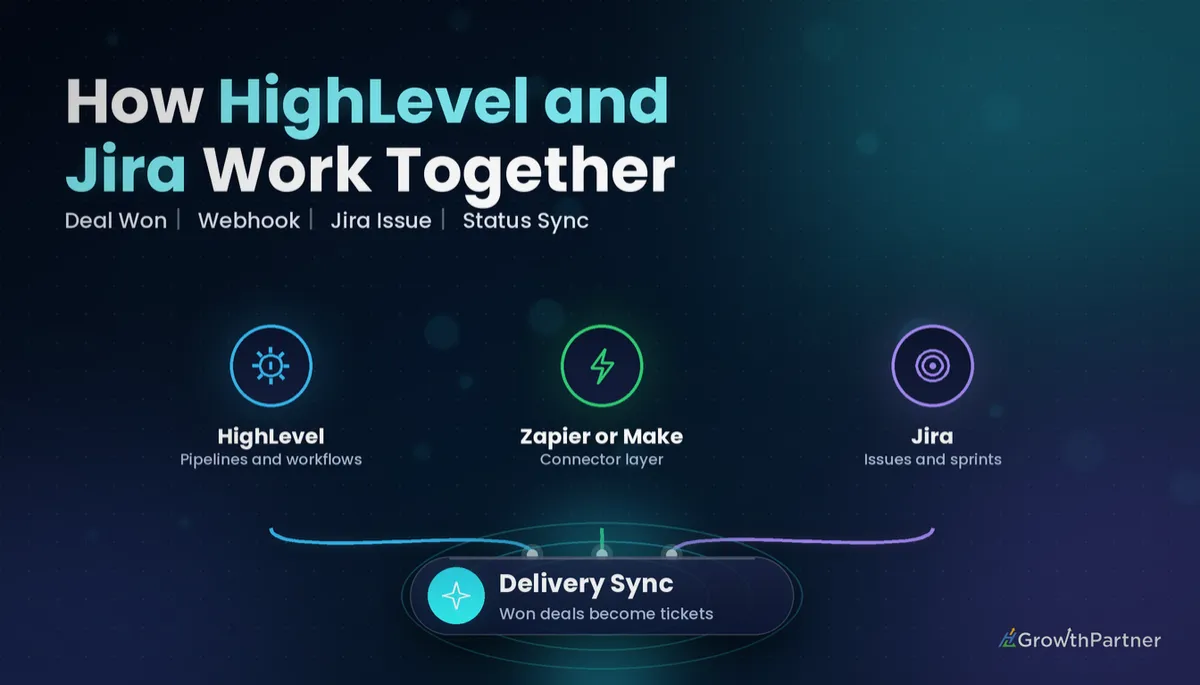 GoHighLevel Jira Integration: Setup & Cost (2026)
Task tools for delivery teams
 GoHighLevel Todoist Integration: Setup & Cost (2026)
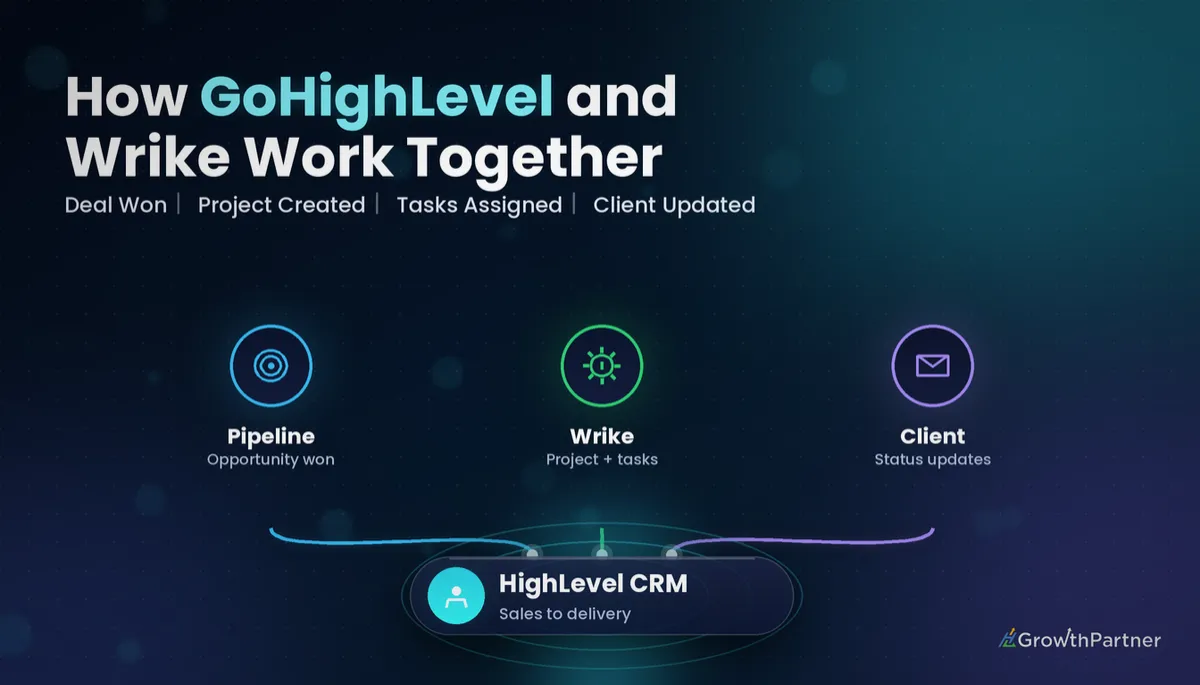 GoHighLevel Wrike Integration: Setup & Cost (2026)