GoHighLevel Wrike Integration: Setup & Cost (2026)
 By Dr Priya Jaganathan, GoHighLevel Certified Admin · HL Growth Partner, Australia · Updated 6 November 2026 · 9 min read
How to connect GoHighLevel to Wrike without a native app: the three connection routes, a won-deal-to-Wrike-project build with status sync back to HighLevel, and what the stack really costs in 2026.
Some links below are affiliate links — if you sign up through them, HL Growth Partner may earn a commission at no extra cost to you. It never changes what we recommend.
A GoHighLevel Wrike integration lets your sales side stay in HighLevel while your delivery team runs projects in Wrike, with a won deal kicking off the right project automatically. The catch is that there is no first-party connector, so you have to build the bridge yourself.
Below: which route to choose, the exact build I use for agency clients, and what you'll pay each month.
| Native GHL–Wrike app | None found in the HighLevel App Marketplace or Wrike's app directory (checked November 2026) |
| Wrike paid plans | Team $10 and Business $25 per user per month, billed annually; Pinnacle and Apex by quote (Wrike list prices, November 2026) |
| Wrike automation allowance | Free plan has none; Team 50 and Business 200 automation actions per user per month |
| Zapier's Wrike app | Triggers: New Folder, New Task. Actions: Create Task, Create Folder, Create Comment, Create Time Entry |
| Wrike API | Supports launching folder/project blueprints and folder-level webhooks |
| HighLevel Custom Webhook action | Premium workflow action, $0.01 per execution (HighLevel changelog, 2026) |
Is there a native GoHighLevel Wrike integration?
No. When I checked in November 2026, the HighLevel App Marketplace had no official Wrike app, and HighLevel doesn't appear in Wrike's own integrations directory either.
Third-party connectors such as Integrately, Albato and Pipedream list both apps, but for agency delivery I recommend one of three routes you can support long term.
- Zapier — fastest to set up, uses Wrike's official Zapier app, but has no blueprint action.
- Make — cheaper per run, better at branching, and its HTTP module can call any Wrike API endpoint.
- HighLevel webhooks plus the Wrike API — no middleware subscription, but you own the code and the error handling.
Whichever you pick, Wrike's own automation engine does the heavy lifting inside Wrike; the integration just hands over the deal and listens for status.
Three ways to connect HighLevel and Wrike
Route 1: Zapier
According to Wrike's help centre, the Zapier app offers two triggers (New Folder, New Task) and four actions (Create Task, Create Folder, Create Comment, Create Time Entry). See Wrike's Setting Up a Zap guide for the connection steps.
That covers "create a folder and a starter task", but not "launch my onboarding blueprint". If you want a templated project via Zapier, you'll need a raw API request step. Our GoHighLevel Zapier integration guide covers connecting the HighLevel side.
Route 2: Make
Make suits this job better because the scenario can call Wrike's blueprint launch endpoint, wait for the async job, then write the new project ID back to HighLevel in one flow.
If you're new to it, start with our Make.com integration setup guide for HighLevel.
Route 3: HighLevel outbound webhooks and the Wrike API
A HighLevel Workflow can fire a Custom Webhook straight at your own endpoint (a small serverless function), which then calls Wrike. Wrike can post events back via its webhooks API, which you point at a HighLevel Inbound Webhook trigger.
It's the leanest option, but you're now maintaining an API integration, so only choose it if someone on your team writes code.
| Route | Blueprint launch | Status back to GHL | Best for |
|---|---|---|---|
| Zapier | Only via a custom API request step | Polling New Task trigger, or webhook catch | Simple "create a task per deal" builds |
| Make | Yes, via HTTP module to the Wrike API | Wrike webhook into a Make scenario | Templated projects with two-way status |
| Webhooks + API | Yes, direct API call | Wrike webhook to GHL Inbound Webhook | Agencies with in-house developers |
Setup walkthrough: won deal to Wrike project and back
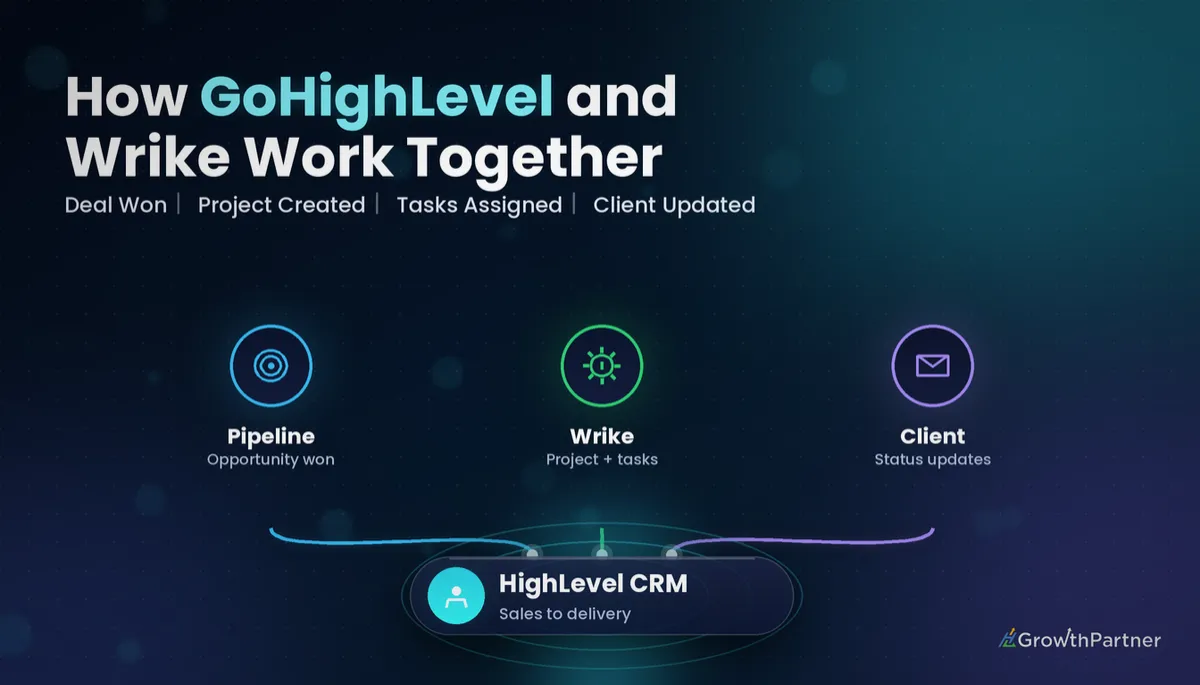
Here's the build we use most: an opportunity is marked Won in a HighLevel pipeline, Wrike creates the client's delivery project from a blueprint, assigns the team, and project status flows back into a HighLevel custom field.
Step 1: Prepare Wrike
- Build a project blueprint called something like "Client Onboarding – Standard", with tasks, relative due dates and default assignees.
- Create a parent folder, for example "Active Clients", where new projects will land.
- Note the blueprint ID and parent folder ID; you'll need both for the API call.
- Add Wrike automation rules, such as "when Kick-off is completed, set status to In Progress".
Step 2: Prepare HighLevel
- Create opportunity custom fields: Wrike Project ID, Wrike Project URL and Delivery Status.
- Add a tag such as wrike-project-created so the workflow never fires twice for the same deal.
Step 3: Fire the trigger
Create a Workflow with the Opportunity Status Changed trigger, filtered to Status = Won and your chosen pipeline. Add an If/Else that checks the contact doesn't already have the wrike-project-created tag.
Then add a Custom Webhook action that POSTs the opportunity ID, contact name, company, deal value, owner email and service type to your Make scenario's webhook URL.
Step 4: Launch the blueprint in Wrike
In Make, the scenario receives the payload, then calls Wrike's folder blueprint launch endpoint with the parent folder ID and a title such as "Acme Plumbing – Onboarding". The launch is asynchronous, so add a step that checks the async job and reads the new project ID from its result.
Next, update the project: set the owner from the deal owner's email, write the deal value into a Wrike custom field, and add the HighLevel opportunity ID to a Wrike custom field so you can match records later.
Store the other system's ID on both sides. Without it, every "sync" is a guess based on a client name someone spelled differently.
Step 5: Write the result back to HighLevel
Still in Make, update the HighLevel opportunity's Wrike Project ID and Wrike Project URL fields, set Delivery Status to "Onboarding", and add the wrike-project-created tag.
Step 6: Push status changes back
Create a Wrike webhook on the "Active Clients" folder so project and task changes post to a second Make scenario. Filter for the events you care about, such as project status changes, then look up the HighLevel opportunity ID stored in the project's custom field.
Send that to a HighLevel Workflow with an Inbound Webhook trigger, which updates Delivery Status and can branch on it. "Completed" can trigger a review request or a renewal reminder. Our guide to inbound and outbound webhooks in HighLevel walks through the mapping screens.
GoHighLevel Wrike integration cost in 2026
All prices below are in USD, from list prices as published in November 2026.
| Line item | Entry price (USD) | What you get |
|---|---|---|
| Wrike Free | $0 | Unlimited users, but no automation actions |
| Wrike Team | $10 per user / month, billed annually | 2–15 users, 50 automation actions per user per month |
| Wrike Business | $25 per user / month, billed annually | 5–200 users, 200 automation actions per user per month |
| Wrike Pinnacle / Apex | Custom quote | Enterprise controls and higher limits |
| Zapier Free | $0 | 100 tasks per month, two-step Zaps |
| Zapier Professional | $19.99 / month billed annually ($29.99 monthly) | 750 tasks per month, multi-step Zaps |
| Make Free | $0 | 1,000 credits per month, 2 active scenarios |
| Make Core | About $9 / month billed annually | 10,000 credits per month |
| HighLevel Starter | $97 / month | Up to 3 sub-accounts |
| HighLevel Unlimited | $297 / month | Unlimited sub-accounts |
| HighLevel Agency Pro (now Founder Plan) | $497 / month | SaaS mode and rebilling |
| HighLevel Custom Webhook | $0.01 per execution | Premium workflow action, billed to the agency wallet |
For a five-person agency delivery team, the realistic floor is Wrike Business seats plus Make Core plus your existing HighLevel plan. Wrike's Free plan won't do, because the blueprint automations that make this worthwhile need a paid Wrike plan.
A few dozen won deals at one cent per webhook is pocket change; your real cost is Wrike seats.
Not on HighLevel yet? Start with a free 30-day trial here — long enough to build everything in this guide before you pay a cent.
When HighLevel's own project management beats Wrike
HighLevel now has its own project and task features, announced at LevelUp 2026, which we covered in our HighLevel Project Management and LevelUp 2026 recap.
- Stay in HighLevel if your delivery team is under about five people, projects are short and repeatable, and clients already log in to your Client Portal.
- Use Wrike if you run resource planning across many clients, need Gantt charts and workload views, or the delivery team already lives in Wrike.
Every integration can break on a Friday afternoon. If native tasks cover most of your needs, that's usually the better trade.
Agency delivery use cases for GoHighLevel and Wrike
- Client onboarding: a won deal launches the onboarding blueprint, covering snapshot install, domains, A2P and kick-off.
- Retainers: a recurring monthly reporting task whose completion tags the contact "report sent".
- Website builds: each funnel or site page becomes a Wrike task, and "Ready for review" in Wrike sends the client a review link from HighLevel.
- Ad launches: one blueprint per package, chosen by a "service type" custom field.
Common mistakes to avoid
- Triggering on stage change instead of status, so moving a card back and forth creates duplicate Wrike projects.
- Skipping the "already created" tag or field check, which leaves duplicates when someone re-opens and re-wins a deal.
- Matching records by client name instead of storing the HighLevel opportunity ID in Wrike and the Wrike project ID in HighLevel.
- Creating tasks in the same Wrike folder a Zapier New Task trigger is watching, which makes the Zap trigger itself.
- Building everything on Wrike Free and discovering there are no automation actions to run the blueprint rules.
- Syncing every task update back to HighLevel, which floods the contact record; sync project-level status only.
Or if you just need the software first: grab the 30-day HighLevel trial and book us when you're ready to scale it.
Frequently asked questions
Does GoHighLevel integrate with Wrike natively?
No. As of November 2026 there is no official Wrike app in the HighLevel App Marketplace, and HighLevel is not listed in Wrike's integrations directory. You connect the two with Zapier, Make, a third-party connector, or HighLevel webhooks and the Wrike API.
Can Zapier create a Wrike project from a blueprint?
Not with a built-in action. Wrike's Zapier app offers Create Task, Create Folder, Create Comment and Create Time Entry actions, so launching a blueprint needs a custom API request step. Make's HTTP module or a direct API call handles blueprints more cleanly.
How much does a GoHighLevel Wrike integration cost?
Expect your HighLevel plan, Wrike seats and a middleware plan. In November 2026 Wrike Team was $10 and Business $25 per user per month billed annually, Make Core was about $9 a month billed annually, and Zapier Professional was $19.99 a month billed annually. HighLevel's Custom Webhook action adds $0.01 per execution.
How do I send Wrike project status back to HighLevel?
Create a Wrike webhook on the folder holding client projects, route its events through Make or your own endpoint, and post them to a HighLevel Workflow with an Inbound Webhook trigger. That workflow updates an opportunity custom field such as Delivery Status and can branch on its value.
Which HighLevel trigger should start the Wrike project?
Use the Opportunity Status Changed trigger filtered to Status = Won and the relevant pipeline. It is more reliable than a stage-change trigger because moving cards between stages doesn't create duplicate projects.
Does the Wrike Free plan work for this integration?
Only for the most basic task creation. Wrike's Free plan includes no automation actions, so blueprint rules such as auto-assigning or changing status need the Team or Business plan.
Should I use HighLevel's project management instead of Wrike?
If your delivery team is small and your projects are short and repeatable, HighLevel's own project and task features are usually enough and remove an integration. Choose Wrike when you need resource planning, Gantt charts and workload views across many clients.
Related Articles on HL Growth Partner
Project-management integrations
 GoHighLevel Monday.com Integration: Setup & Cost (2026)
 GoHighLevel Asana Integration: Setup & Cost (2026)
 GoHighLevel ClickUp Integration: Setup & Cost (2026)
More tools for agency delivery
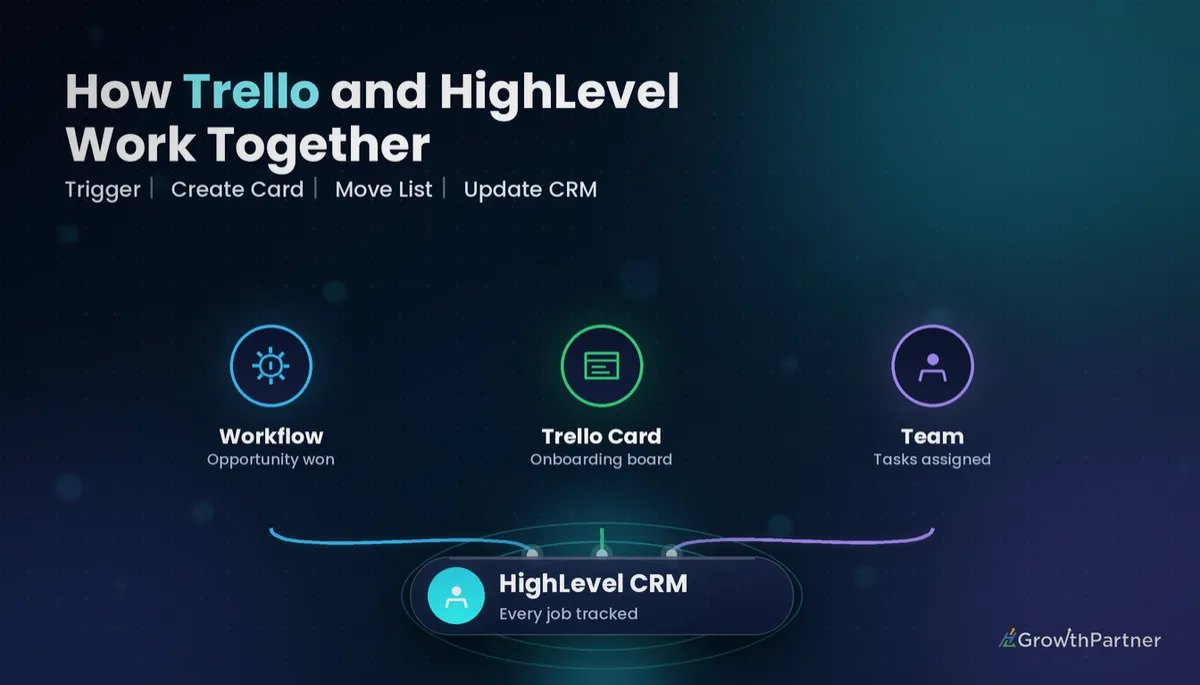 GoHighLevel Trello Integration: Setup & Cost (2026)
 GoHighLevel Basecamp Integration: Setup & Cost (2026)
 GoHighLevel Notion Integration: Setup & Cost (2026)