GoHighLevel Group Access Granted Trigger: Setup Guide (2026)
 By Dr Priya Jaganathan, GoHighLevel Certified Admin · HL Growth Partner, Australia · Updated 13 November 2026 · 10 min read
How to set up the Group Access Granted trigger in HighLevel Workflows, with four ready-to-build community onboarding recipes and a troubleshooting checklist for when it doesn't fire.
Some links below are affiliate links — if you sign up through them, HL Growth Partner may earn a commission at no extra cost to you. It never changes what we recommend.
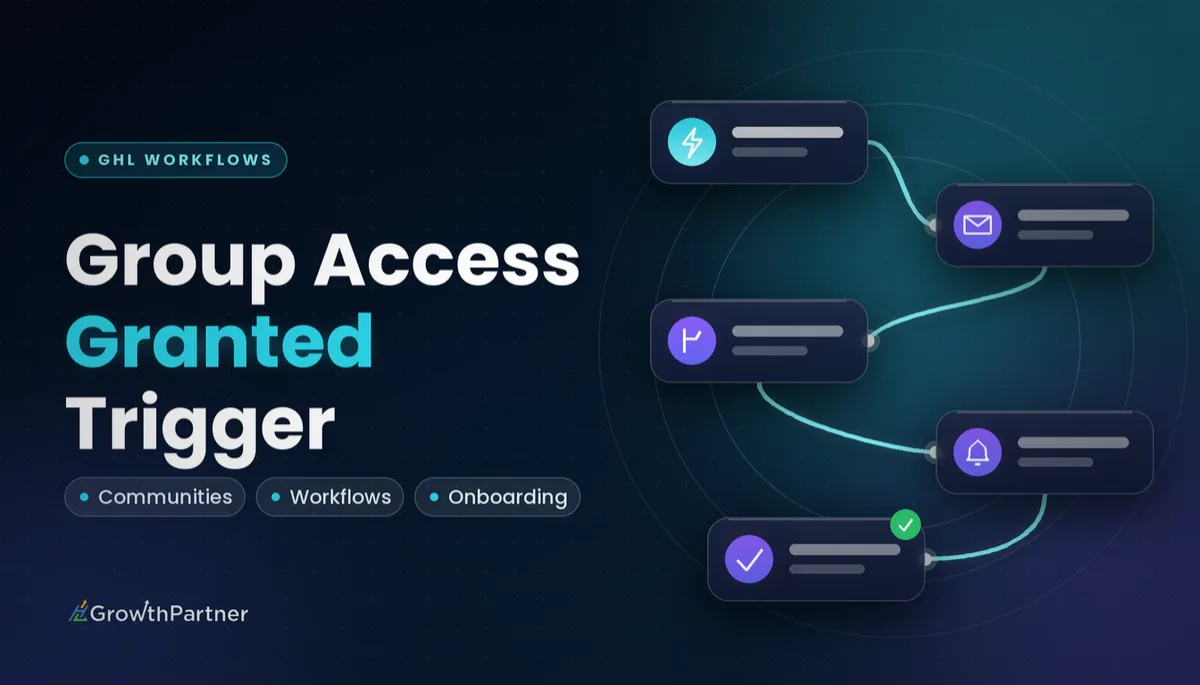
The GoHighLevel Group Access Granted trigger starts a workflow the moment a contact is given access to a HighLevel Communities group. That makes it the right place to put your welcome messages, onboarding tasks, tags and pipeline moves for community members.
This guide continues our trigger series. It covers what the trigger fires on, how to set it up, four recipes I build for clients, how it compares with similar triggers, and how to work out why a HighLevel group access granted workflow didn't run.
| Trigger name | Group Access Granted (Communities category) |
| Fires when | A member is granted access to a Communities group |
| Main filter | Which group the access applies to |
| Opposite trigger | Group Access Revoked |
| Matching actions | Grant Group Access and Revoke Group Access |
| Channel-level siblings | Private Channel Access Granted / Revoked |
| Source | HighLevel Support Portal, 2026 |
What the Group Access Granted trigger actually fires on
HighLevel's help centre describes it simply: the trigger fires when a member is granted access to a group, and you specify which group in the trigger settings. It lives under the Communities category in the trigger list, alongside Group Access Revoked.
The key word is "access", not "purchase". The trigger reacts to the access change itself, so it is a cleaner starting point for community onboarding than a payment trigger, which only tells you money moved.
How access gets granted is up to you. It might be a paid offer, a manual add from the Communities admin, an approved join request, or a Grant Group Access action inside another workflow. If you're new to how groups, channels and offers fit together, start with our GoHighLevel Communities guide and come back.
One caution from the documentation I've read: third-party guides disagree on whether the trigger re-fires when a member who already had access is granted it again. Treat repeat behaviour as untested until you check it in your own sub-account, and set re-entry rules on purpose.
How to set up the HighLevel group access granted workflow, step by step
Have your group created and published in Communities first, or it won't appear in the filter list.
- Go to Automation → Workflows in the sub-account and click Create Workflow, then Start from Scratch.
- Click Add New Trigger and search for "Group Access Granted", or open the Communities category.
- Add a filter and select the specific group this workflow should respond to. Leave it unfiltered only if every group should get the same treatment.
- Rename the trigger to something readable, such as "Granted: Inner Circle group".
- Add your actions below the trigger (see the recipes below).
- Open Settings and decide whether contacts may re-enter the workflow.
- Save, switch the workflow from Draft to Publish, and run a test member through it.
One group, one workflow is my default. It keeps enrolment history readable and stops a welcome email for your free group landing on paying members of your premium group.
Trigger versus action: don't mix them up
HighLevel's own article on automating group access draws a clear line. Use the Group Access Granted or Group Access Revoked triggers when an access change should start automation. Use the Grant Group Access or Revoke Group Access actions when the workflow should make the change.
A common pattern chains the two. An Offer Access Granted trigger workflow runs Grant Group Access, and that access change then fires a separate Group Access Granted workflow that handles onboarding.
Four Group Access Granted recipes worth building
These are the builds I set up most often in client sub-accounts. Adjust the copy and timing, but keep the structure.
Recipe 1: Welcome DM and email sequence
- Trigger: Group Access Granted, filtered to your group.
- Action: Send Email (LC Email or Mailgun) with the group link, house rules and the first post to read.
- Action: Send SMS or a Conversations message so the welcome also reaches their phone.
- Wait: 1 day, then a second email pointing to the "introduce yourself" thread.
Keep the first message short. New members want to know where to go and what to do first, not your whole origin story.
Recipe 2: Tag, pipeline stage and onboarding task
- Action: Add Tag, for example
community-inner-circle-active. - Action: Create or Update Opportunity, moving the contact into a "Community member" stage of your member pipeline.
- Action: Create Task for the community manager to welcome them personally within 24 hours.
Tags are what let every other workflow know this person is a member. Name them consistently; our tag naming strategy explains the convention I use so tags stay searchable across snapshots.
Recipe 3: Free-group-to-paid upsell
Use this when you run a free community as the top of the funnel and a paid group or course behind it.
- Trigger: Group Access Granted, filtered to the free group.
- Wait: 7 days so they settle in first.
- If/Else: does the contact already have your paid-member tag? If yes, end the branch.
- No branch: send an email introducing the paid offer, with a link to its order form or checkout.
The If/Else check matters. Without it, existing paying members receive an upsell for something they already own, which is the fastest way to look careless.
The trigger tells you someone walked in the door. Your tags and If/Else branches decide whether they get greeted, sold to, or left alone.
Recipe 4: Engagement nudge after X days
HighLevel also offers Communities triggers for group activity, such as posts and comments. I use those to tag members who participate, then check for that tag in the nudge workflow.
- Supporting workflow: a group post trigger, filtered to the same group, that adds
community-has-posted. - Main workflow: Group Access Granted → Wait 3 days → If/Else on
community-has-posted. - Has tag: end, or send a short thank-you.
- No tag: send a friendly nudge with one easy prompt to reply to, and create a task if they're a high-value member.
If you haven't built branches before, our guide to workflow If/Else conditions covers segment logic and the mistakes that send everyone down the wrong path.
Group Access Granted vs similar triggers
Several membership triggers sound alike. Here's how I decide which one starts the workflow.
| Trigger | Fires when | Best for |
|---|---|---|
| Group Access Granted | A member is given access to a Communities group | Community welcome, onboarding tasks, member tags |
| Group Access Revoked | A member's access to a group is removed | Offboarding, win-back emails, removing member tags |
| Offer Access Granted | A contact is given access to a membership offer | Purchases that bundle courses and groups; running Grant Group Access |
| Product Access Granted | A contact is given access to a course product | Course onboarding, separate from the community |
| Private Channel Access Granted | A member is given access to a private channel inside a group | VIP or cohort channels within one group |
The Product Access Granted trigger is the course-side equivalent. If a single offer gives both a course and a group, decide which workflow sends the welcome so members don't get two.
The private channel triggers have their own filters for the group and the channel, so you can give a VIP channel its own onboarding without touching the main group's welcome.
Not on HighLevel yet? Start with a free 30-day trial here — long enough to build everything in this guide before you pay a cent.
How to test the trigger before members arrive
Never test with a real customer. Create a test contact using an email address you can check, and grant it access the same way real members will get it.
- Match the real path. If members get access through an offer, test through the offer. A manual add may behave differently from the route you're actually relying on.
- Test re-entry. Revoke the test contact's access, grant it again, and see whether the workflow runs a second time with your current settings.
- Shorten waits temporarily. Set a 3-day wait to a few minutes while testing, then set it back before publishing.
- Check every branch. Run one test contact with the If/Else tag and one without.
The official HighLevel help article on the Group Access Granted trigger is the best place to check for changes to the trigger's settings, since Communities gets updated often.
Troubleshooting with enrolment history
When a member says they never got the welcome, open the workflow and check its Enrollment History before touching anything else.
The contact isn't in enrolment history
No enrolment record means the trigger never matched. The problem is upstream of your actions. Check these in order:
- Is the workflow published, or still in Draft?
- Does the trigger filter point at the right group? Duplicated groups with similar names catch people out.
- Did the contact actually receive group access, or did they buy an offer that wasn't connected to the group?
- Was the contact already in the workflow with re-entry switched off?
The contact enrolled but nothing arrived
Then the trigger worked and the issue is in an action. Open the Execution Logs for that contact and look for the step marked as an error or skipped.
Typical culprits are a missing email address, an unsubscribed or DND contact, a mis-set If/Else condition, or a wait step that hasn't finished yet. Fix the action, then re-test with a fresh test contact.
Common mistakes to avoid
- Leaving the group filter empty, so every group in the sub-account fires the same welcome.
- Sending welcomes from both an Offer Access Granted workflow and a Group Access Granted workflow, so members get two.
- Upselling a paid group without an If/Else check for existing paid members.
- Forgetting the matching Group Access Revoked workflow, so ex-members keep active member tags.
- Testing with a manual add when real members come in through an offer or join request.
- Leaving short test waits in place after publishing.
Or if you just need the software first: grab the 30-day HighLevel trial and book us when you're ready to scale it.
Frequently asked questions
What does the GoHighLevel Group Access Granted trigger do?
It starts a workflow when a member is granted access to a HighLevel Communities group. You choose which group the trigger listens to, then add actions such as welcome emails, tags, tasks or pipeline moves.
Where do I find the Group Access Granted trigger?
Go to Automation, then Workflows, create a workflow and click Add New Trigger. Search for Group Access Granted or open the Communities category, then select the group in the trigger filter.
What is the difference between the Group Access Granted trigger and the Grant Group Access action?
The trigger starts a workflow after a member has been given access to a group. The Grant Group Access action is a workflow step that gives a contact access to a group. Many builds use the action in a purchase workflow and the trigger in a separate onboarding workflow.
Should I use Offer Access Granted or Group Access Granted for a community welcome?
Use Group Access Granted when the welcome is about the community itself, because it fires on the group access change. Use Offer Access Granted when the offer bundles several things and you want one welcome for the whole purchase. Pick one so members don't receive two welcome emails.
Is there a trigger for when a member loses group access?
Yes. HighLevel has a Group Access Revoked trigger that fires when a member's access to a group is removed. It is useful for offboarding emails, removing member tags and starting win-back sequences.
Can I trigger a workflow for a private channel instead of a whole group?
Yes. HighLevel offers Private Channel Access Granted and Private Channel Access Revoked triggers, plus matching actions. You specify both the group and the private channel, so you can run separate onboarding for VIP or cohort channels.
Why didn't my Group Access Granted workflow fire?
Check the workflow's Enrollment History first. If the contact isn't there, the workflow may be in Draft, the group filter may be wrong, or re-entry may be switched off. If the contact enrolled but nothing arrived, check the Execution Logs for the failed or skipped action.
Related Articles on HL Growth Partner
More membership and course triggers
 GoHighLevel New Signup Trigger: Setup Guide (2026)
 GoHighLevel User Login Trigger: Setup Guide (2026)
 GoHighLevel Offer Access Removed Trigger: Setup Guide (2026)