GoHighLevel Workflow Split Action: A/B Test Paths (2026)
By Dr Priya Jaganathan, GoHighLevel Certified Admin · HL Growth Partner, Australia · Updated 7 October 2026 · 9 min read
Some links below are affiliate links — if you sign up through them, HL Growth Partner may earn a commission at no extra cost to you. It never changes what we recommend.
The GoHighLevel workflow split action is the simplest way to stop guessing which follow-up sequence works and start testing it with real leads. Instead of debating whether SMS-first beats email-first, you send a share of contacts down each path and let the results decide.
In this guide I'll walk through how I set up the HighLevel split action for agency clients, how to name and weight paths, how to read the results honestly, and when a different testing tool is the better choice. Everything here works inside a single sub-account and scales across client accounts through snapshots.
Quick Facts
| Where to find it | Under Internal Tools when adding a workflow action |
| Distribution type | Random Split |
| Maximum paths | Up to 5 per Split action, each can be renamed |
| Percentage rule | Path percentages must total exactly 100% or the action won't save |
| Built-in reporting | Contacts entering and completing each path, plus goal conversions |
What the GoHighLevel workflow split action actually does
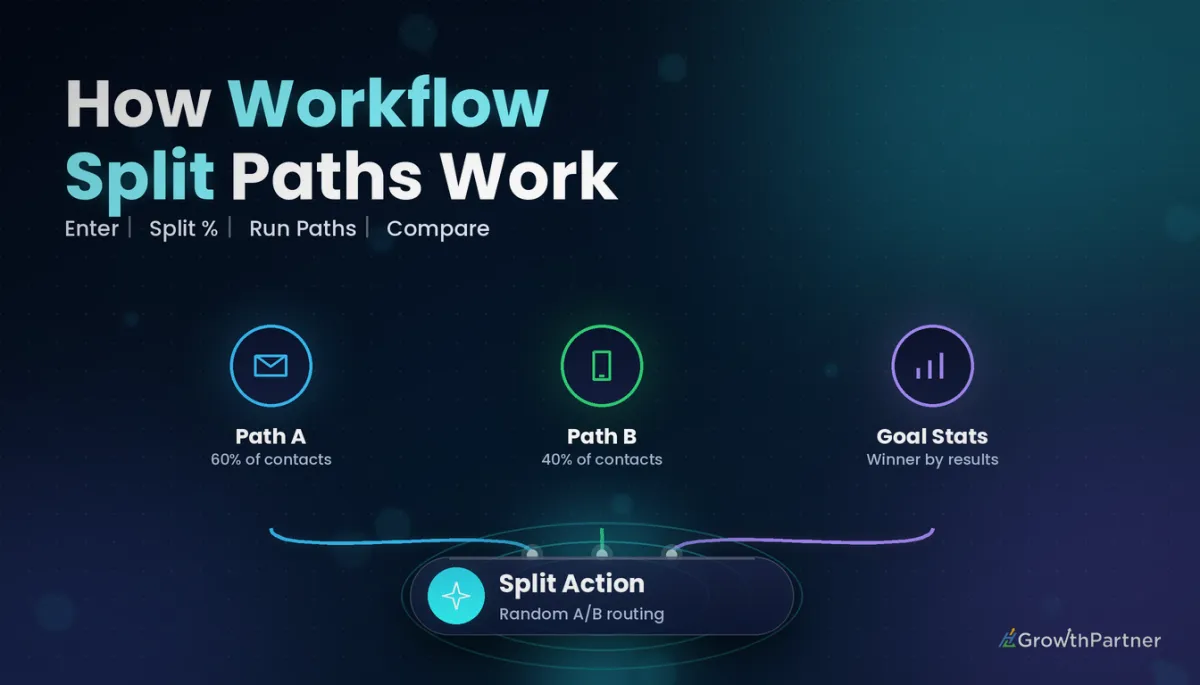
The Split action takes every contact who reaches that step and sends them down one of several branches at random. Each branch can hold a completely different sequence of messages, waits, tags and pipeline moves.
According to HighLevel's help centre, the action lives under Internal Tools when you add a new action, and you choose "Random Split" as the distribution type. HighLevel's help documentation (2026) confirms you can create up to 5 paths per Split action and rename each one.
Random per contact, not a fixed quota
HighLevel's help documentation (2026) describes the distribution as random for each contact, a bit like rolling a die. Small volumes won't land exactly on your configured percentages, and that is normal behaviour rather than a bug.
If you set a 50/50 split and only ten leads come through, you might see a lopsided result. Over larger volumes the split settles closer to what you configured.
How it differs from If/Else branching
An If/Else branch routes contacts based on data you already hold, such as a tag, a custom field or a pipeline stage. A random split ignores all of that and assigns paths by chance, which is exactly what you want for a fair test.
If you need routing by lead source or service type, our guide to If/Else conditions in GHL workflows covers that side properly.
Setting up a random split in GHL workflows, step by step
Here is the build order I use on client accounts. It keeps the test clean and makes the results easy to read later.
1. Place the Split after shared steps
Put anything every contact should receive before the Split, such as the internal notification, the opportunity creation and the welcome tag. Only the parts you are actually testing should sit inside the branches.
This avoids a common trap where one path accidentally skips an essential step and looks worse for reasons that have nothing to do with the messaging.
2. Set the weights
Open the Split action, add your paths and assign a percentage to each. Remember the rule from HighLevel's help documentation (2026): the percentages must add up to exactly 100% or the action won't save.
- Use an even split when you're comparing two genuinely untested ideas.
- Use an uneven split when one path is your proven control and you only want to risk a smaller share on the challenger.
- Keep it to two or three paths unless lead volume is high; more paths means fewer contacts in each.
3. Name every path clearly
Default path names tell you nothing six weeks later. Rename each path so anyone on your team can read the test at a glance.
My format is the variable being tested plus a version marker, for example "A – SMS first – control" and "B – Email first – v1". Match that convention in your workflow names so the test is easy to find in a crowded folder.
4. Build each branch, then reconnect or end
Inside each path, build the sequence you're testing. When the branches finish, either let them end or route them to a common next step so post-test behaviour stays identical.
HighLevel split action test ideas that are worth running
Not every test is worth the setup. These are the ones that consistently teach agency owners something useful about their clients' leads.
SMS-first vs email-first follow-up
Send path A a text within minutes of the opt-in, followed by an email. Path B gets the email first and the text later.
This tells you whether a client's audience prefers the immediacy of LC Phone messages in Conversations or the detail of an email. The answer often differs between trades, clinics and professional services.
Short vs longer nurture sequences
Compare a two-touch nurture against a four-touch nurture. The question is whether the extra messages earn more bookings or simply create more unsubscribes.
Different offers in reactivation
Old-database campaigns are ideal for split testing because the list is already sitting there. Try a free consultation offer on one path and a limited-time bonus on another, following the structure in our database reactivation campaign setup guide.
Measuring a GoHighLevel workflow split action with goals and stats
A test without a clear success measure is just a more complicated workflow. Decide what "winning" means before you publish.
Add a workflow goal
The cleanest success measure is a workflow goal, such as an appointment booked, a tag added or an opportunity moving to a won stage. When a contact hits the goal, they leave the sequence, and the conversion is recorded.
If you haven't set these up before, our walkthrough of workflow goals and exit conditions explains how they interact with branches.
Read the per-path statistics
HighLevel's help documentation (2026) notes that the Split action shows statistics for each path: how many contacts entered, how many completed, and how many hit the goal. Compare goal conversions relative to contacts entered, not raw totals, because the paths will rarely receive identical numbers.
Sample-size common sense
You don't need a statistics degree, but you do need patience. A handful of leads per path can swing wildly on one enthusiastic prospect.
- Let the test run until each path has a meaningful number of contacts for that client's volume, not just a few days.
- Be sceptical of small gaps between paths; treat them as a tie until the difference holds up over time.
- Avoid changing a path mid-test, as it muddies everything already recorded.
- Watch for seasonal effects, such as school holidays or end of financial year, that could favour whichever path ran during a busy week.
Not on HighLevel yet? Start with a free 30-day trial here — long enough to build everything in this guide before you pay a cent.
Split action vs other GHL testing tools
HighLevel gives you several ways to test, and each suits a different question. Picking the wrong one is the most common reason tests go nowhere.
| Tool | Best for | How contacts are assigned | What you measure |
|---|---|---|---|
| Workflow Split action | Testing whole follow-up sequences, timing and channel order | Random per contact | Path completions and goal conversions |
| If/Else branch | Routing by known data such as tags, fields or source | Rules you define | Not designed as a test |
| Funnel split test | Comparing landing page or opt-in page variations | Visitors split between page variations | Page-level conversions |
| Email campaign A/B test | One-off broadcasts, subject lines and content | Recipients split within a single send | Email engagement for that send |
If the question is about a page, use a funnel split test. If it's about one newsletter or promo email, the email campaign A/B testing feature is simpler.
The Split action earns its place when the thing you're testing is a sequence over days or weeks. That is where most of the revenue in a follow-up system is won or lost.
Rolling out the winning path
Once one path has clearly outperformed the other over a sensible period, it's time to lock it in. Do this deliberately rather than just editing percentages.
Option 1: shift the weights
Remove the losing paths so every contact follows the winner, or reweight the paths heavily towards it while you confirm the result holds. Either way, the test history stays on the same action.
Option 2: rebuild clean
For long-term workflows, I prefer to rebuild the winner as a straight sequence without the Split. It's tidier for the client's team and reduces the chance of someone reactivating an old path by accident.
Start the next test
The winner becomes your new control. Add a fresh challenger path that tests the next variable, and keep a simple log of what you tested, when and what happened.
Using the HighLevel split action across client sub-accounts
For agencies, the real value appears when you repeat tests across similar clients. A finding from one dental clinic is a strong starting hypothesis for the next one.
Build tests into your snapshots
Include a pre-built Split with clearly named paths inside your industry snapshot. When a new client sub-account is loaded, the test is ready; you only adjust copy, sender details and custom values.
Keep each client's data separate
Results live in each sub-account, so don't assume one client's winner applies to every client. Use them as evidence to prioritise your next test, not as a universal rule.
- Record which snapshot version each client received.
- Note each client's test results in a shared internal tracker.
- Update the snapshot once the same winner shows up across several comparable accounts.
Common mistakes to avoid
- Testing several variables at once, so you can't tell which change caused the result.
- Leaving paths with default names that nobody understands a month later.
- Calling a winner after a few days or a handful of contacts.
- Forgetting to add a workflow goal, leaving you with completions but no real conversion measure.
- Putting essential steps such as internal notifications inside only one branch.
- Editing a live path mid-test instead of finishing the test and starting a new one.
If you want a tested follow-up system built and A/B tested across your client accounts, book a strategy call with the HL Growth Partner team.
Or if you just need the software first: grab the 30-day HighLevel trial and book us when you're ready to scale it.
Frequently asked questions
Where is the split action in GoHighLevel workflows?
When you add a new action in a workflow, the Split action sits under Internal Tools. Choose Random Split as the distribution type, then add and name your paths.
How many paths can a HighLevel split action have?
HighLevel's help documentation (2026) states you can create up to 5 paths in a single Split action. Each path can be renamed so the test is easy to understand later.
Why won't my split action save?
The most likely reason is that your path percentages don't add up to exactly 100%. Adjust the weights until they total 100% and the action will save.
Why don't my results match the percentages I set?
The split is random for each contact, much like rolling a die, so small volumes rarely land exactly on the configured percentages. As more contacts pass through, the distribution moves closer to your settings.
Should I use the split action or an email campaign A/B test?
Use an email campaign A/B test for a single broadcast, such as comparing subject lines. Use the workflow Split action when you're testing an entire follow-up sequence, including channel order, timing and number of touches.
Can I include split tests in a snapshot for client accounts?
Yes, a workflow containing a Split action can be included in a snapshot and loaded into client sub-accounts. Each sub-account then records its own results, so review them per client before rolling out a winner.
Related Articles on HL Growth Partner
Workflow building blocks
- Using the Go To action in GHL workflows
- Chaining workflows with Add to Workflow
- Wait steps and business hours explained
Testing and control
- How to test and debug HighLevel workflows
- Workflow version history and rollback
- Workflow re-entry settings guide
