GoHighLevel Tally Integration: Setup & Cost (2026)
 By Dr Priya Jaganathan, GoHighLevel Certified Admin · HL Growth Partner, Australia · Updated 29 October 2026 · 9 min read
Three ways to get Tally form submissions into HighLevel as clean, tagged contacts, what each one costs, and how to tell when you should skip Tally and build the form natively instead.
Some links below are affiliate links — if you sign up through them, HL Growth Partner may earn a commission at no extra cost to you. It never changes what we recommend.
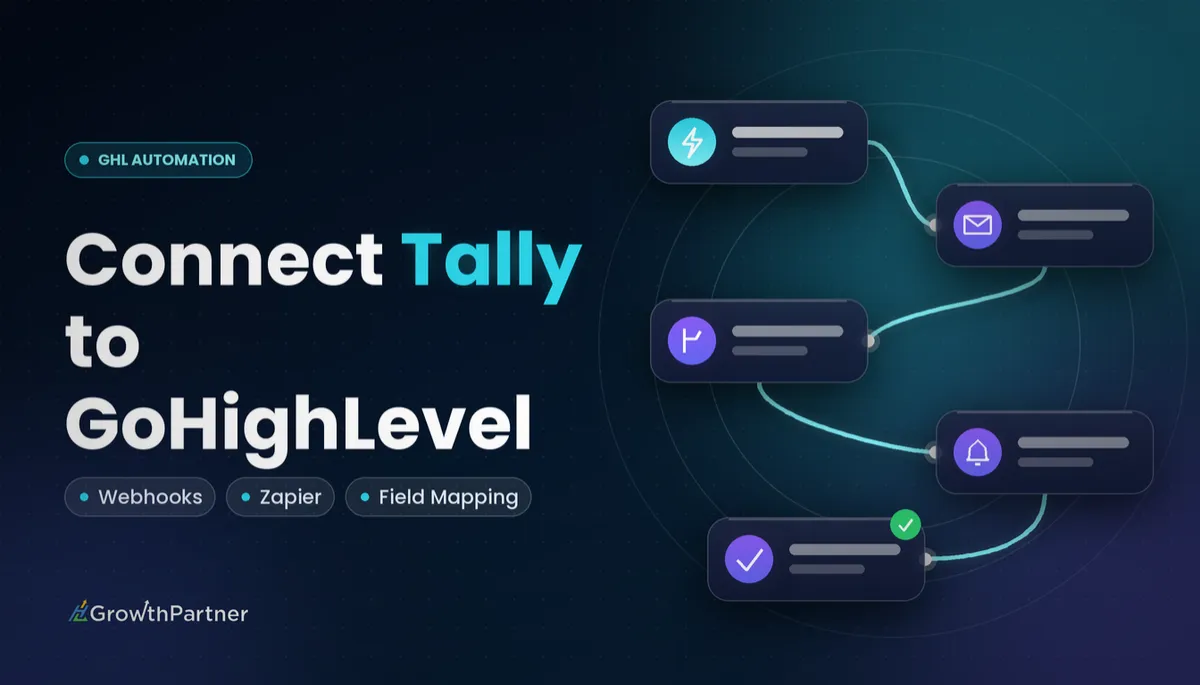
A GoHighLevel Tally integration lets you keep the Tally forms your clients already like while every submission lands in HighLevel as a contact, with tags, custom fields and a workflow ready to fire. There is no native Tally app in HighLevel, so the real question is which bridge you use and what it costs to run.
This guide continues our form builder integration series after Typeform, Jotform, Fillout and Google Forms. We cover the direct webhook route, the Zapier or Make route, and the honest case for rebuilding the form inside HighLevel, plus the testing steps most setups skip.
| Tally Free | Unlimited forms and submissions (fair use), with conditional logic, payments, file uploads, webhooks, integrations and API |
| Tally Pro | US$29/month, or US$290/year (about US$24/month billed yearly) |
| Tally Business | US$89/month, or US$890/year |
| HighLevel forms | Included on every HighLevel plan |
| HighLevel connection point | Inbound Webhook trigger (a premium workflow trigger) |
| HighLevel plans | Starter US$97/mo, Unlimited US$297/mo, Founder Plan US$497/mo |
Why connect Tally to HighLevel at all?
Tally is popular because it feels like writing a document rather than building a form. Clients who already run lead magnets, intake questionnaires or event registrations in Tally rarely want to throw that work away when they move onto HighLevel.
The problem is that a Tally response sitting in Tally does nothing for your pipeline. The goal is a contact record in HighLevel that can trigger follow-up within seconds, not a spreadsheet someone checks on Fridays.
When you connect Tally to HighLevel properly, you get the same outcome as a native form submission: a deduplicated contact, the right tags, answers stored in custom fields, and a workflow that sends the confirmation, books the call or notifies the team.
What the Tally and HighLevel integration really costs
The good news is that Tally's free plan already includes webhooks and integrations, so the connection itself does not force a Tally upgrade. Paid Tally plans mostly change branding, domains, styling and partial-submission capture.
| Option | Cost | What you get | Best for |
|---|---|---|---|
| Tally Free | US$0 | Unlimited forms and submissions (fair use), logic, payments, uploads, webhooks, API | Most HighLevel integrations |
| Tally Pro | US$29/mo or US$290/yr | No Tally branding, custom domains, custom CSS, partial submissions | Client-facing brands that need a polished look |
| Tally Business | US$89/mo or US$890/yr | The tier above Pro; see Tally's pricing page for inclusions | Larger teams standardising on Tally |
| Native HighLevel forms and surveys | Included in your HighLevel plan | Forms, surveys, logic and direct contact creation | Anyone who does not need Tally specifically |
On the HighLevel side, the Inbound Webhook trigger is a premium workflow trigger, so its usage is billed on a usage basis in your account. Check the current premium trigger pricing in your agency settings before you roll it out across many sub-accounts.
If you add Zapier or Make in the middle, budget for their subscription too. Both price by usage, so a high-volume form can move you up a tier; check their current pricing pages rather than relying on old numbers.
Route 1: Tally webhook straight into a HighLevel Inbound Webhook
This is the route I recommend for most builds. One webhook, one workflow, no middle layer to break or pay for. If you are new to the pattern, our guide to HighLevel inbound and outbound webhooks covers the fundamentals.
Step 1: Create the workflow and copy the webhook URL
- In HighLevel, go to Automation, create a new workflow from scratch and add the Inbound Webhook trigger.
- Copy the unique webhook URL the trigger generates.
- Leave the workflow in draft for now; you need a sample payload before you can map anything.
Step 2: Add the webhook in Tally
- Open the Tally form, go to Integrations and choose Webhooks.
- Paste the HighLevel URL and save.
- Submit a test response with realistic data, including a real email and mobile number you control.
Step 3: Map fields and create or update the contact
Back in the trigger, fetch the sample request. Tally sends a JSON payload with each question listed alongside its label and value, so you can pick the right values for email, phone, first name and so on.
Add a Create/Update Contact action next. Map the standard fields first, then map every other answer to a custom field you have created in advance. A clear tag naming strategy matters here too, so add a source tag such as "src-tally-quiz" in the same action.
Step 4: Build the follow-up
Once the contact exists, the rest is ordinary HighLevel automation. Add the confirmation email, an internal notification, an opportunity in the right pipeline stage, or a booking link, then publish the workflow.
The form builder is the easy part. The integration lives or dies on how cleanly each answer lands in a field you can actually automate on.
Route 2: Zapier or Make as the middle layer
A middle layer makes sense when the data needs work before it reaches HighLevel. Think splitting a full name, reformatting phone numbers, looking up a record in another system, or sending the same response to HighLevel and a Google Sheet at once.
Both Zapier and Make have Tally triggers and HighLevel actions. In Make, a typical scenario is a Tally trigger for new responses, a formatter step, then a HighLevel create or update contact module. Our GoHighLevel Make.com integration guide walks through the connection and the operation costs to watch.
The trade-off is another subscription and another place for things to fail silently. If the only job is "submission becomes contact", Route 1 does it with fewer moving parts.
Route 3: When to rebuild the form natively in HighLevel
Sometimes the right integration is no integration. Native HighLevel forms and surveys are included in every plan, create contacts directly, respect your custom fields, and fire the Form Submitted trigger without any webhook mapping.
Rebuild natively when the form is simple, when it lives on a HighLevel funnel or website anyway, or when the client is consolidating tools. Keep Tally when the client team edits forms constantly and loves the editor, or when a form depends on Tally features they rely on day to day.
Which Tally to HighLevel route fits your build?
| Situation | Best route | Why |
|---|---|---|
| Tally form, data goes only to HighLevel | Route 1: direct webhook | Fewest moving parts, no extra subscription |
| Data needs cleaning or goes to several apps | Route 2: Zapier or Make | Formatter steps and multi-app branching |
| Simple lead form on a HighLevel funnel | Route 3: native form | Included in your plan, no mapping to maintain |
| Client team edits forms weekly in Tally | Route 1 or 2 | Keeps the editor they already use |
| Consolidating tools to cut costs | Route 3: native form | One less platform to pay for and support |
Not on HighLevel yet? Start with a free 30-day trial here — long enough to build everything in this guide before you pay a cent.
See the official Tally pricing page for current plan prices and inclusions before you quote a client.
How to test the GoHighLevel Tally integration before go-live
Most broken integrations I audit worked on the first test and failed on the tenth. Run these checks before you put the form in front of real traffic.
Hidden fields and UTM tracking
Tally supports hidden fields that can be filled from URL parameters. Add hidden fields for utm_source, utm_medium and utm_campaign, pass them through the webhook, and map them to matching custom fields in HighLevel so attribution survives the hop.
Duplicate contact handling
HighLevel matches existing contacts on email and phone according to your location's duplicate settings. Test a second submission with the same email but a different phone format, and confirm it updates the existing record instead of creating a twin.
Australian mobiles are the usual culprit. Ask for the number with a country code, or normalise it in a middle-layer step, so that 04 and +614 versions land on the same contact.
Consent and SMS opt-in
If the workflow sends SMS, your form needs a clear, unticked consent checkbox that explains what the person is agreeing to. Under Australia's Spam Act, commercial messages need consent, clear sender identification and a working way to unsubscribe.
Map the consent answer to a custom field and add a condition in the workflow so SMS steps only run when consent is recorded. That record is what protects you if anyone asks later how the contact opted in.
Spam and junk submissions
Public Tally forms attract bots just like any other form. Our guide on how to stop bot leads on your forms covers filters you can add inside the workflow before a junk contact triggers your sequences.
Common mistakes to avoid
- Publishing the workflow before mapping from a real sample payload, so fields arrive empty.
- Renaming or reordering Tally questions after go-live without re-checking the HighLevel mapping.
- Storing answers in notes instead of custom fields, which makes them impossible to filter or automate on.
- Skipping a source tag, so nobody can later tell which contacts came from Tally.
- Sending SMS to Tally leads without a recorded opt-in field and workflow condition.
- Paying for Zapier or Make when a direct webhook would do the same job.
Or if you just need the software first: grab the 30-day HighLevel trial and book us when you're ready to scale it.
Frequently asked questions
Does GoHighLevel have a native Tally integration?
No, there is no built-in Tally app inside HighLevel. You connect the two by sending Tally's webhook to a HighLevel Inbound Webhook workflow trigger, or by using Zapier or Make as a middle layer.
Do I need a paid Tally plan to connect Tally to HighLevel?
No. Tally's free plan includes webhooks, integrations and an API, so you can connect it to HighLevel without upgrading. Tally Pro at US$29 per month adds branding removal, custom domains, custom CSS and partial-submission capture.
How much does Tally Pro cost?
Tally Pro costs US$29 per month, or US$290 per year, which works out to about US$24 per month billed yearly. Tally Business costs US$89 per month or US$890 per year. Check tally.so/pricing for current prices.
Is the HighLevel Inbound Webhook trigger free?
The Inbound Webhook is a premium workflow trigger in HighLevel, so it is billed on a usage basis rather than being unlimited. Check the current premium trigger pricing in your account before rolling it out widely.
How do I stop duplicate contacts from Tally submissions?
Use a Create/Update Contact action and map email and phone so HighLevel can match existing records. Collect Australian mobile numbers with a country code, or normalise them first, so different formats match the same contact.
Can I track UTM parameters from a Tally form in HighLevel?
Yes. Add Tally hidden fields for your UTM parameters, pass them through the webhook, and map each one to a matching custom field in HighLevel so the source data is stored on the contact.
Should I use Tally or HighLevel's own forms?
Use HighLevel's native forms when the form is simple or already lives on a HighLevel funnel, because they are included in every plan and need no mapping. Keep Tally when the client team relies on its editor or features and edits forms often.
Related Articles on HL Growth Partner
More form builder integrations
 GoHighLevel Typeform Integration: Setup & Cost
 GoHighLevel Jotform Integration: Setup & Cost
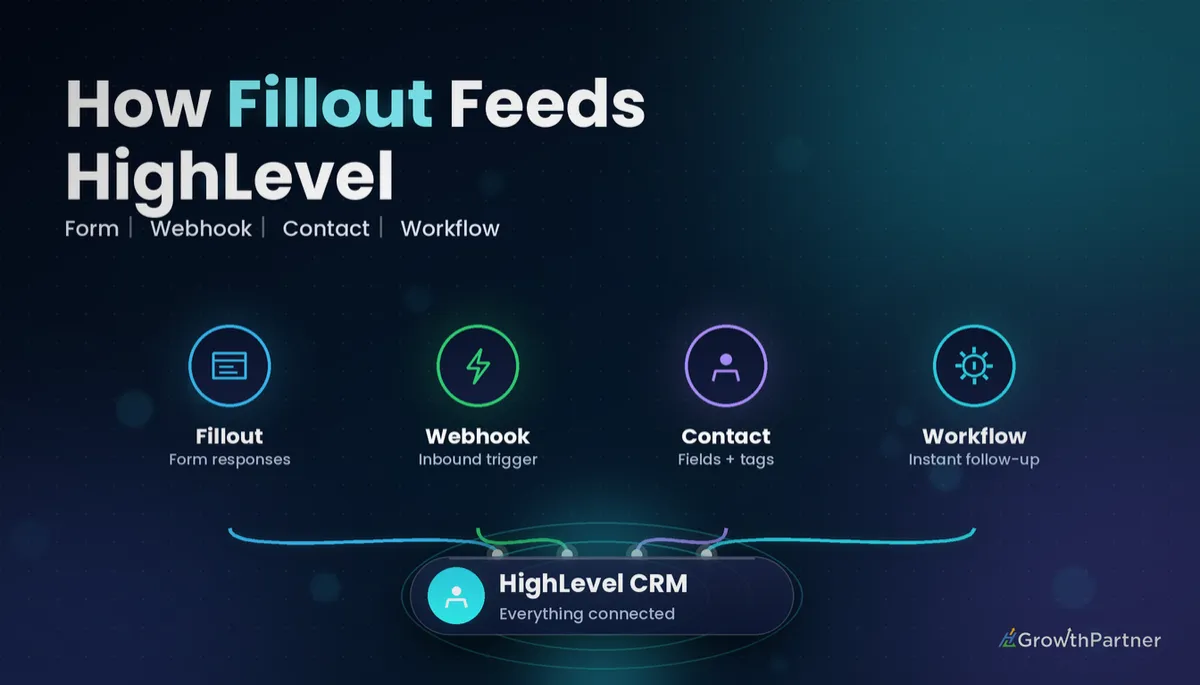 GoHighLevel Fillout Integration: Setup & Cost