GoHighLevel Podio Integration: Setup & Cost (2026)
 By Dr Priya Jaganathan, GoHighLevel Certified Admin · HL Growth Partner, Australia · Updated 13 November 2026 · 10 min read
How to connect HighLevel to Podio without double entry: the realistic connection options, what should sync in which direction, a step-by-step build, and the true monthly cost of running both tools in 2026.
Some links below are affiliate links — if you sign up through them, HL Growth Partner may earn a commission at no extra cost to you. It never changes what we recommend.
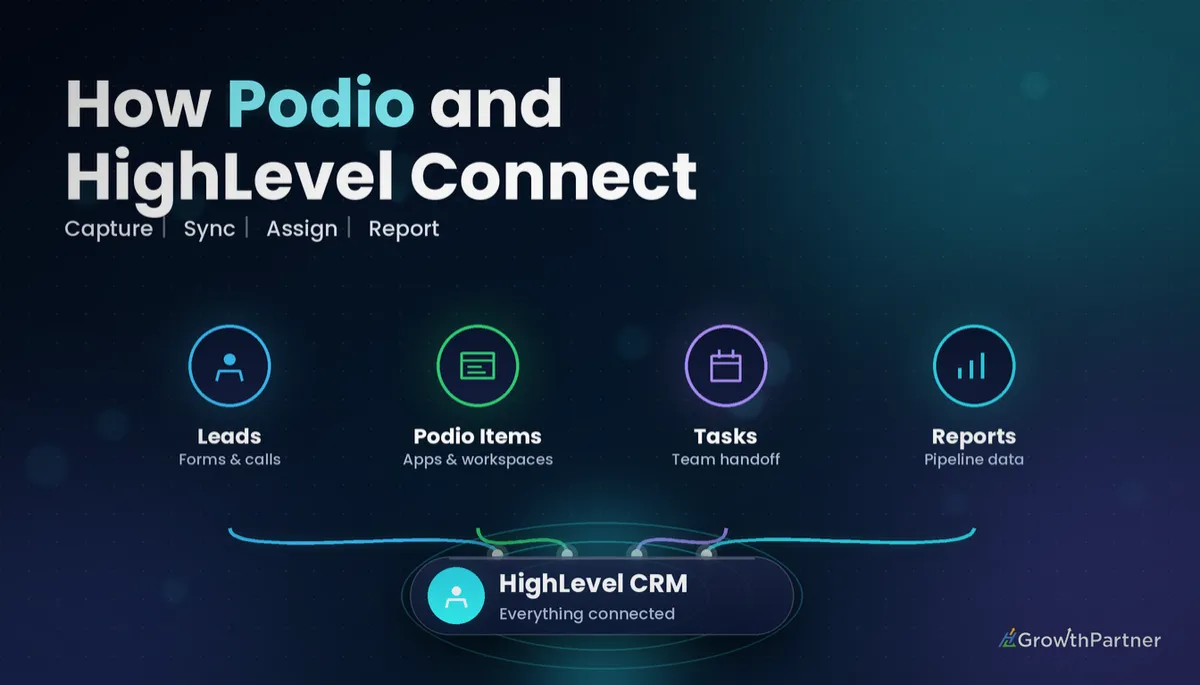
A GoHighLevel Podio integration lets your leads, deals and follow-ups live in HighLevel while your operations team keeps working in the Podio apps they already know. We see this most with Australian property investors, buyer's agents and real-estate teams who built their deal-tracking in Podio years ago and now want HighLevel's SMS, email and Conversation AI on the front end.
The catch is that there is no one-click switch. This guide walks through the connection options that actually exist, the data flow we set up for clients, the costs you will really pay each month, and the point where it makes more sense to retire Podio altogether.
| Native HighLevel app for Podio | None found in the HighLevel App Marketplace (checked November 2026) |
| No-code connectors | Zapier (LeadConnector + Podio apps) and Make (HighLevel LeadConnector + Podio apps) |
| Podio paid plans | Plus from US$11.20 and Premium from US$19.20 per user/month billed annually (Podio, 2026) |
| Podio webhooks | item.create and item.update hooks, verified before they go live (Podio API docs) |
| HighLevel plans | Starter $97, Unlimited $297, Agency Pro $497 USD/month (HighLevel, 2026) |
| HighLevel Custom Webhook | Premium workflow action, billed per execution |
GoHighLevel Podio integration: your four real connection options
Before you build anything, be clear on which bridge you are using. At the time of writing we could not find a native Podio app in the HighLevel App Marketplace, so every working setup we have seen relies on one of the four routes below.
1. Zapier (fastest to launch)
Zapier has both a LeadConnector app (HighLevel's integration name) and a Podio app, with ready-made templates such as creating or updating LeadConnector contacts when Podio items change. On the HighLevel side, Zapier's help centre lists an instant Pipeline Stage Changed trigger for opportunities (Zapier, 2025).
Zapier is the right choice when you need two or three simple Zaps live this week and nobody on the team wants to learn a new builder.
2. Make (cheapest at volume)
Make offers a HighLevel LeadConnector app with modules for contacts, opportunities, tasks and notes, plus a separate Podio app that can watch, create and update app items. There is no ready-made Podio-to-HighLevel template, so you build the scenario yourself, which we cover in our GoHighLevel Make.com integration guide.
3. HighLevel workflow webhooks
Inside a HighLevel Workflow you can send data out with the Webhook or Custom Webhook action, and receive data with the Inbound Webhook trigger. Our guide to inbound and outbound HighLevel webhooks covers the payload mapping in detail.
Podio will not turn a raw HighLevel webhook into an item on its own, so you still need Make, Zapier or a small script calling the Podio API.
4. Podio API and hooks (developer route)
Podio's API supports hooks such as item.create and item.update that call an external URL when something changes. According to the Podio API hooks documentation, each hook must be verified before it becomes active.
This is the most flexible and the most fragile option. You own the code, hosting and error handling, so only choose it with a developer on retainer.
What should sync between HighLevel and Podio (and which way)
Do not mirror everything both ways. Pick one source of truth for each type of data.
- HighLevel to Podio: new contacts from forms, funnels and Facebook lead ads; new opportunities; key custom fields such as property address, budget and suburb.
- Podio to HighLevel: deal status changes (Offer Made, Under Contract, Settled, Dead), assigned team member, and settlement or completion dates.
- Keep in HighLevel only: SMS, email and call history, appointment bookings, and nurture campaigns.
- Keep in Podio only: due-diligence checklists, renovation or project tasks, and internal file attachments.
In practice, HighLevel owns the conversation and Podio owns the delivery work. When a Podio status changes, HighLevel reacts by moving the opportunity to the matching stage in your HighLevel pipelines and opportunities and by adding a tag that starts the right follow-up Workflow.
| Event | Direction | What happens |
|---|---|---|
| Form submitted or lead ad received | HighLevel to Podio | Create a Podio item in the Leads app with name, phone, email and source |
| Opportunity created | HighLevel to Podio | Create or update a Deals item and store the HighLevel contact ID in a text field |
| Podio status set to Under Contract | Podio to HighLevel | Move the opportunity to the Under Contract stage and add tag podio-under-contract |
| Podio status set to Dead | Podio to HighLevel | Mark the opportunity lost and add a long-term nurture tag |
| Settlement date entered | Podio to HighLevel | Update a date custom field that drives a review-request Workflow |
How to set up the HighLevel Podio integration step by step
This is the build we use for most clients, shown with Make because it handles two-way logic cleanly.
Step 1: Prepare matching fields
Create the custom fields you need in HighLevel first, such as property address, deal status and Podio item ID. Our HighLevel custom fields setup guide shows how to group them so they map cleanly.
In Podio, add a text field to your Leads or Deals app called GHL Contact ID. Storing each system's ID in the other is what prevents duplicates when the same person enquires twice.
Step 2: Connect both apps in Make
- Add the HighLevel LeadConnector connection using OAuth, which Make recommends over the older API-key connection types.
- Add the Podio connection and authorise the workspace that holds your Leads and Deals apps.
- Test both connections by pulling one sample contact and one sample item.
Step 3: Build HighLevel to Podio
In HighLevel, create a Workflow triggered by Form Submitted or Opportunity Created, then send the contact data to a Make custom webhook URL. In Make, search Podio for an existing item with that contact ID, then create or update the item.
Step 4: Build Podio to HighLevel
Create a second scenario that watches the Podio Deals app for updates. Filter on the status field so the scenario only runs when the status actually changes, then update the HighLevel opportunity stage and add the matching tag.
Step 5: Test, then switch on
Run five test records end to end, including one duplicate and one with a missing phone number, and turn on error notifications so a broken connection never fails silently.
Let HighLevel own the conversation and Podio own the delivery work. The moment both tools try to own the same field, you will spend your Fridays cleaning up duplicates.
The true monthly cost of a GoHighLevel Podio integration
Your real cost is three subscriptions plus usage, not one. Here are the published list prices we confirmed for 2026, all in US dollars.
| Tool | Plan | Published price | Notes |
|---|---|---|---|
| HighLevel | Starter / Unlimited / Agency Pro | $97 / $297 / $497 per month | Starter is limited to three sub-accounts (HighLevel, 2026) |
| Podio | Free | $0 | Up to five users (Podio, 2026) |
| Podio | Plus | $11.20 per user/month annual, $14 monthly | Adds simple workflows |
| Podio | Premium | $19.20 per user/month annual, $24 monthly | Adds advanced workflows and visual reports |
| Zapier | Free / Professional | $0 (100 tasks) / from $19.99 per month annual (750 tasks) | Extra tasks are billed as overage (Zapier, 2026) |
| Make | Free / Core | $0 (1,000 credits) / from $9 per month annual (10,000 credits) | Monthly billing costs more (Make, 2026) |
| HighLevel Custom Webhook | Premium action | Charged per execution | Check the rate in your agency billing settings |
As a worked example, a five-person property team on Podio Plus pays roughly $56 USD a month for Podio on annual billing, plus a Make Core plan from $9 and a HighLevel plan from $97. That is roughly $162 USD a month before usage, and more if you move to Premium or Zapier.
Check the official Podio pricing page before you budget, because the price changes with annual versus monthly billing and with how many paid employee seats you hold.
Not on HighLevel yet? Start with a free 30-day trial here — long enough to build everything in this guide before you pay a cent.
When to replace Podio with native HighLevel tasks and pipelines
Sometimes the best HighLevel Podio integration is no integration at all. If most of what your team does in Podio is tracking deal stages and reminders, HighLevel already does that natively.
- Replace Podio if your Podio apps are mainly a deal pipeline, a contact list and a to-do list. HighLevel pipelines, opportunities and HighLevel Tasks for team workload cover this without a sync.
- Keep Podio if you rely on relational apps, such as properties linked to renovations linked to contractors, or on years of calculation fields your team trusts.
For a typical small investor team, dropping Podio can remove a per-user subscription and a connector plan at once,. Run HighLevel alone for 30 days before cancelling anything.
Common mistakes to avoid
- Syncing every field both ways, which creates loops where each update triggers another update.
- Not storing the HighLevel contact ID in Podio, so repeat enquiries create duplicate items.
- Triggering on every Podio item update instead of filtering for a real status change, which burns through tasks or credits.
- Using the premium Custom Webhook action on bulk imports without checking the per-execution charge first.
- Leaving no error alerts, so an expired Podio or HighLevel connection fails quietly for weeks.
- Building the integration before agreeing which system owns each piece of data.
Or if you just need the software first: grab the 30-day HighLevel trial and book us when you're ready to scale it.
Frequently asked questions
Is there a native GoHighLevel Podio integration?
At the time of writing (November 2026) we could not find a native Podio app in the HighLevel App Marketplace. Most agencies connect the two through Zapier or Make, which both offer HighLevel LeadConnector and Podio apps. Developers can also use HighLevel workflow webhooks with the Podio API.
Should I use Zapier or Make to connect HighLevel and Podio?
Zapier is faster to set up and suits two or three simple one-way automations. Make is usually cheaper at higher volumes and handles branching two-way logic better, such as routing different Podio statuses to different HighLevel pipeline stages. Both have free plans you can test with before paying.
How much does a HighLevel Podio integration cost per month?
You pay for HighLevel (from $97 USD a month on Starter), Podio (free for up to five users, or Plus from $11.20 USD per user a month billed annually) and a connector such as Make Core (from $9 USD a month billed annually). A five-person team on Podio Plus is roughly $162 USD a month before usage, more on Premium or Zapier.
Can Podio update GoHighLevel pipeline stages automatically?
Yes. A Make scenario or Zap watches your Podio Deals app for status changes and then updates the matching HighLevel opportunity stage and adds a tag. Filter on the status field so the automation only runs when the status really changes, which saves tasks or credits.
How do I stop duplicate contacts when syncing Podio and HighLevel?
Store the HighLevel contact ID in a text field on the Podio item, and store the Podio item ID in a HighLevel custom field. Before creating anything, search for the existing record by that ID and update it instead. Also decide which system owns each field so updates do not loop back and forth.
Do Podio webhooks work with HighLevel?
Podio supports hooks such as item.create and item.update that call an external URL, and each hook must be verified before it activates. HighLevel can receive data through the Inbound Webhook trigger, but the Podio payload only contains IDs, so you usually need Make, Zapier or a small script to fetch the full item first.
When should I replace Podio with HighLevel instead of integrating?
Replace Podio if you mainly use it as a deal pipeline, contact list and task list, because HighLevel pipelines, opportunities and Tasks cover that natively. Keep Podio if you rely on linked relational apps, complex calculation fields, or partners who work inside Podio every day.
Related Articles on HL Growth Partner
Other project tool integrations
 GoHighLevel Monday.com Integration: Setup & Cost (2026)
 GoHighLevel Asana Integration: Setup & Cost (2026)
Database and board-style tools
 GoHighLevel Airtable Integration: Setup & Cost (2026)
 GoHighLevel Trello Integration: Setup & Cost (2026)
 GoHighLevel Smartsheet Integration: Setup & Cost (2026)