GoHighLevel MYOB Integration: Setup & Cost (2026)
 By Dr Priya Jaganathan, GoHighLevel Certified Admin · HL Growth Partner, Australia · Updated 30 October 2026 · 9 min read
Here's an honest look at connecting HighLevel to MYOB in 2026: what exists, what doesn't, the four routes that actually work, and a step-by-step build for a webhook bridge that handles GST properly.
If you've searched for a GoHighLevel MYOB integration, you've probably noticed something is missing. HighLevel ships native integrations for Xero and QuickBooks, but there's no native MYOB connector. For the thousands of Australian businesses whose accountant lives in MYOB, that's a real gap.
The good news is that you can still connect HighLevel to MYOB reliably. You just have to pick the right route for your volume, budget and appetite for maintenance. I'll walk you through each option, then show you the build I use most often for clients: a webhook bridge through n8n or Make.
| Native MYOB integration in HighLevel | None (checked October 2026) |
| Native accounting integrations in HighLevel | Xero and QuickBooks |
| Official MYOB app on Zapier | None. Zapier's MYOB page says MYOB hasn't built an integration (checked October 2026) |
| MYOB API authentication | OAuth 2.0, per the MYOB developer documentation |
| Australian GST rate | 10% |
Why there's no native GoHighLevel MYOB integration (yet)
HighLevel's accounting integrations grew up around the platforms its global user base uses most. Xero and QuickBooks made the cut. MYOB is huge in Australia and New Zealand but small everywhere else, so it hasn't been prioritised.
The usual shortcut, Zapier, doesn't help either. Zapier's MYOB page states that MYOB hasn't built an integration, so there are no ready-made MYOB triggers or actions to drag into a Zap. Anyone selling you a "one-click" HighLevel to MYOB connection should be able to show you exactly what's underneath it.
What the MYOB Business API gives you
The MYOB developer site documents the MYOB Business API (older pages still call it the AccountRight API). It uses OAuth 2.0, so your bridge needs a registered app, an API key and secret, and a refresh token flow to stay connected.
The documentation includes endpoints for customer contacts (Contact/Customer), service sale invoices (Sale/Invoice/Service) and tax codes (GeneralLedger/TaxCode). MYOB has changed its authentication flow over time, so always build against the current docs rather than an old blog tutorial.
Four ways to connect HighLevel to MYOB
1. Custom bridge: HighLevel webhook into the MYOB API
A HighLevel Workflow fires a Custom Webhook action (or you poll the HighLevel API), and an automation tool like n8n, Make or a Zapier custom request step pushes the data into MYOB. You control every field mapping. If you're new to the plumbing, start with our guide to setting up inbound and outbound webhooks in HighLevel.
2. Third-party iPaaS with a MYOB connector
Some integration platforms, such as Cyclr and Celigo, list a MYOB AccountRight connector. You still need to connect HighLevel on the other side, usually via webhook or API, but the MYOB authentication and object handling is done for you. These platforms are typically priced for software vendors and larger teams, so ask for a quote before you commit.
3. Manual or CSV export routine
Export paid invoices or transactions from HighLevel on a set schedule and import them into MYOB. It's unglamorous, but for a business raising a handful of invoices a week it's often the most sensible answer.
4. Move bookkeeping to Xero
If your accountant is comfortable with Xero, switching unlocks HighLevel's native integration. Our GoHighLevel Xero integration guide shows what you'd get.
GoHighLevel MYOB integration options compared
Here's how the four routes stack up. Costs are described qualitatively because they depend on your plan, volume and who does the build.
| Option | Setup effort | Ongoing cost | Best for |
|---|---|---|---|
| Webhook + n8n / Make / Zapier custom step | Medium to high (one-off build) | Low to moderate (automation tool plan plus maintenance) | Businesses invoicing weekly or daily that want full control of mapping |
| iPaaS with a MYOB AccountRight connector | Medium | Moderate to high (platform subscription) | Larger teams or agencies syncing many accounts |
| Manual / CSV export | Low | Staff time only | Low invoice volumes and simple GST |
| Switch to Xero | High (migration and accountant sign-off) | Accounting subscription change | Businesses already considering a ledger change |
For most service businesses I work with, the webhook bridge is the sweet spot.
Step by step: the webhook bridge to MYOB
Step 1: Choose your HighLevel trigger
Decide which event should create a record in MYOB. The three common choices are:
- Invoice trigger (for example, invoice paid): best when HighLevel is where you raise invoices.
- Payment Received: best when payments come through checkout forms, Text-2-Pay or payment links. See our Payment Received trigger walkthrough.
- Order Submitted: best for funnel and store sales.
Pick one source of truth per transaction type. If both an invoice and its payment fire webhooks, you'll create two records in MYOB.
Step 2: Add the Custom Webhook action
In the Workflow, add a Custom Webhook action pointing at your n8n Webhook node or Make custom webhook URL. Send the contact fields, invoice or order ID, line items, amounts and payment date. Our n8n and HighLevel setup guide covers hosting choices and the first webhook test.
Step 3: Authenticate to MYOB
Register an app on the MYOB developer site, then set up OAuth 2.0 credentials in your automation tool. In n8n or Make you'll usually use a generic OAuth2 credential with an HTTP Request node. Store the company file ID as a variable, because every MYOB call references it.
Step 4: Find or create the customer card
Search MYOB customers by email first. If there's a match, use its UID. If there isn't, create a new customer card and save the returned UID back to a HighLevel custom field so future syncs skip the search.
Step 5: Map the fields and create the invoice
Create a service sale invoice that references the customer UID, then add one line per HighLevel line item. This mapping table is where most of the work sits.
| HighLevel field | MYOB field | Notes |
|---|---|---|
| Contact first and last name / company name | Customer card name (individual or company) | Use company name when present, otherwise the person's name |
| Contact email | Customer card email address | Your match key for finding existing cards |
| Invoice or order ID | Customer PO number or journal memo | Essential for duplicate checks and reconciliation |
| Line item name and description | Invoice line description | One MYOB line per HighLevel line |
| Line item amount | Invoice line total | Match the tax-inclusive setting to how HighLevel stores the price |
| Product or service | Income account | Map each product to the account your accountant specifies |
| Tax applied (yes / no) | Tax code UID (GST or GST-free) | Look up the UIDs once and store them |
| Payment date | Invoice date | Convert to the date format MYOB expects |
An integration that syncs the wrong GST code is worse than no integration at all. Your bookkeeper has to find it before they can fix it.
Step 6: Handle GST properly
Australian GST is 10%. In MYOB, tax is applied through tax codes, and each code has its own UID, so pull the list once and store the UID for GST and for GST-free.
Then decide whether your prices are GST-inclusive or exclusive and set the invoice to match. A $110 inclusive price and a $110 exclusive price produce different totals, and a mismatch here is the most common reason a sync gets switched off. Never leave the tax code blank and hope MYOB fills in a default. Set it explicitly on every line.
Step 7: Build in duplicate prevention
Webhooks can fire twice, and people will re-run workflows. Before creating an invoice, check whether one already exists with the HighLevel invoice or order ID in the reference field. If it does, stop.
A second safety net is a HighLevel tag or custom field such as "MYOB synced" that you set after success. Add a workflow filter so contacts with that marker for the same invoice don't re-trigger the webhook.
Step 8: Send error alerts
Wrap the MYOB calls in an error branch (an Error Trigger workflow in n8n, or an error handler route in Make). When something fails, post to Slack or email your bookkeeper with the contact name, invoice ID and the API error message.
Also watch for expired OAuth tokens. If the refresh fails, every sync after it fails silently unless you're alerting on it. If you prefer Make, our Make.com and HighLevel guide covers error handlers in more detail.
What a HighLevel to MYOB connection costs to run
I won't quote figures here, because they change and depend on your setup. The cost drivers are predictable, though.
For the webhook route, you pay for your automation tool (self-hosted n8n, n8n cloud, Make or Zapier, each with its own plan structure), plus the one-off build and occasional maintenance when an API changes. For iPaaS platforms, the subscription is the main cost. For CSV, it's purely staff time.
The hidden cost in every option is reconciliation time. A sync that saves ten minutes of data entry but creates an hour of BAS clean-up isn't a saving. Check MYOB's developer site for any current API access requirements before you budget.
Testing your MYOB sync before go-live
Test in a separate MYOB company file, not your live books. Run at least these cases: a new customer, an existing customer, a mixed GST and GST-free invoice, and the same webhook sent twice. Then have your bookkeeper review the results.
Common mistakes to avoid
- Firing webhooks from both the invoice and the payment, which creates duplicate records in MYOB.
- Leaving the tax code blank or mapping every line to GST, including GST-free items.
- Mixing GST-inclusive and exclusive pricing between HighLevel and MYOB, so totals don't match.
- Matching customers by name instead of email, which creates duplicate customer cards.
- Not alerting on failed OAuth token refreshes, so the sync quietly stops for weeks.
- Testing in the live company file instead of a separate test file.
Frequently asked questions
Does GoHighLevel have a native MYOB integration?
No. As of October 2026, HighLevel has native integrations for Xero and QuickBooks but not for MYOB. To connect the two you need a custom webhook bridge, a third-party integration platform with a MYOB connector, or a manual export routine.
Can I connect HighLevel to MYOB with Zapier?
Not with a ready-made app. Zapier's MYOB page says MYOB hasn't built an integration, so there are no MYOB triggers or actions. You can still call the MYOB API from a Zapier custom request or code step, but you have to handle OAuth 2.0 and field mapping yourself.
What is the best way to connect HighLevel to MYOB?
For most small and medium Australian businesses, a HighLevel Workflow Custom Webhook sending data to n8n or Make, which then calls the MYOB Business API, is the best balance of cost and control. Low-volume businesses may be better off with a regular CSV export, and businesses open to changing ledgers can move to Xero for a native integration.
Which HighLevel trigger should start the MYOB sync?
Use the Invoice trigger if you raise invoices in HighLevel, Payment Received if money comes through payment links or checkout forms, or Order Submitted for funnel and store sales. Pick one trigger per transaction type so the same sale isn't sent to MYOB twice.
How do I handle GST when syncing HighLevel invoices to MYOB?
Australian GST is 10%, and MYOB applies it through tax codes that each have a unique ID. Look up the IDs for GST and GST-free once, set the correct code explicitly on every invoice line, and make sure the invoice's tax-inclusive setting matches how HighLevel stores your prices.
How do I stop duplicate invoices appearing in MYOB?
Store the HighLevel invoice or order ID in a reference field on the MYOB invoice, and check for it before creating a new one. Add a HighLevel tag or custom field after a successful sync and filter the workflow on it, so re-runs and repeated webhooks don't create a second record.
Does the MYOB API use OAuth?
Yes. The MYOB Business API uses OAuth 2.0, according to MYOB's developer documentation. You register an app to get an API key and secret, authorise access to the company file, and refresh tokens to keep the connection alive.
Related Articles on HL Growth Partner
Accounting integrations
Automation and API building blocks
 HighLevel API and Private Integrations Explained
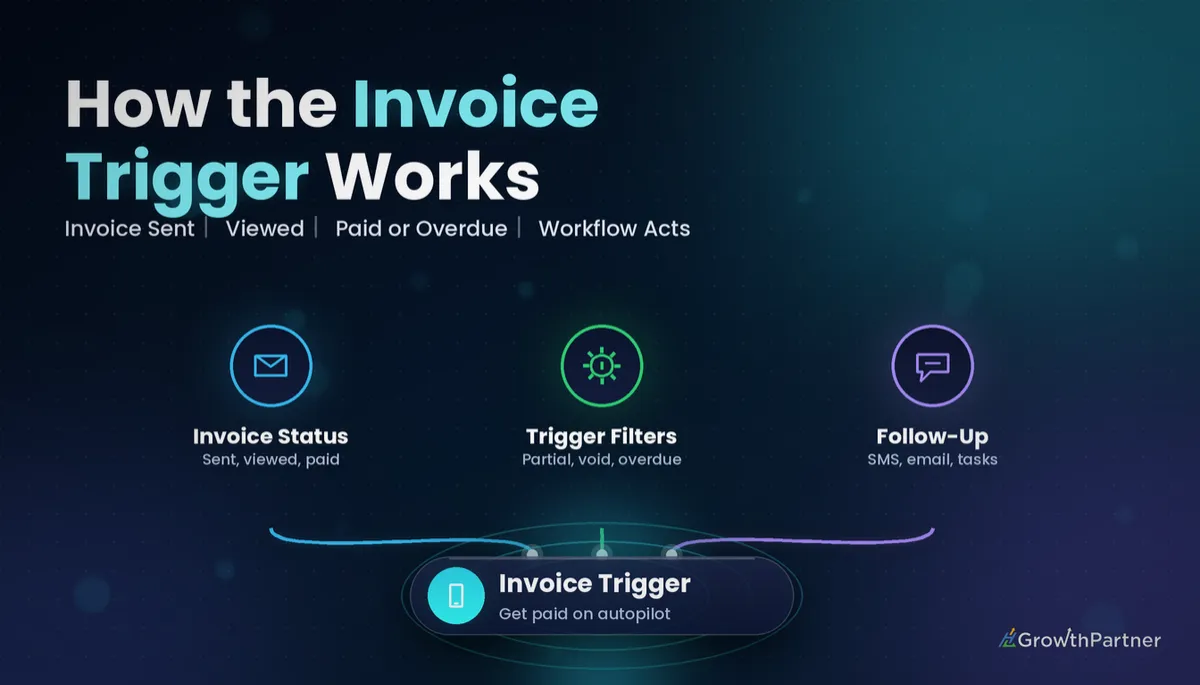 How the HighLevel Invoice Trigger Works
 GoHighLevel Zapier Integration: Setup and Cost