GoHighLevel Linear Integration: Setup & Cost (2026)
 By Dr Priya Jaganathan, GoHighLevel Certified Admin · HL Growth Partner, Australia · Updated 16 November 2026 · 10 min read
How to connect HighLevel to Linear so closed deals, bug reports and feature requests become Linear issues automatically, and issue progress flows back to your CRM and your clients.
Some links below are affiliate links — if you sign up through them, HL Growth Partner may earn a commission at no extra cost to you. It never changes what we recommend.
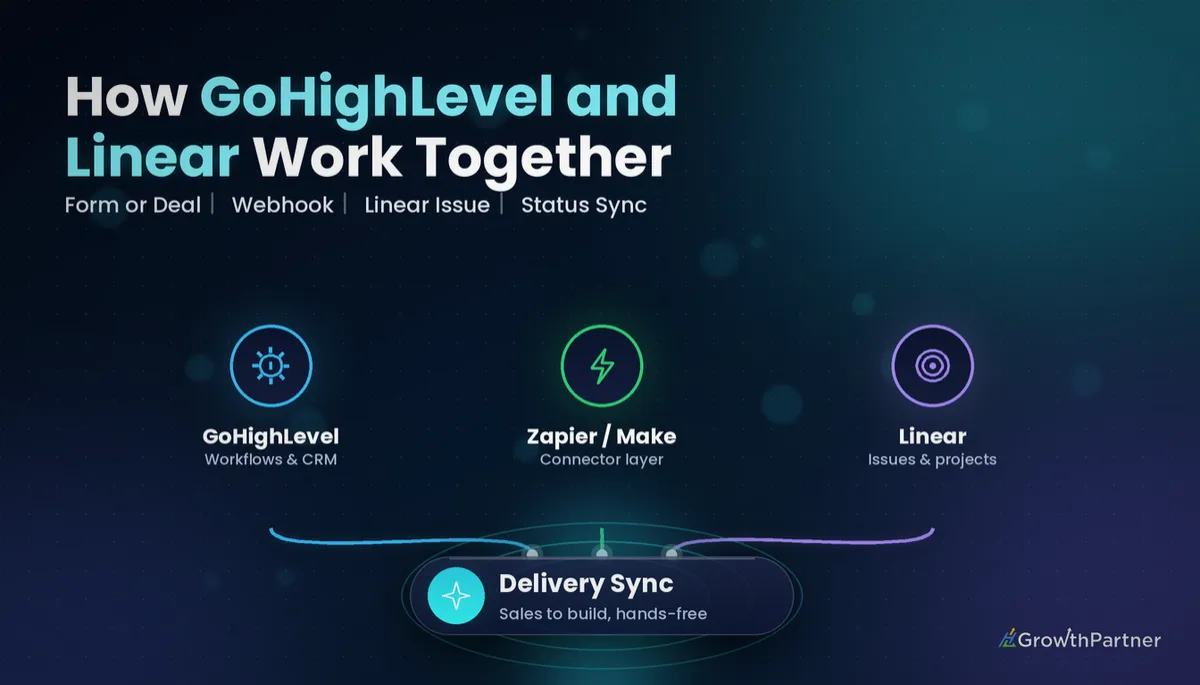
A GoHighLevel Linear integration links the place you sell and talk to clients with the place your developers actually ship the work. For agencies, SaaS teams and dev shops that run sales in HighLevel and build work in Linear, it removes the copy-paste gap between a closed deal and a ticket.
There is no native HighLevel app for Linear, so you need a connector. This guide compares the options, then covers setup, real costs and the recipes we build for clients.
| Native GHL-Linear app | None - a connector or webhooks are required |
| Linear on Zapier (triggers) | New issue, new issue comment, new document comment, new project, new project update |
| Linear on Zapier (actions) | Create or update issues, attach files, post comments, create projects |
| Linear on Make | Linear app with modules including Create an Issue and Execute a GraphQL Query |
| Linear API | GraphQL, with webhooks for change events |
| HighLevel plans | Starter US$97/month, Unlimited US$297/month, the $497 plan |
Why connect HighLevel to Linear at all?
Linear is an issue tracker built for software teams. HighLevel is where your leads, pipelines, conversations and client communication live. When the two are disconnected, someone on your team becomes the human API.
They read the closed-won alert, retype the scope into Linear, then check back later to update the client. Every manual hand-off is a place where a deal detail gets lost or a client update gets forgotten.
Who this integration is for
- Agencies that sell websites, apps or automation builds and track delivery in Linear.
- SaaS companies that use HighLevel for sales and support intake but run their product backlog in Linear.
- Dev shops that want clients to receive status updates without giving them access to the internal tracker.
If your team uses a more general project tool instead, the same patterns apply in our GoHighLevel Jira integration guide, which is the closest cousin to Linear in this series.
Four ways to connect HighLevel to Linear compared
Every GoHighLevel Linear integration runs through one of four routes. The right one depends on volume, who maintains it and whether you need two-way sync.
| Method | Direction | Effort to build | Cost to watch | Best for |
|---|---|---|---|---|
| Zapier | GHL to Linear and Linear to GHL | Low - no code | Zapier plan and task usage | Simple one-way flows and small teams |
| Make | Both directions | Low to medium - visual scenarios | Make plan and operations usage | Multi-step logic, routing and GraphQL queries |
| GHL Custom Webhook action to middleware or the Linear API | GHL to Linear | Medium to high - needs a developer | Hosting for middleware, developer time | High volume or custom field mapping |
| Linear webhooks to GHL Inbound Webhook trigger | Linear to GHL | Medium - payload mapping | Premium workflow action - check your plan and usage billing | Status changes flowing back into the CRM |
Zapier: the fastest start
According to Linear's Zapier docs, Zaps can trigger on a new issue, new issue comment, new document comment, new project or new project update. On the action side, Zaps can create or update issues, attach files to issues, post comments and create projects.
Paired with HighLevel's Zapier app, most one-way flows take an afternoon. Our GoHighLevel Zapier integration walkthrough covers the HighLevel side of the connection in detail.
Make: more control for the same idea
Make offers a Linear app with modules including Create an Issue and Execute a GraphQL Query. That second module matters, because it lets you reach parts of Linear that pre-built modules do not cover.
If you need routers, filters or lookups before an issue is created, Make is usually the better fit. See our Make.com integration setup for HighLevel for connection steps and scenario structure.
Webhooks: the developer route
Linear's API is GraphQL, and Linear supports webhooks that notify an external URL when data changes. HighLevel can send data out with the Custom Webhook action and receive data with the Inbound Webhook trigger.
That is a connector-free path both ways, but the outbound side still needs middleware to turn a HighLevel payload into a Linear GraphQL request. Our guide to inbound and outbound webhooks in HighLevel explains how both pieces behave.
GoHighLevel Linear workflow recipes worth building
These are the patterns we set up most often. Start with one, then add the next.
| Recipe | Trigger | What happens | Typical method |
|---|---|---|---|
| Closed-won to build project | Opportunity moved to Won in a pipeline | Create a Linear project or issue with the client name, scope and deal value in the description | Zapier or Make |
| Bug report intake | Support form submitted in GHL | Create a Linear issue with the contact's name, email, account and bug details | Zapier, Make or Custom Webhook |
| Feature-request intake | Feature request form or survey submitted | Create a Linear issue labelled as a request, tag the contact in GHL | Zapier or Make |
| Status back to the CRM | Linear issue created or updated | Update a GHL custom field, add a tag and send the client an SMS or email | Zapier, Make or Linear webhooks to Inbound Webhook |
| Internal alert | New Linear issue from a client | Post a Slack message to the delivery channel | Zapier or Make |
Closed-won opportunity to a Linear project
When a deal hits Won, a workflow on the stage change sends it to your connector, which creates a Linear project or issue for the build.
Include the contact ID from HighLevel in the issue description. That single field is what lets you match the Linear issue back to the right contact later.
Support and bug forms to Linear issues
Build a support form in HighLevel with fields for the product area, steps to reproduce and urgency. On submission, the workflow passes those custom fields plus the contact details to Linear as a new issue.
Developers get what they need, and the client never logs into your tracker. Keep the form short, because long bug forms get abandoned.
Linear is where the work gets done. HighLevel is where the client relationship lives. The integration exists so neither team has to visit the other's tool.
Not on HighLevel yet? Start with a free 30-day trial here — long enough to build everything in this guide before you pay a cent.
Linear status changes back to HighLevel
This is the direction most teams skip, and it is the one clients notice. When an issue is created or updated in Linear, a Zap or Make scenario, or a Linear webhook pointed at a HighLevel Inbound Webhook trigger, starts a HighLevel workflow.
That workflow can update a "Build status" custom field, add a tag such as "build-in-review" and send the client a short SMS or LC Email update. Smart lists built on those tags then show your account managers exactly which clients are waiting on what.
Internal Slack alerts
A simple branch that posts new client-originated Linear issues to a Slack channel keeps the delivery team aware without extra logins. Our HighLevel Slack integration guide covers the alert side.
How to set up the GoHighLevel Linear integration, step by step
Step 1: Decide the source of truth
Usually HighLevel owns contact and deal data and Linear owns issue status. Two systems both "owning" the same field is how sync loops and overwritten data begin.
Step 2: Prepare HighLevel
- Create custom fields for the Linear issue ID, issue URL and build status.
- Create tags for each status you want to act on.
- Build the trigger workflow, such as the opportunity stage change or form submission.
Step 3: Connect Linear in your connector
Authorise Linear inside Zapier or Make, choose the Linear team new issues should land in, and set default labels and priority.
Step 4: Map fields and write the ID back
Map the HighLevel contact name, email, company and form answers into the Linear issue title and description. Then add a final step that writes the new Linear issue ID and URL back into the HighLevel custom fields.
Step 5: Build the return path and test
Set up the Linear-to-HighLevel flow last, using the stored issue ID or contact ID to find the right record. Test with a dummy contact and a test Linear team before switching the workflow on for real clients.
What a GoHighLevel Linear integration really costs
The total cost is three subscriptions plus build and maintenance time. Budget for connector usage, not just base plans.
| Cost item | What to expect | Notes |
|---|---|---|
| HighLevel | Starter US$97/month, Unlimited US$297/month, or the $497 plan | Inbound Webhook trigger is a premium workflow action - check your plan and usage billing |
| Linear Free | Free, with a 250-issue limit | At the time of writing, per Linear's published pricing |
| Linear Basic | Around US$10 per user/month, billed annually | At the time of writing - confirm on Linear's pricing page |
| Linear Business | Around US$16 per user/month, billed annually | At the time of writing - confirm on Linear's pricing page |
| Zapier or Make | Their own plans, priced on tasks or operations | Check current pricing with each vendor |
| Build time | A few hours for one-way flows, more for two-way sync | Webhook routes need developer time and hosting |
Linear's tiers above reflect its published pricing at the time of writing, so confirm current figures on Linear's pricing page before you quote a client.
For most agencies, the connector bill is small next to the hours saved on handovers and status updates, provided you filter triggers so you are not paying for runs you do not need.
Common mistakes to avoid
- Triggering on every opportunity update instead of only the move to Won, which creates duplicate Linear issues.
- Not storing the Linear issue ID in a HighLevel custom field, so the return path cannot find the right contact.
- Building two-way sync on the same field, which causes loops where each system keeps overwriting the other.
- Sending raw Linear status names to clients instead of plain-English updates written in your workflow.
- Forgetting that the Inbound Webhook trigger is a premium action and not checking usage billing.
- Testing on live clients instead of a dummy contact and a test Linear team.
Or if you just need the software first: grab the 30-day HighLevel trial and book us when you're ready to scale it.
Frequently asked questions
Does GoHighLevel have a native Linear integration?
No. There is no native HighLevel app for Linear, so you connect the two with Zapier, Make or webhooks. Most agencies start with Zapier or Make and move to webhooks only when volume or custom logic demands it.
How do I connect HighLevel to Linear?
Build a HighLevel workflow with the trigger you want, such as an opportunity moving to Won or a form submission, then send that data to Linear through Zapier, Make or a Custom Webhook action. Store the new Linear issue ID in a HighLevel custom field so updates can flow back later.
Can Linear send updates back to GoHighLevel?
Yes. A Zap or Make scenario that triggers on Linear events, or a Linear webhook pointed at a HighLevel Inbound Webhook trigger, can start a workflow that updates custom fields, adds tags and sends the client an SMS or email. The Inbound Webhook trigger is a premium workflow action, so check your plan and usage billing.
What can the Linear Zapier integration do?
Linear's Zapier integration can trigger on a new issue, new issue comment, new document comment, new project or new project update. Its actions can create or update issues, attach files to issues, post comments and create projects.
Should I use Zapier or Make for a GoHighLevel Linear integration?
Zapier is the quickest choice for simple one-way flows. Make suits multi-step logic, routing and filtering, and its Linear app includes an Execute a GraphQL Query module for anything the standard modules do not cover.
How much does a GoHighLevel Linear integration cost?
You pay for HighLevel, Linear and your connector. HighLevel starts at US$97/month, Linear has a Free plan with a 250-issue limit and paid tiers around US$10 and US$16 per user/month billed annually at the time of writing, and Zapier or Make charge on their own usage-based plans.
Related Articles on HL Growth Partner
Other project-management integrations
 GoHighLevel ClickUp Integration: Setup & Cost (2026)
 GoHighLevel Asana Integration: Setup & Cost (2026)
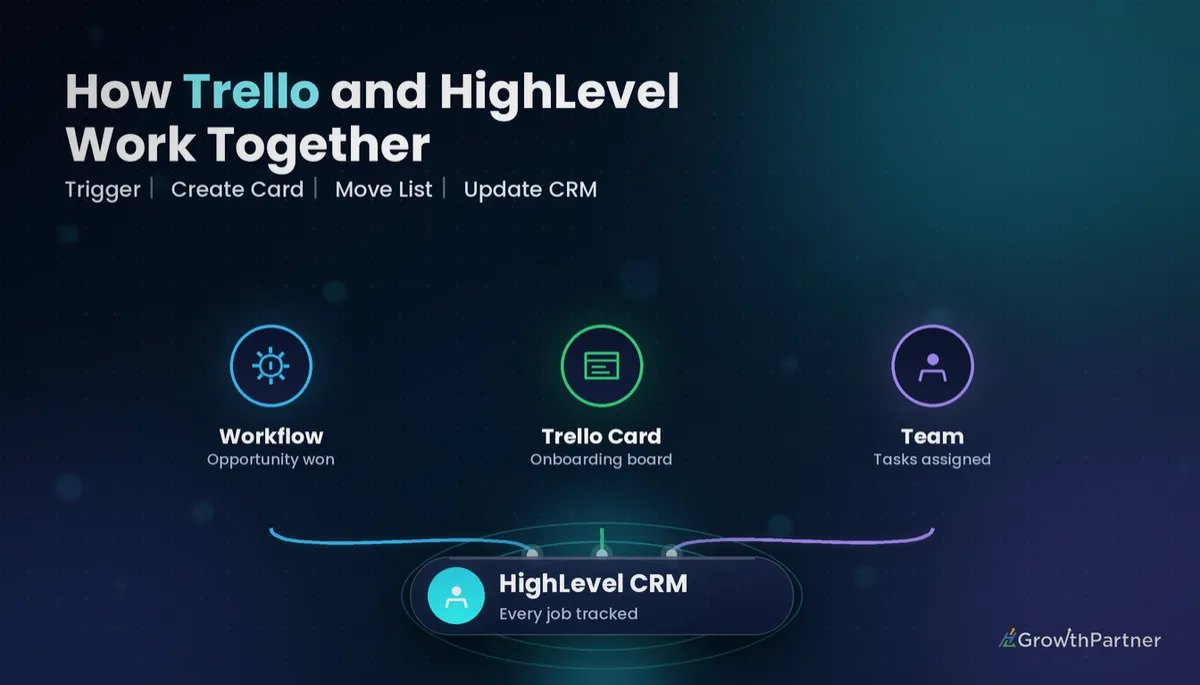 GoHighLevel Trello Integration: Setup & Cost (2026)