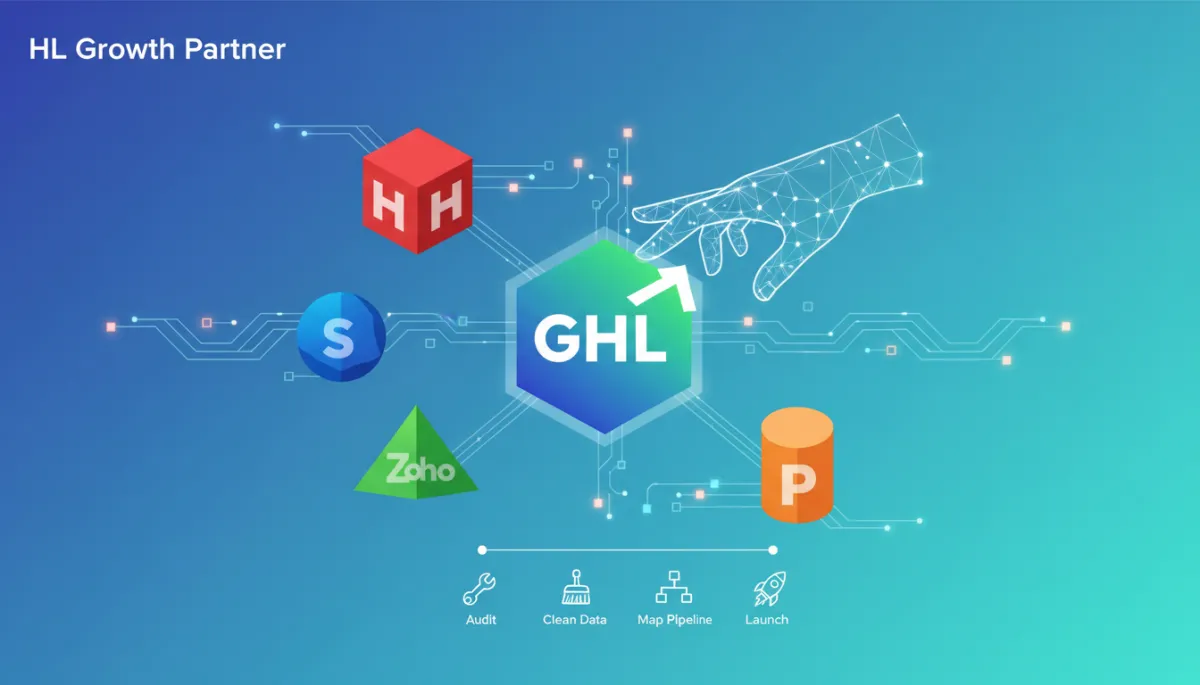
GoHighLevel Migration Guide: How to Move from HubSpot, Salesforce, Zoho or Pipedrive Without Breaking Your Sales Process
CRM Migration, GoHighLevel, Sales Operations, Business Automation
Moving your CRM to GoHighLevel can simplify your tech stack, reduce software costs, and give your team one connected system for leads, pipelines, automation, and communication — but only if the migration is planned and executed with your sales process at the centre.
Why CRM Migration Needs a Proper Plan
Many businesses decide to move from platforms like HubSpot, Salesforce, Zoho, or Pipedrive when their current CRM becomes too expensive, too complex, or too limited — or when it no longer connects cleanly with the rest of their marketing and sales systems. Subscription creep, add-on fees, and a growing list of disconnected tools often trigger the decision to look for a more integrated solution.
GoHighLevel brings CRM, sales pipelines, funnels, automation, calendars, SMS, email, booking flows, and reporting into one platform. For agencies, SaaS founders, and service-based businesses, this “all-in-one” approach can become the backbone of a business automation CRM — consolidating what used to require five to ten separate tools into one operating system.
However, a GoHighLevel migration should never be treated as a simple data transfer. A CRM migration to GoHighLevel is not just about moving contacts. It is about protecting your sales process, maintaining follow-up, preserving lead history, and rebuilding your business operating system in a cleaner, more scalable way. A poorly planned migration can break automations, lose important customer data, confuse sales teams, and interrupt active deals — exactly the outcomes you are trying to avoid by improving your systems in the first place.
What Is GoHighLevel Migration?
GoHighLevel migration is the structured process of moving a business from an existing CRM or marketing platform into GoHighLevel while rebuilding the systems required to manage leads, pipelines, campaigns, appointments, workflows, customer communication, and reporting. It combines data migration, process design, and GoHighLevel setup into one coordinated project rather than a one-off import task.
Businesses commonly migrate from tools such as HubSpot, Salesforce, Zoho, Pipedrive, Keap, Kajabi, ClickFunnels, ActiveCampaign, Mailchimp, and Calendly — or from a patchwork of spreadsheets and disconnected apps. In many cases, the business has grown faster than its systems, and GoHighLevel offers a chance to centralise everything in one business automation CRM built for growth and automation.
A professional GoHighLevel migration goes far beyond exporting and importing contacts. It typically includes data cleanup, pipeline mapping, tag structure design, workflow rebuilding, form connections, calendar setup, funnel setup, email and SMS configuration, reporting dashboards, testing, and team training. In other words, it is a full CRM migration strategy — not just a file upload.
Why Businesses Move from HubSpot, Salesforce, Zoho or Pipedrive to GoHighLevel
Each platform — HubSpot, Salesforce, Zoho, Pipedrive — has genuine strengths. The decision to move from HubSpot to GoHighLevel, Salesforce to GoHighLevel, Zoho to GoHighLevel, or Pipedrive to GoHighLevel is usually driven by business model and operating needs rather than a simple “better or worse” comparison.
Rising software costs — licensing, add-ons, and per-seat pricing escalate as the team grows.
Too many disconnected tools — separate systems for email, SMS, funnels, bookings, and reporting create complexity and data silos.
Limited or complex automation — building and maintaining workflows becomes difficult, or advanced automation is locked behind higher tiers and add-ons.
Unclear reporting — it is hard to understand which channels, campaigns, or stages are truly driving revenue.
Operational friction — the team struggles to manage multiple logins, integrations, and inconsistent data across platforms.
GoHighLevel is particularly strong when a business wants CRM, funnels, calendars, SMS, email, and automation in one place. Agencies also value features for fulfilment and client management — including white-labelled sub-accounts, snapshots, and AI-powered workflows — which make GoHighLevel an attractive hub for recurring services and scalable delivery. Rather than being “better than every CRM,” GoHighLevel is a strong choice when you need one operating system to connect lead capture, sales follow-up, appointment booking, pipeline management, and customer communication end to end.
The Risks of Migrating Without a Clear Strategy
Many teams underestimate what is involved in CRM migration to GoHighLevel. They export contacts from their old CRM, import them into GoHighLevel, and assume the job is done. Days later, they discover that pipelines, automations, lead sources, tags, notes, deals, and follow-up processes are no longer working as expected — or worse, active opportunities have gone cold because follow-up stopped silently in the background.
Duplicate or incomplete contacts across multiple lists or tags.
Lost notes, activities, or deal history that sales rely on for context.
Broken workflows and nurture sequences that no longer trigger correctly.
Incorrect pipeline stages, causing inaccurate forecasts and confusion about what to do next with each opportunity.
Missing lead source data, making it impossible to see which campaigns are still working.
Poor tag structure that quickly becomes unmanageable in GoHighLevel.
The goal of CRM migration is not just to move data. The real goal is to move the business process without breaking sales momentum. That means designing your GoHighLevel setup so that leads keep flowing, follow-up continues, and your team can work in the new system with confidence from day one.
The GoHighLevel Migration Checklist
1 Audit Your Current CRM Before Moving Anything
A successful GoHighLevel migration starts with a clear picture of your current environment. Before you touch an export button, document what exists today — and what is actually being used — in your current CRM and related tools. This applies whether you are moving from HubSpot, Salesforce, Zoho, Pipedrive, or a combination of platforms.
Contact records and companies/accounts.
Deals, opportunities, and associated activities.
Pipeline stages and any custom pipelines by team or product line.
Tags, lists, segments, and saved filters.
Custom fields used for reporting, segmentation, or workflows.
Email templates and campaigns currently in use.
Automation workflows, sequences, or journeys — including triggers and goals.
Forms, landing pages, and embedded lead capture points.
Calendar links and scheduling tools such as Calendly or HubSpot Meetings.
Integrations with ads platforms, payment systems, or other apps.
Reports and dashboards that leadership relies on regularly.
During this audit, identify what is actively used, what is legacy, and what can be retired. Do not migrate old clutter into a new CRM — it will only recreate the same confusion in GoHighLevel that you are trying to leave behind.
2 Clean Your Data Before Importing
Bad data multiplies problems in any CRM. If you import messy, inconsistent, or outdated information into GoHighLevel, every workflow, report, and pipeline will be affected. Data cleanup is one of the highest-value steps in any CRM migration to GoHighLevel.
Remove duplicate contacts and merge records where appropriate.
Standardise phone numbers and country codes for SMS reliability.
Correct email formatting and remove clearly invalid addresses.
Remove or archive outdated contacts where there is no realistic engagement potential.
Fix missing names where possible, especially for key accounts and current opportunities.
Separate active leads from older database contacts so you can prioritise high-intent segments.
Review unsubscribed and bounced contacts to respect compliance and deliverability in your GoHighLevel workflows.
Clean data improves automation accuracy, reporting quality, and team confidence in the new CRM. It also ensures your GoHighLevel workflows — from new lead follow-up to re-engagement campaigns — behave as expected.
3 Map Your Sales Pipeline
Each CRM structures pipelines differently. Simply copying your old stages into GoHighLevel is a missed opportunity — and can embed old confusion into your new system. Instead, design your GoHighLevel pipelines around the real buyer journey and the specific actions your team needs to take.
For example, your old CRM might use:
New Lead
Contacted
Demo Booked
Proposal Sent
Negotiation
Closed Won / Closed Lost
In GoHighLevel, you might instead define:
New Enquiry
Follow-Up Needed
Appointment Booked
Proposal Sent
Decision Pending
Won / Lost
Pipeline stages should match the customer journey and support clear decisions. Only create stages that help the team take action — if a stage does not change what your salespeople do next, it probably belongs in a field or note, not as a separate stage.
4 Plan Your Tags, Custom Fields and Segments
GoHighLevel is powerful when your data model is clear. That starts with understanding the difference between tags and custom fields — and designing them intentionally as part of your CRM migration strategy.
Use custom fields for stable, structured information you want to report or filter on, such as service interest, business type, budget range, location, lead source, current CRM, or lifecycle stage.
Use tags for behaviours or temporary states, such as webinar attended, ebook downloaded, strategy call booked, proposal sent, high-intent lead, or re-engagement campaign.
A messy tag system is one of the most common reasons GoHighLevel accounts become difficult to manage. During migration, design a simple tag naming convention and document it for your team so that GoHighLevel workflows and segments remain understandable over time.
5 Rebuild Workflows Instead of Copying Them Blindly
Workflows from HubSpot, Salesforce, Zoho, or Pipedrive rarely translate one-to-one into GoHighLevel. The triggers, field names, and logic structures are different. Rather than attempting to replicate every automation exactly, use migration as a chance to rethink and rebuild GoHighLevel workflows around the ideal customer journey.
New lead follow-up and speed-to-lead sequences.
Appointment confirmation and reminder flows for calls, demos, or consultations.
No-show follow-up and rescheduling workflows.
Proposal follow-up and decision reminder sequences.
Lost lead nurture and reactivation campaigns.
Client onboarding, handover to fulfilment, and review request workflows.
Each workflow should have a clear trigger, defined conditions, appropriate wait steps, stop points, internal notifications, and a testing plan before launch. This is where a GoHighLevel implementation partner can help translate your existing journeys into reliable, scalable GoHighLevel automation.
6 Reconnect Forms, Funnels and Lead Sources
Lead capture is the front door of your sales process. During GoHighLevel migration, every form, funnel, and ad integration must be reconnected carefully so that new leads flow into the right pipelines and GoHighLevel workflows without gaps.
Website forms and contact pages.
Landing pages and funnels used for campaigns and lead magnets.
Facebook Ads, Google Ads, and LinkedIn lead campaigns.
Webinar registrations, referral forms, and partner pages.
For each lead source, your GoHighLevel setup should create or update the contact, apply the correct tag, record the source, add the opportunity to the right pipeline, trigger the relevant workflow, and notify the appropriate team member. If lead sources are not connected properly, you may keep generating leads — but follow-up will be inconsistent or missing, and revenue will suffer quietly in the background.
7 Set Up Calendars, Booking Flows and Notifications
Many businesses rely on tools like Calendly, HubSpot Meetings, or Salesforce scheduling before moving to GoHighLevel. As part of your GoHighLevel setup, you will want to rebuild the booking experience using GoHighLevel calendars and workflows so that appointments, reminders, and follow-up are all managed in one place.
Define appointment types for discovery calls, demos, onboarding sessions, or reviews.
Configure staff availability and round-robin rules where relevant.
Sync calendars with Google or Outlook so team members have a single view of their schedule.
Set up confirmation emails, reminder SMS, and no-show workflows linked to each calendar.
For service-based businesses, consultants, and agencies that rely on booked calls, this part of GoHighLevel migration directly affects revenue. A well-structured booking flow can significantly improve show-up rates and pipeline velocity.
8 Configure Email, SMS and Deliverability
Email and SMS are central to GoHighLevel workflows. Do not assume that your old sending setup from HubSpot, Mailchimp, or another tool will automatically translate. As part of CRM migration to GoHighLevel, configure communication properly from the start.
Set up branded sending domains and authentication records for email deliverability.
Configure SMS via Twilio or native providers, including number selection and compliance settings.
Rebuild key email templates using GoHighLevel’s drag-and-drop builder and ensure personalisation fields align with your new custom fields.
Implement clear unsubscribe options and respect consent status imported from your previous tools.
Poor communication setup can damage conversion rates even if your GoHighLevel pipelines and data structure are perfect. Testing deliverability and message timing is essential before going live.
9 Rebuild Dashboards and Reporting
Reporting often breaks during migration if it is not redesigned deliberately. The metrics and dashboards your leadership team relies on must be rebuilt inside GoHighLevel so that you maintain visibility during and after the transition.
Lead source performance and new leads by channel.
Appointment booking rates, show-up rates, and no-show trends.
Pipeline value by stage and expected close date.
Conversion rates from lead to opportunity, and opportunity to customer.
Lost reasons and campaign ROI where applicable.
The purpose of reporting in GoHighLevel is to help you make better decisions after migration — not just to replicate old dashboards. Focus on the metrics that drive action and align with your growth strategy.
10 Test Before Going Live
Testing is one of the most important — and most frequently skipped — steps in GoHighLevel migration. Before switching your entire team into the new CRM, run controlled tests across your main sales journeys.
Validate contact imports, tags, and custom fields on a sample group before importing the full database.
Test form submissions, funnel flows, and calendar bookings end to end as if you were a new lead.
Confirm that GoHighLevel workflows trigger correctly, send the right messages, and update pipelines as expected.
Check internal notifications, task assignments, and reporting dashboards for accuracy.
Never switch the entire team to the new CRM until the main sales journey has been tested from first touch to closed deal. A phased roll-out — starting with one segment, product, or team — can reduce risk further.
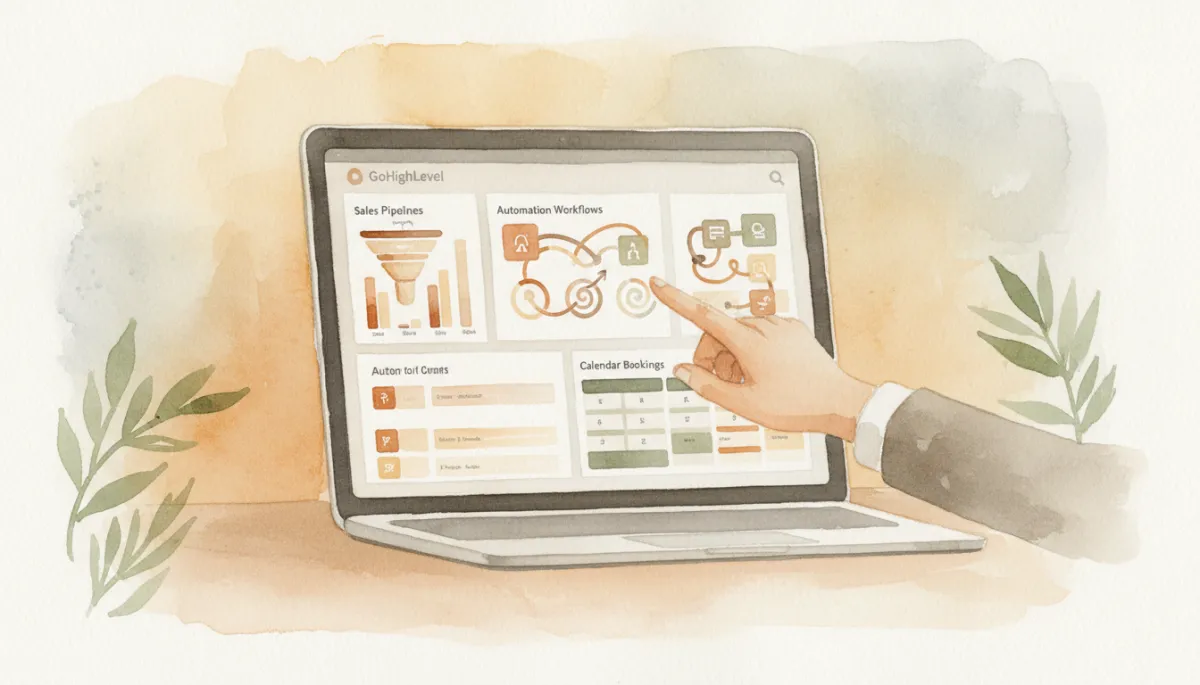
A structured migration plan keeps pipelines, automations, and reporting aligned from day one.
Example: Migrating from HubSpot to GoHighLevel
Consider a consulting business using HubSpot for contact management, Calendly for bookings, Mailchimp for email campaigns, and spreadsheets for tracking sales follow-up. The team is managing multiple logins and inconsistent data. They decide on a HubSpot to GoHighLevel migration to simplify operations and create a single business automation CRM.
A practical migration plan might look like this:
Audit HubSpot contacts, lists, deals, and lifecycle stages, plus Calendly links and Mailchimp campaigns currently in use.
Clean duplicate and outdated contacts, and segment active leads, current clients, and older database records before import.
Map HubSpot deal stages into a streamlined GoHighLevel pipeline that reflects real sales actions, not historical labels.
Create custom fields in GoHighLevel for service interest, business type, and lifecycle stage to support segmentation and reporting.
Import active leads and customers first, then bring in older contacts in a controlled second phase if needed.
Rebuild key landing page forms and opt-ins inside GoHighLevel funnels and pages, connecting them to the new workflows and pipelines.
Replace Calendly links with GoHighLevel calendars, including confirmation and reminder sequences for each appointment type.
Recreate essential follow-up sequences — new enquiry nurture, proposal follow-up, and reactivation — using GoHighLevel workflows.
Build dashboards for lead source performance, bookings, pipeline value, and conversion rates so leadership maintains visibility.
After testing the full journey, the consulting business switches the team into GoHighLevel. They no longer need separate tools for contact management, email, bookings, and follow-up. Instead, they operate from one CRM, one pipeline, and one automation engine — supported by a GoHighLevel implementation partner to refine and optimise over time.
When Should You Work With a GoHighLevel Migration Partner?
Some smaller businesses with a simple contact list and a basic pipeline can manage a straightforward GoHighLevel migration internally. However, complexity increases quickly when you introduce active deals, multiple lead sources, existing automations, email and SMS campaigns, reporting dashboards, integrations, several team members, and structured sales-to-fulfilment handovers or client onboarding processes.
A dedicated GoHighLevel implementation partner like HL Growth Partner helps you approach migration as a strategic project. Support typically includes CRM audit, migration strategy, data cleanup, pipeline mapping, contact import planning, workflow rebuilding, calendar and funnel setup, lead source tracking, testing and QA, team training, and ongoing optimisation as your business scales.
For New Zealand businesses planning a CRM move, HL Growth Partner provides GoHighLevel expert in Auckland, GoHighLevel expert in Christchurch, and GoHighLevel expert in Wellington support — delivering GoHighLevel migration support in New Zealand that protects your sales process while you modernise your systems.
Conclusion: Turn Migration into an Upgrade, Not a Disruption
Moving from HubSpot, Salesforce, Zoho, Pipedrive, or another CRM into GoHighLevel is an opportunity to simplify operations, consolidate tools, and build a more scalable business automation CRM. But the benefits only appear when migration is handled strategically. A well-planned GoHighLevel migration protects your existing sales momentum, preserves lead history, and rebuilds automation around a cleaner, more effective operating system for growth.
Rather than treating migration as a simple contact import, treat it as a chance to redesign how your business captures leads, manages pipelines, communicates with customers, and measures performance. With the right CRM migration strategy — and, where needed, the right GoHighLevel implementation partner — you can move to GoHighLevel confidently and give your team a system that supports the next stage of growth.
Planning to move from HubSpot, Salesforce, Zoho, Pipedrive, or another CRM into GoHighLevel? Book a GoHighLevel Migration Strategy Call with HL Growth Partner. We will review your current CRM, identify migration risks, and map the cleanest path into a scalable GoHighLevel system. Visit HL Growth Partner to get started.
GoHighLevel Migration FAQ
What is GoHighLevel migration?
GoHighLevel migration is the process of moving your business from an existing CRM or marketing platform into GoHighLevel while rebuilding the systems needed to manage leads, pipelines, automations, calendars, communication, and reporting. It includes data cleanup, pipeline design, GoHighLevel workflows, and team training — not just contact import.
Can I migrate from HubSpot to GoHighLevel?
Yes. A HubSpot to GoHighLevel migration typically involves exporting contacts, companies, deals, and key properties from HubSpot, cleaning and mapping them to GoHighLevel fields, rebuilding core pipelines and automations, and reconnecting forms and calendars. Working with a GoHighLevel implementation partner helps ensure that lifecycle stages, lead sources, and follow-up journeys are preserved and improved rather than lost in the move.
Can I migrate from Salesforce to GoHighLevel?
Yes. Salesforce to GoHighLevel migration is common when businesses want to move from an enterprise-focused CRM to a more integrated, marketing-led platform. The key is to simplify complex Salesforce objects and fields into a contact-centric GoHighLevel structure, map opportunities into clear pipelines, and translate essential automations into GoHighLevel workflows while maintaining sales visibility and reporting.
Can I migrate from Zoho or Pipedrive to GoHighLevel?
Yes. Zoho to GoHighLevel and Pipedrive to GoHighLevel migrations usually focus on consolidating pipelines, standardising custom fields, and replacing separate tools for email, SMS, and bookings with GoHighLevel’s built-in features. The migration process follows the same principles — audit, clean, map, rebuild, and test — with particular attention to preserving deal history and notes that sales teams rely on.
What should I clean before migrating to GoHighLevel?
Before migrating, clean duplicate contacts, invalid emails, inconsistent phone numbers, and clearly inactive records. Standardise key fields such as lead source and lifecycle stage, review unsubscribed and bounced contacts, and segment active leads and customers. Clean data makes your GoHighLevel setup more reliable and ensures your business automation CRM works as intended from day one.
Will my automations transfer automatically into GoHighLevel?
No. Automations do not transfer automatically between CRMs. You will need to rebuild key sequences and workflows inside GoHighLevel. This is an advantage when handled correctly — it allows you to redesign GoHighLevel workflows around your ideal customer journey, using GoHighLevel’s automation builder and omnichannel capabilities, rather than copying legacy logic that may no longer fit your business.
How do I avoid breaking my sales process during CRM migration?
To avoid disruption, start with a clear CRM migration checklist: audit your current system, clean data, map pipelines, design tags and custom fields, rebuild essential GoHighLevel workflows, reconnect lead sources, and test end-to-end before going live. Manage active deals with extra care and consider a phased roll-out. The objective is to move the business process — not just the data — without losing sales momentum.
When should I hire a GoHighLevel migration partner?
You should consider hiring a GoHighLevel migration partner when you have multiple tools to consolidate, active opportunities to protect, existing automations and campaigns, several team members, or a complex sales-to-fulfilment process. A partner like HL Growth Partner can guide your GoHighLevel migration strategy, handle the technical setup, and ensure your new CRM supports growth rather than disrupting it — especially for businesses and agencies across New Zealand looking for expert, localised support.
Related Articles
Go High Level
- CRM Migration to Go High Level India | HubSpot, Zoho, Keap Alternative
- How to Turn Go High Level Into a 24/7 Sales Assistant (Without Hiring Staff)
- Migrating from HubSpot to GoHighLevel: The 2026 Playbook
